


Talking Angela
Play on PC with BlueStacks – the Android Gaming Platform, trusted by 500M+ gamers.

Page Modified on: Oct 21, 2026
Play Talking Angela on PC
HOW TO PLAY
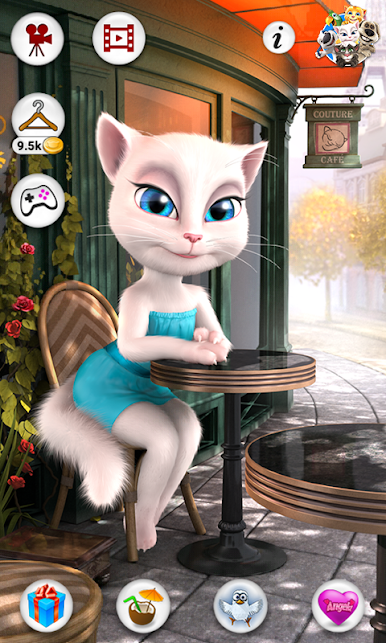
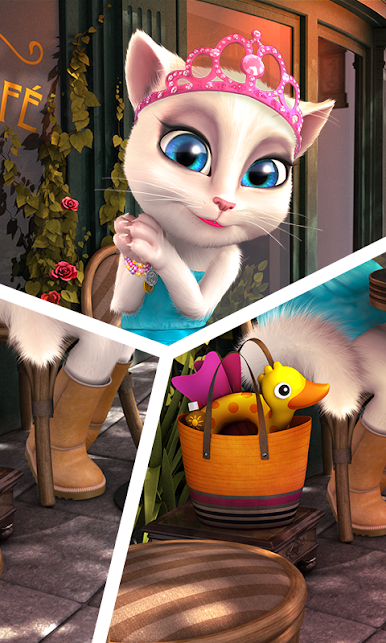
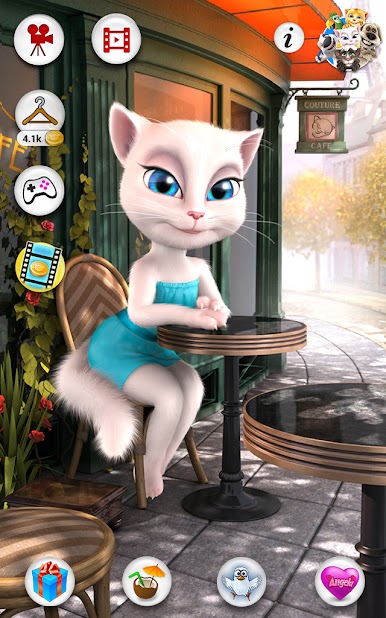
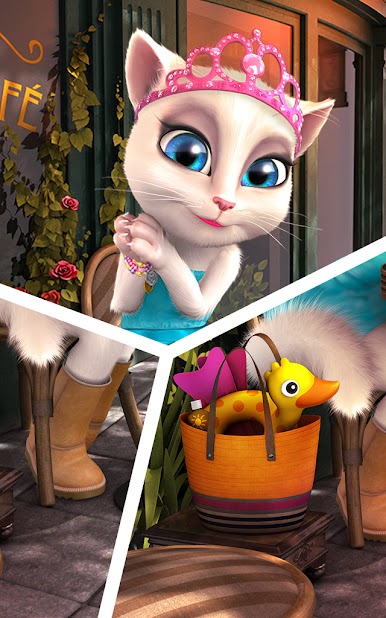
- Join Talking Angela in the world’s most fashionable city
- Press the “Gift” button to open beautiful presents
- Use the “Coat Hanger” button for chic accessories and makeup
- Discover the “Record” button and share silly videos with your friends
- Hit the “Larry” button to fly into feather fun
- Click the heart-shaped “Fortune Cookie” button for words of wisdom
Sit back, relax, and enjoy hours of fun with Talking Angela ;)
This app is PRIVO certified. The PRIVO safe harbor seal indicates Outfit7 has established COPPA compliant privacy practices to protect your child’s personal information. Our apps do not allow younger children to share their information.
LEGAL NOTICE: We are collecting anonymized data log files containing details on the usage of the app.
This app contains:
- Promotion of Outfit7's products and contextual advertising
- Links that direct customers to our websites and other Outfit7 apps
- Personalization of content to entice users to play the app again
- The option to make in-app purchases
Terms of use: https://talkingtomandfriends.com/eula/en/
Privacy policy for games: https://talkingtomandfriends.com/privacy-policy-games/en
Customer support: support@outfit7.com








Play Talking Angela on PC. It’s easy to get started.
-
Download and install BlueStacks on your PC
-
Complete Google sign-in to access the Play Store, or do it later
-
Look for Talking Angela in the search bar at the top right corner
-
Click to install Talking Angela from the search results
-
Complete Google sign-in (if you skipped step 2) to install Talking Angela
-
Click the Talking Angela icon on the home screen to start playing

