


Talking Tom Cat
Play on PC with BlueStacks – the Android Gaming Platform, trusted by 500M+ gamers.

Page Modified on: Dec 18, 2025
Play Talking Tom Cat on PC
THE ORIGINAL TALKING VIRTUAL PET
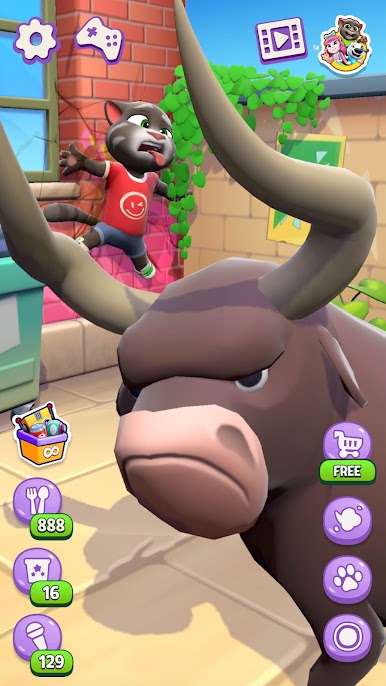
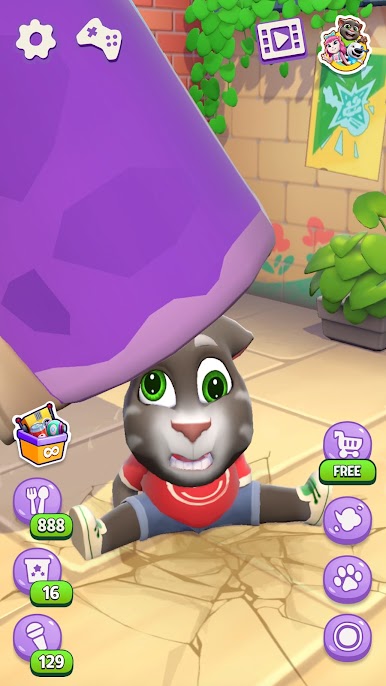
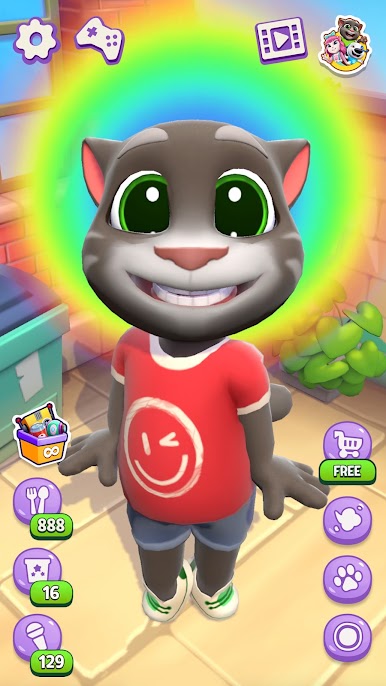
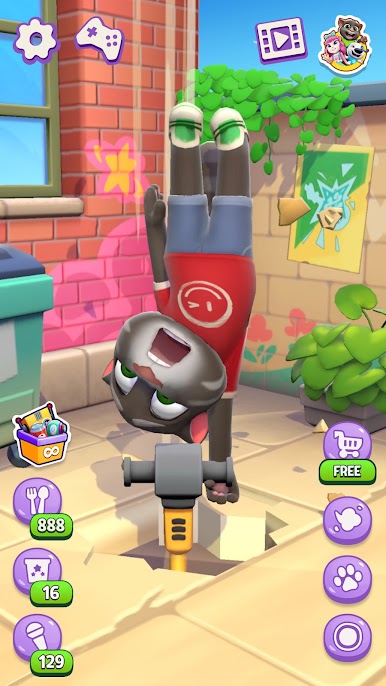
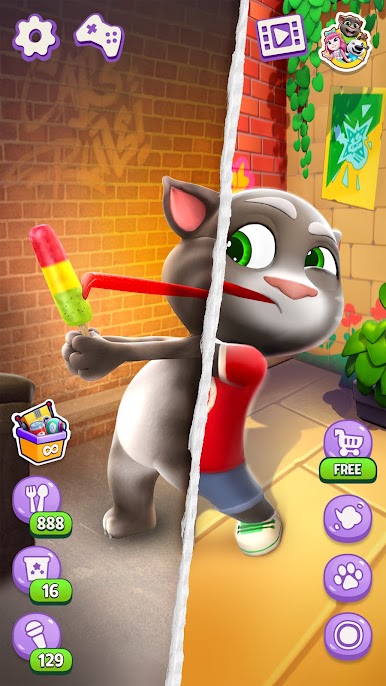
Talking Tom is the talking cat that took the world by storm. He repeats what you say in his hilarious voice, and reacts in surprising (and sometimes strange) ways. Whether you're a longtime fan or new to the chaos, this virtual pet game hits different.
POKE TOM
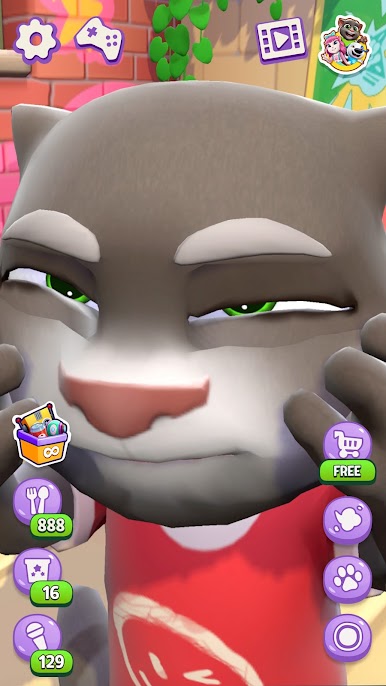
Can’t stop poking Tom? You’re not alone. Tom might just be the most pokeable animal in the universe.
- Poke Tom’s face and see what happens (spoiler: may become unhinged)
- Tap his belly, his feet, or even pull his tail
- Keep poking and discover hidden reactions
TALK TO THE LEGEND
Tom’s talkback feature made him famous—and it still holds up.
- Talk to Tom and hear him repeat everything you say
- LOL at his NEW voice filters
- Share funny moments with your friends
FEED TOM
This talking cat has a big appetite. And dramatic reactions.
- Feed him spicy chillies and watch him fart fire
- Toss him a watermelon (his favorite!)
SO MANY WAYS TO PLAY
- Pet Tom and hear him purr
- Try poking him 100 times. We dare you
- Make him fart and blame someone else
- Don't talk to him and see what happens
Join a global community of fans creating memes, videos, and challenges with Talking Tom, the cat who talks back, makes you laugh, and somehow always feels like more than a virtual animal. He’s your chaotic little buddy.
Tom is brought to you by Outfit7, the makers of My Talking Tom, Talking Tom Gold Run and My Talking Angela.
This app contains:
The option to make in-app purchases
Terms of use: https://talkingtomandfriends.com/eula/en/
Privacy policy: https://talkingtomandfriends.com/privacy-policy-games/en
Customer support: support@outfit7.com

Play Talking Tom Cat on PC. It’s easy to get started.
-
Download and install BlueStacks on your PC
-
Complete Google sign-in to access the Play Store, or do it later
-
Look for Talking Tom Cat in the search bar at the top right corner
-
Click to install Talking Tom Cat from the search results
-
Complete Google sign-in (if you skipped step 2) to install Talking Tom Cat
-
Click the Talking Tom Cat icon on the home screen to start playing

