


Airplane Flight Simulator EVO
Play on PC with BlueStacks – the Android Gaming Platform, trusted by 500M+ gamers.

Page Modified on: Nov 5, 2025
Play Airplane Flight Simulator EVO on PC
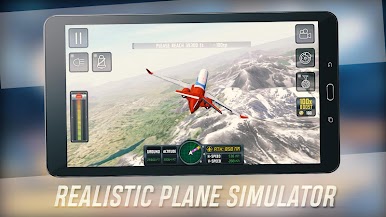
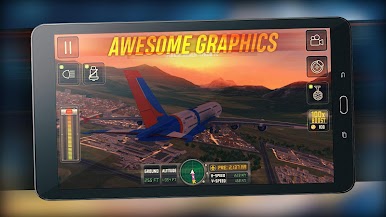
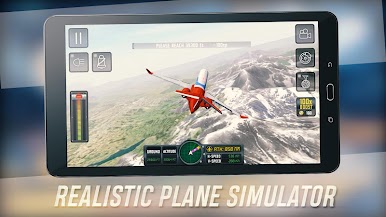
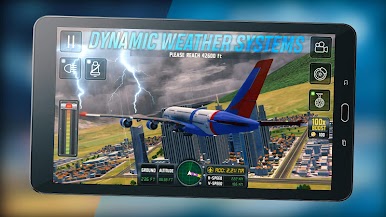
provided by awesome flight controls, realistic interiors and sound effects, full day-night cycle, and challenging weather scenarios. In this Flight Simulator you can fly across the globe between a large selection of real cities and airports. Prove yourself as the best pilot when faced with challenging landings !
Fly across the globe, play the best Global Flight Simulator !
Features:
Many Planes To Choose From
Global Open World Map
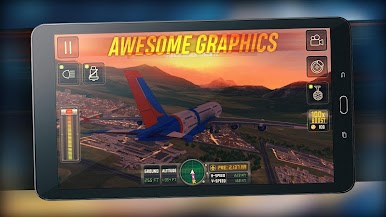
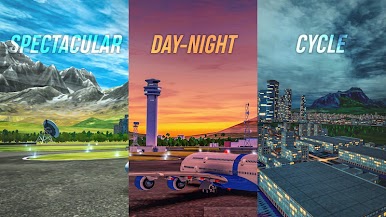
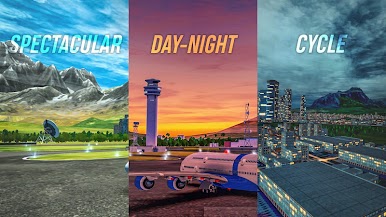
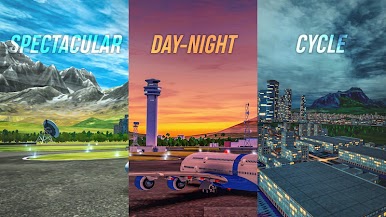
Spectacular Day-Night Cycle
Realistic Flight Controls (tilt steering, buttons or lever )
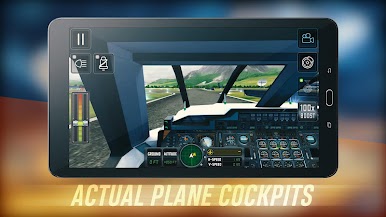
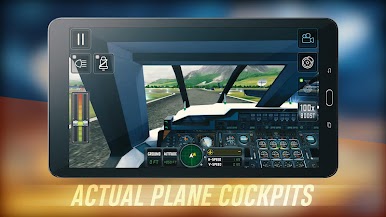
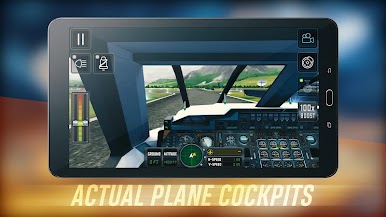
Actual Plane Cockpits
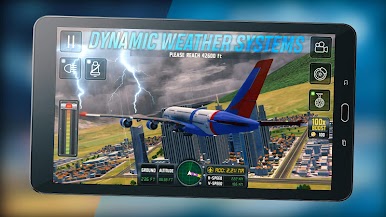
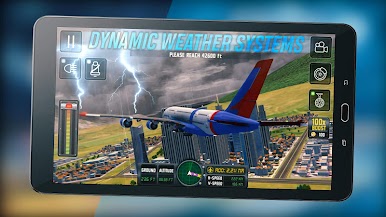
Dynamic Weather Systems
Challenging Landing Scenarios
Accurate engine sounds
In flight radio communications
Lots of customizations
Request new planes or features on our Social Pages!
Official website: https://www.ovilex.com/
TikTok : https://www.tiktok.com/@ovilexsoftware
Follow us on Youtube: https://www.youtube.com/@OviLexSoft
Follow us on Facebook: https://www.facebook.com/OvilexSoftware









Play Airplane Flight Simulator EVO on PC. It’s easy to get started.
-
Download and install BlueStacks on your PC
-
Complete Google sign-in to access the Play Store, or do it later
-
Look for Airplane Flight Simulator EVO in the search bar at the top right corner
-
Click to install Airplane Flight Simulator EVO from the search results
-
Complete Google sign-in (if you skipped step 2) to install Airplane Flight Simulator EVO
-
Click the Airplane Flight Simulator EVO icon on the home screen to start playing

