


Go Green!
Play on PC with BlueStacks – the Android Gaming Platform, trusted by 500M+ gamers.

Page Modified on: Dec 2, 2025
Play Go Green! on PC or Mac
Go Green! brings the Casual genre to life, and throws up exciting challenges for gamers. Developed by OVIVO Games, this Android game is best experienced on BlueStacks, the World’s #1 app player for PC and Mac users.
About the Game
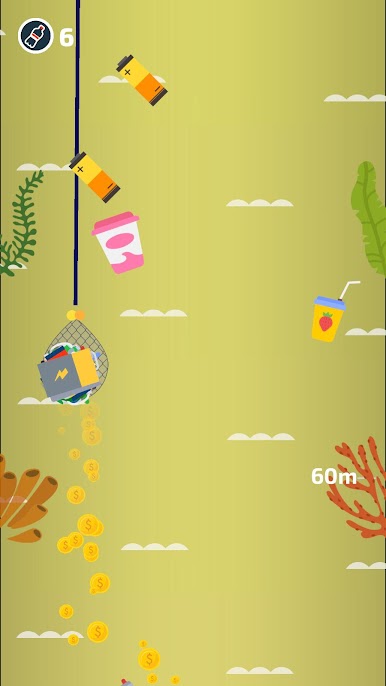
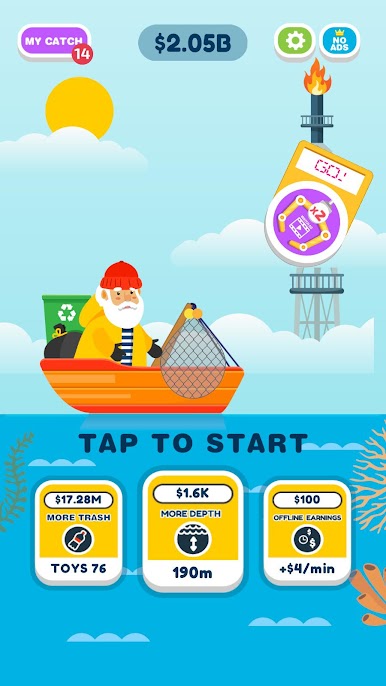
Get ready for a garbage-grabbing adventure with Go Green!, a captivating Casual game by OVIVO Games. Traverse the depths of the ocean as you upgrade your scoop net to collect a wide variety of trash, discovering what’s lurking at the bottom. With more than a hundred unique garbage items to find, you’ll be hooked on catching them all.
Game Features
-
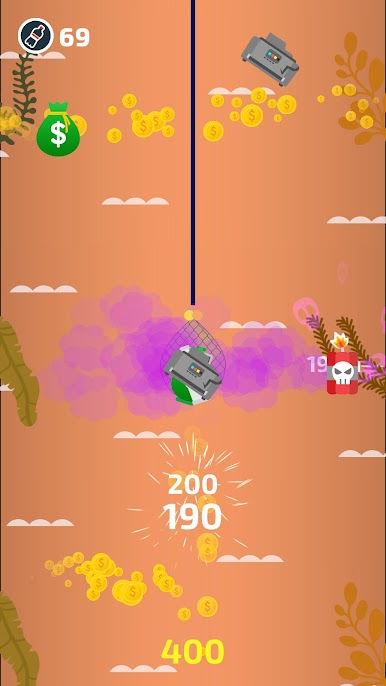
Simple and Addictive Gameplay: Just hold and drag to scoop up trash with your net. It’s easy to jump in and start cleaning up the ocean!
-
Idle Gameplay: Your scoop net machine keeps earning you money even when you’re not playing. Perfect for those moments when you need a break!
-
Master Garbage Collector: With over 100 unique garbage items, see how many you can snag. Can you become the ultimate trash collector?
-
Garbage Gallery: Check out your collection and challenge yourself to complete it. Every piece tells part of the ocean’s story.
Play Go Green! with BlueStacks and enjoy a seamless gaming experience.
Start your journey now. Download the game on BlueStacks, invite your friends, and march on a new adventure.



Play Go Green! on PC. It’s easy to get started.
-
Download and install BlueStacks on your PC
-
Complete Google sign-in to access the Play Store, or do it later
-
Look for Go Green! in the search bar at the top right corner
-
Click to install Go Green! from the search results
-
Complete Google sign-in (if you skipped step 2) to install Go Green!
-
Click the Go Green! icon on the home screen to start playing

