


Packz Cards
Play on PC with BlueStacks – the Android Gaming Platform, trusted by 500M+ gamers.

Page Modified on: Jul 31, 2026
Overview
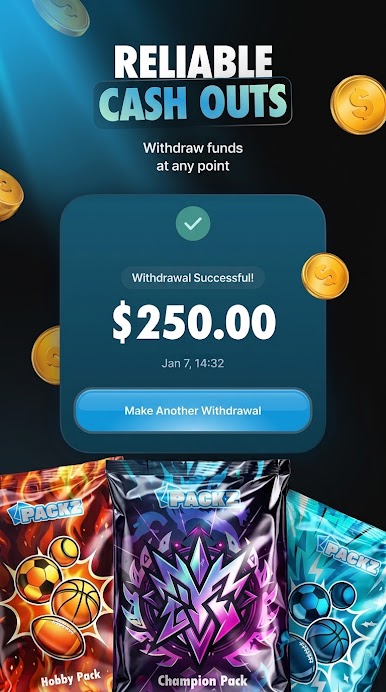
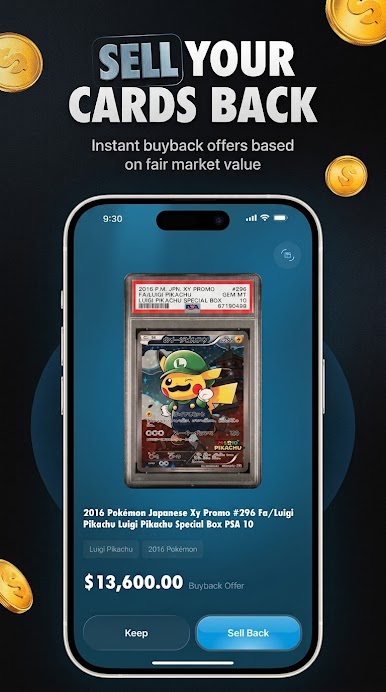
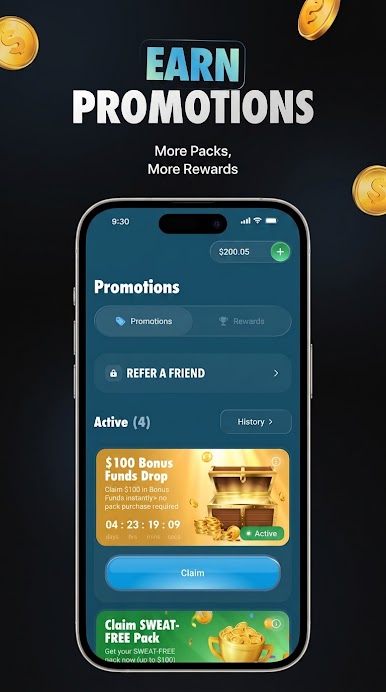
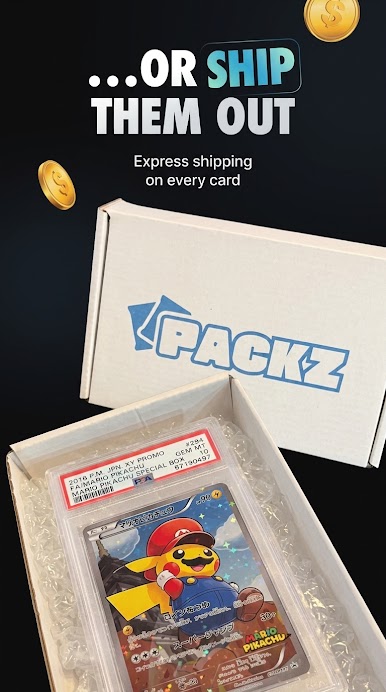
Open themed packs, unlock rare Packz Cards, organize your growing collection, and enjoy a seamless experience. Whether you're searching for Packz, using the Packz App, or collecting Packz Cards, you'll find exciting virtual packs, rewarding progression, and regular content updates designed for Android devices.
Features
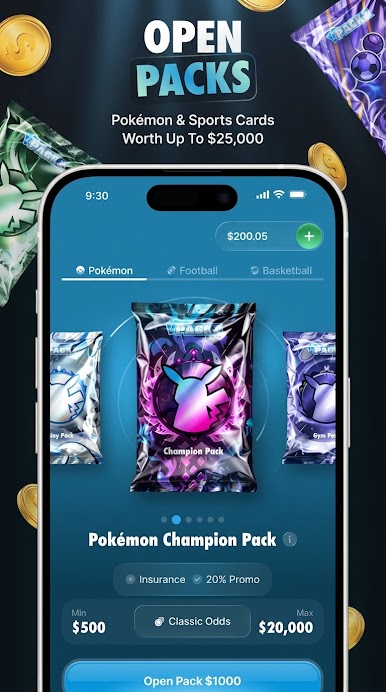
Open virtual card packs
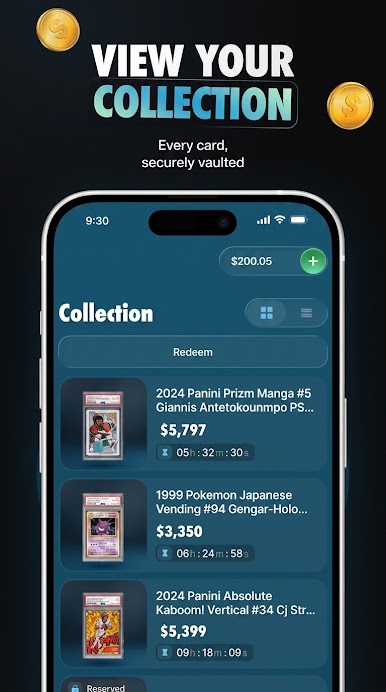
Collect and organize Packz Cards
Smooth animations and colorful graphics
Multiple themed packs
Simple, responsive controls
Optimized for Android
Disclaimer: This app is for fun only.
Play Packz Cards on PC. It’s easy to get started.
-
Download and install BlueStacks on your PC
-
Complete Google sign-in to access the Play Store, or do it later
-
Look for Packz Cards in the search bar at the top right corner
-
Click to install Packz Cards from the search results
-
Complete Google sign-in (if you skipped step 2) to install Packz Cards
-
Click the Packz Cards icon on the home screen to start playing

