


LordsWM Mobile
Play on PC with BlueStacks – the Android Gaming Platform, trusted by 500M+ gamers.

Page Modified on: Dec 3, 2025
Play LordsWM Mobile on PC or Mac
Join millions to experience LordsWM Mobile, an exciting Strategy game from Konstantin Belov. With BlueStacks App Player, you are always a step ahead of your opponent, ready to outplay them with faster gameplay and better control with the mouse and keyboard on your PC or Mac.
About the Game
Ever wanted to keep tabs on your LordsWM Mobile empire no matter where you are? With this handy client, you don’t have to be glued to your computer screen to check out what’s happening in your kingdom. Whether you’re catching up on your latest quests, managing your character, or just sneaking in a quick hunt during a break, this app makes it all seamless. Strategy fans can now stay connected and make the most of every game moment, even when on the go.
Game Features
-
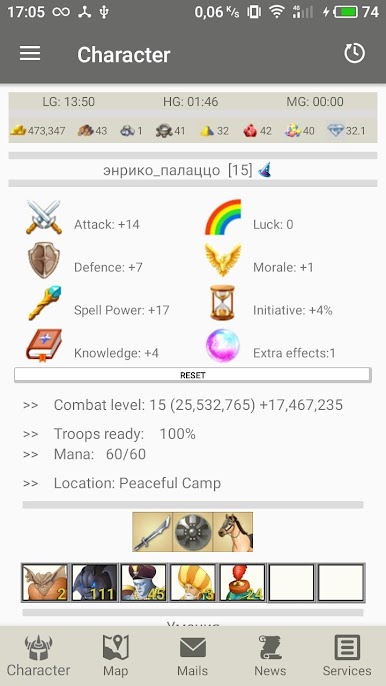
Character Overview
Quickly check your character’s details anytime—stats, gear, and all the important info are right at your fingertips. -
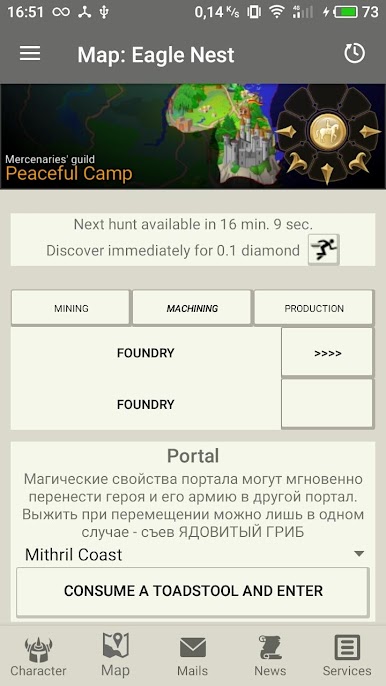
Explore the Map & Hunts
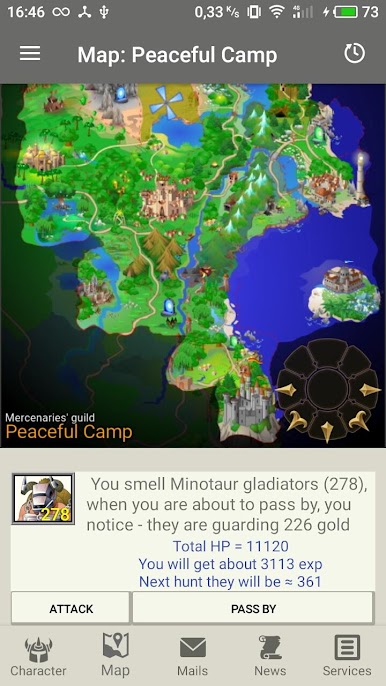
Scroll through the game’s expansive map, spot where the action is happening, browse hunts, and see what Guild of Mercenaries tasks are up for grabs. -
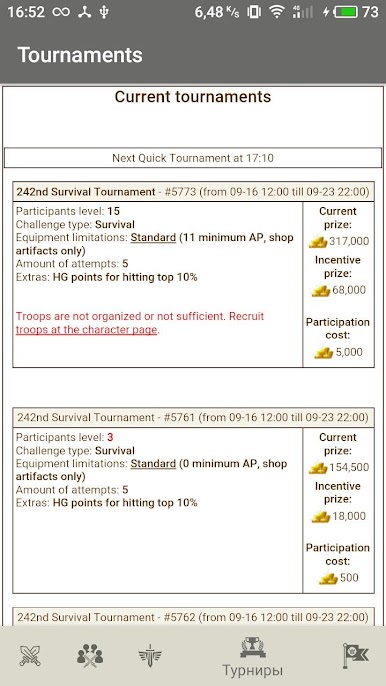
Quests and Jobs
Pick up guild missions or find a job in the world without missing a beat. Wherever you are, your next quest is just a tap away. -
Inbox & News Updates
Read personal messages and stay on top of the latest game happenings—all without switching devices. -
Thieves’ Ambushes
Set traps for unsuspecting players or just spy on your competition, adding a cunning edge to your strategy play. -
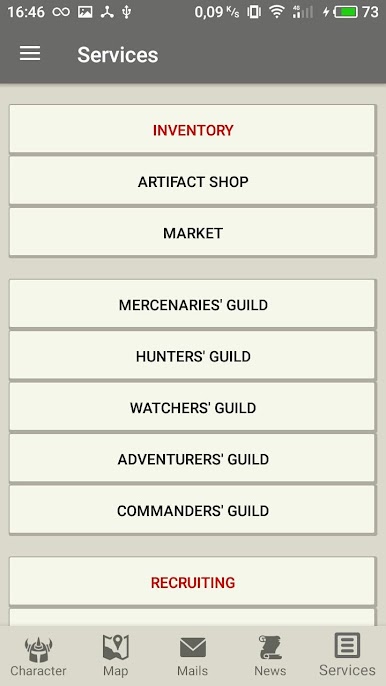
Marketplace & Castle Access
Visit the Store, browse the Market, pop into your Warehouse or Castle—manage your resources and assets without skipping a beat. -
Multi-Character Support
Easily add or re-upload an extra character, which is perfect if you like to have a backup plan (or just want to experiment).
This client is designed to fit effortlessly into your routine, and if you’re using BlueStacks, juggling your kingdom’s affairs from your PC becomes even more convenient.
Ready to top the leaderboard? We bet you do. Let precise controls and sharp visuals optimized on BlueStacks lead you to victory.
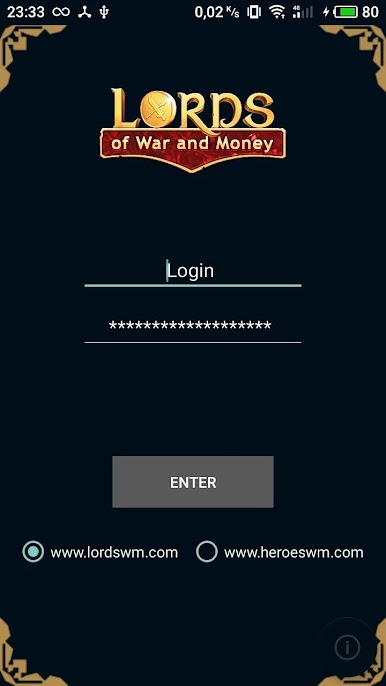
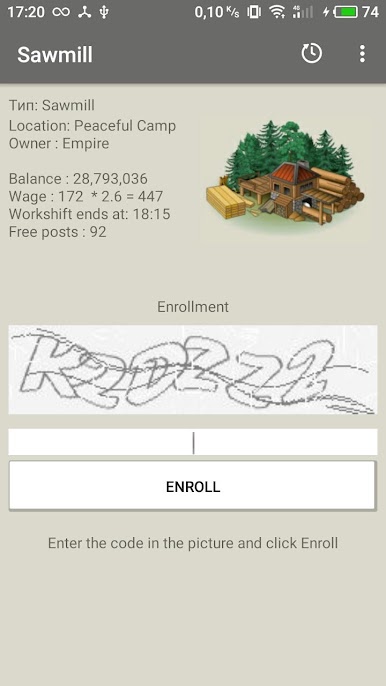
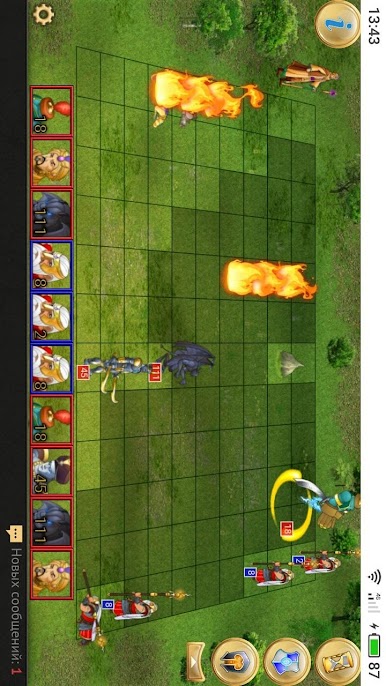
Play LordsWM Mobile on PC. It’s easy to get started.
-
Download and install BlueStacks on your PC
-
Complete Google sign-in to access the Play Store, or do it later
-
Look for LordsWM Mobile in the search bar at the top right corner
-
Click to install LordsWM Mobile from the search results
-
Complete Google sign-in (if you skipped step 2) to install LordsWM Mobile
-
Click the LordsWM Mobile icon on the home screen to start playing

