


Lexis Cam, Home security app
Play on PC with BlueStacks – the Android Gaming Platform, trusted by 500M+ gamers.

Page Modified on: Jan 12, 2026
Play Lexis Cam, Home security app on PC
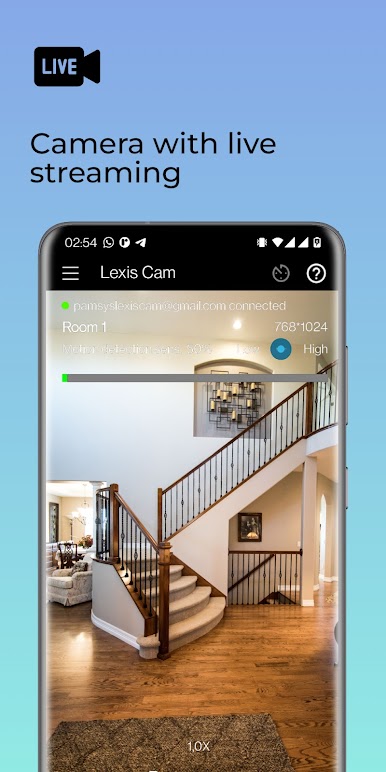
Monitor your home, baby room, pets, or office anytime with real-time video and sound.
Highlights
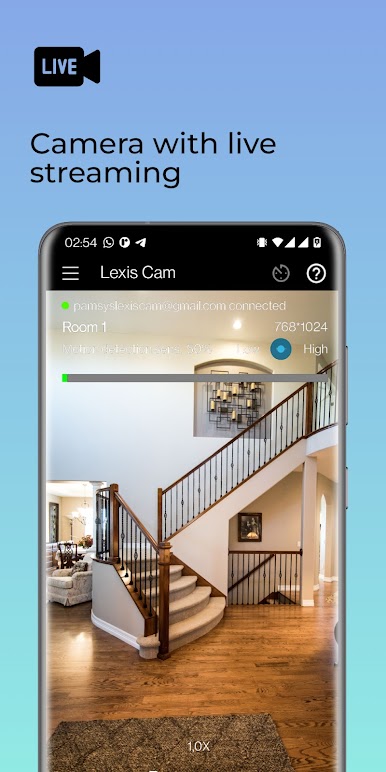
- Real-time live video monitoring
- High-quality low-latency audio transmission
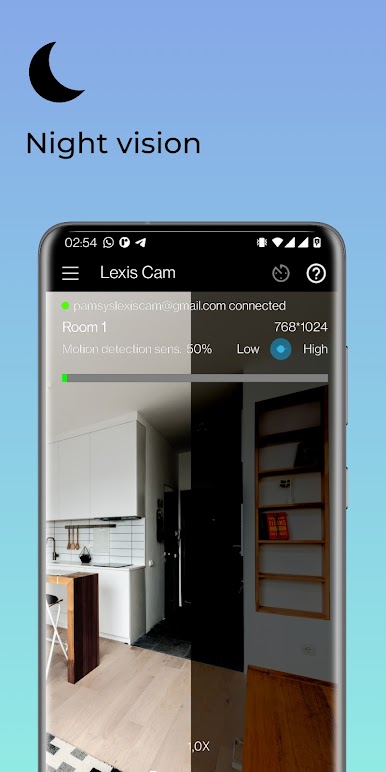
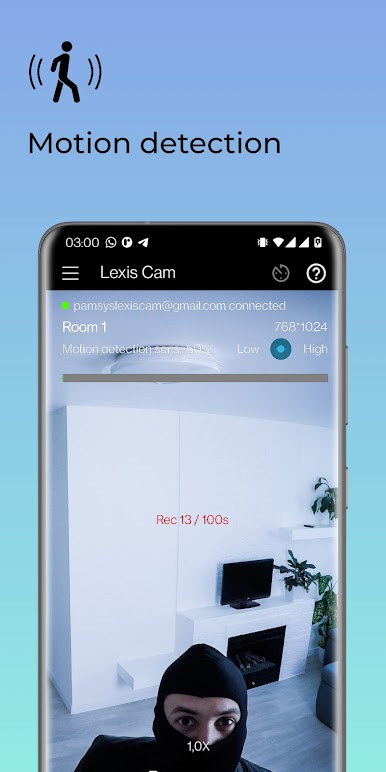
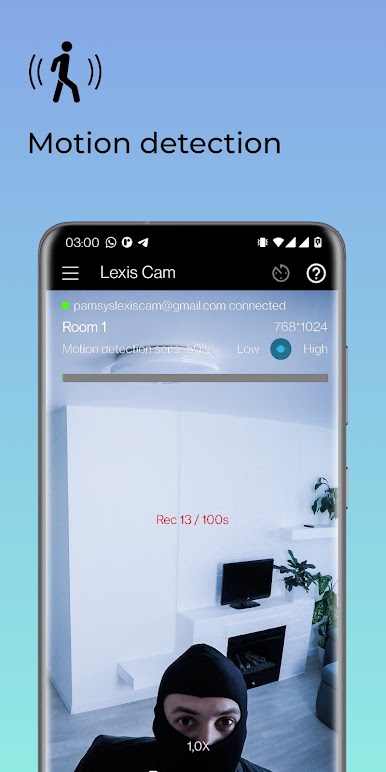
- Smart motion detection
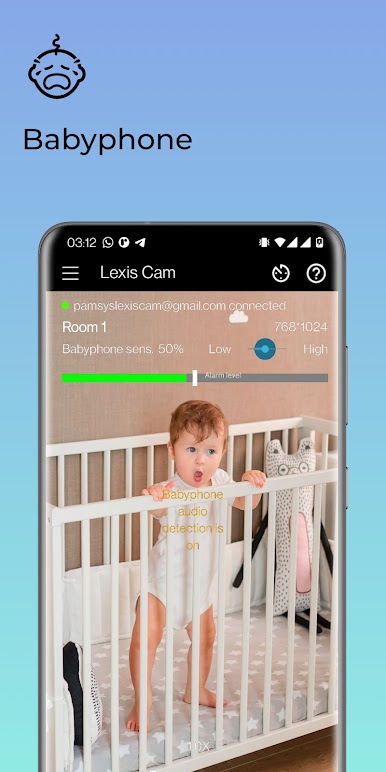
- Perfect as baby monitor or pet camera
- No subscription – no monthly fees
Security & Features
- Encrypted data transfer
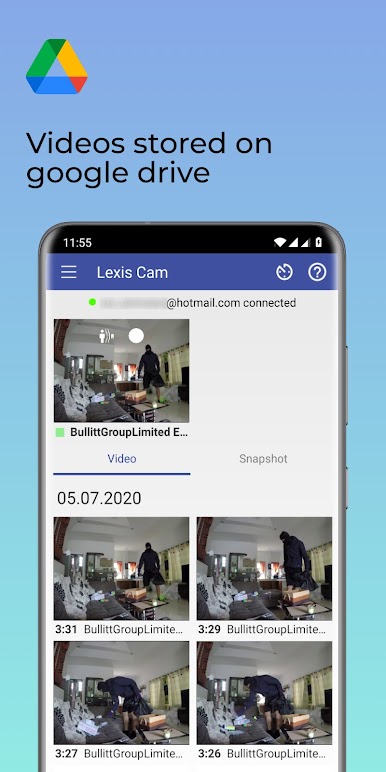
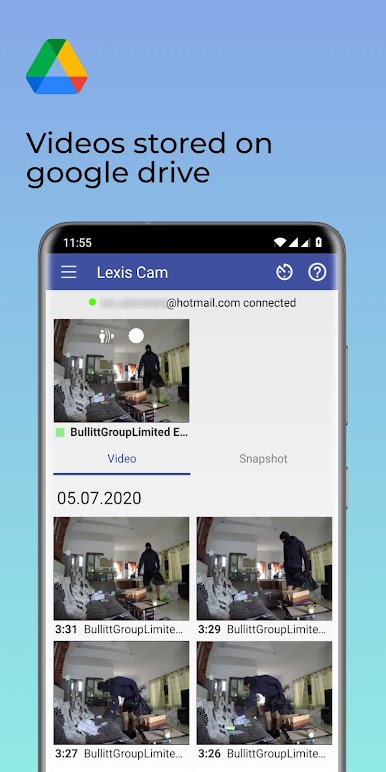
- Secure cloud storage via Google Drive
- Instant motion notifications
- Camera and viewer mode
- Timer and scheduling function
- Multiple cameras supported
- Remote motion control
- Video and audio streaming via WiFi, 3G, 4G LTE, or 5G
- Web, tablet, and smartphone access
Play Lexis Cam, Home security app on PC. It’s easy to get started.
-
Download and install BlueStacks on your PC
-
Complete Google sign-in to access the Play Store, or do it later
-
Look for Lexis Cam, Home security app in the search bar at the top right corner
-
Click to install Lexis Cam, Home security app from the search results
-
Complete Google sign-in (if you skipped step 2) to install Lexis Cam, Home security app
-
Click the Lexis Cam, Home security app icon on the home screen to start playing

