


Love and Deepspace
Play on PC with BlueStacks – the Android Gaming Platform, trusted by 500M+ gamers.

Page Modified on: Dec 24, 2025
Main Love and Deepspace on PC
[New Home Feature and Main Story]
The Home Feature is now available and there will be a new Main Story update! "Before a dominant will, even the cosmos bows." Version 5.0 Second Anniversary [Throne of Eros] is now available. Draw closer to him as the story unfolds layer by layer.
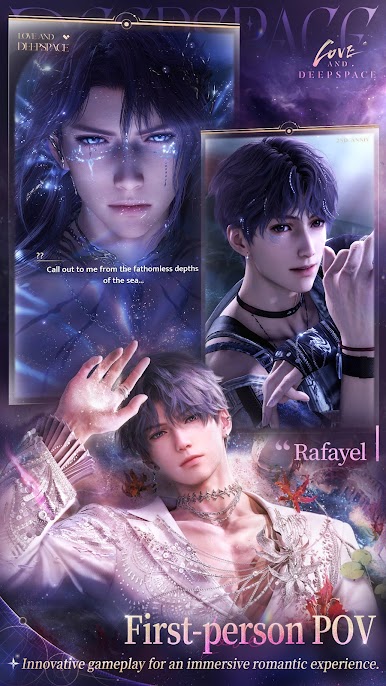
[First-Person 3D Story]
A real-time rendered 3D first-person perspective story that lets you be fully immersed in important moments with him, feeling his breath and presence up close. It breaks the boundary between reality and virtual worlds, providing an ultimate, lifelike, immersive experience.
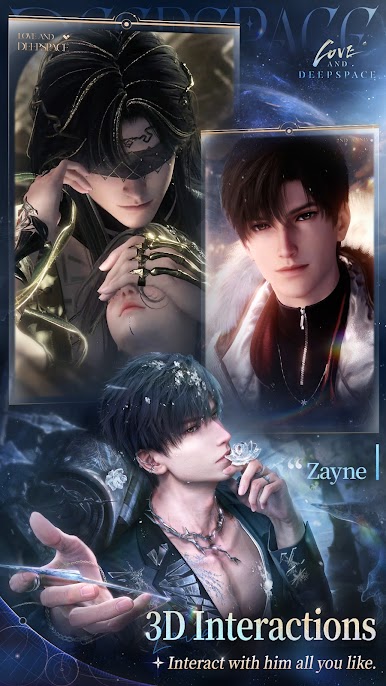
[3D Interactions]
Real-time 3D rendering ensures lifelike interactions. Experience intimate moments like never before, watch as your actions provoke unique responses, and savor unforgettable dates, sweet voice messages, and more.
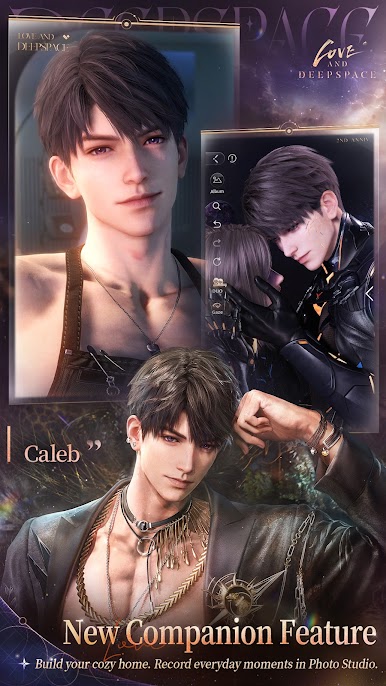
[Upgraded Companionship]
The Home feature is now available. Invite him to your carefully crafted home and discover more warm, everyday moments with him through immersive shared living. In the highly customizable photobooth, you can choose the perfect scene and pose with him to capture exclusive moments. Additionally, during your leisure time, you can play Kitty Cards with him, have a claw machine competition, take a series of Snapshots to record your mood, or study, work, and exercise together. Experience more scenarios with him across dimensions and enjoy even sweeter moments together.
[Fight Together]
As a Deepspace Hunter, you will fight against the onslaught of mysterious alien creatures together with love interests. Along the way, your paths intertwine, and the secrets about your fates and humanity's future will be revealed.
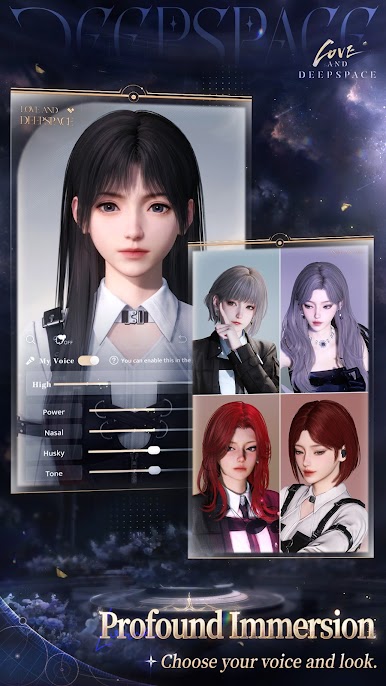
[Profound Immersion]
Choose your voice and look. Delve into an array of customizable features, from dozens of appearance details and hundreds of makeup choices to personalized timbres, all yours to explore. Additionally, the intelligent AI face-crafting system allows you to upload your personal photo to automatically generate a digital avatar of yourself. Enter Linkon City with your own image and embark on a surreal romantic journey.
About Us
Website: http://loveanddeepspace.infoldgames.com/en-EN/
Facebook: https://www.facebook.com/LoveandDeepspaceEN
X (Twitter): https://twitter.com/Love_Deepspace



Play Love and Deepspace on PC. It’s easy to get started.
-
Download and install BlueStacks on your PC
-
Complete Google sign-in to access the Play Store, or do it later
-
Look for Love and Deepspace in the search bar at the top right corner
-
Click to install Love and Deepspace from the search results
-
Complete Google sign-in (if you skipped step 2) to install Love and Deepspace
-
Click the Love and Deepspace icon on the home screen to start playing

