


Love and Deepspace
Play on PC with BlueStacks – the Android Gaming Platform, trusted by 500M+ gamers.

Page Modified on: Jul 5, 2026
Play Love and Deepspace on PC or Mac
Love and Deepspace by InFold Pte. Ltd. has plenty to keep you busy. BlueStacks lets you play it on PC or Mac with more screen space, better control, and fewer mobile limits.
About the Game
Love and Deepspace is a Simulation game that blends sci‑fi action with heart-thumping romance. You step into a futuristic city, meet unforgettable characters, and experience moments that feel surprisingly close and personal. One minute you’re sharing quiet time at home, the next you’re facing down eerie creatures from beyond the stars—your choices color both the love story and the fight.
Game Features
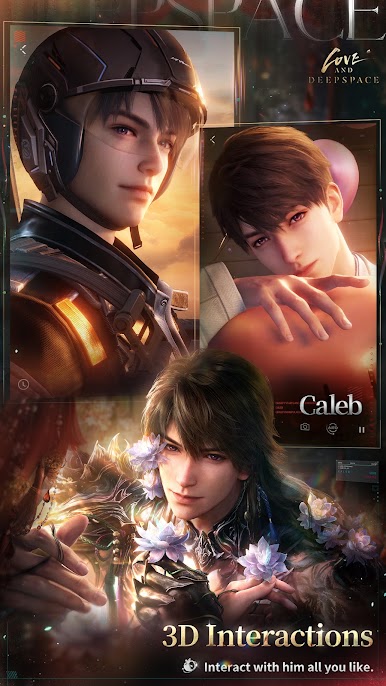
- First-person romance: See key scenes through your own eyes, with cinematic 3D moments that bring every glance, whisper, and brush of the hand right up close.
- Real-time interactions: Chat, flirt, and react in ways that actually matter. Go on sweet dates, listen to charming voice messages, and watch him respond to your touch and choices.
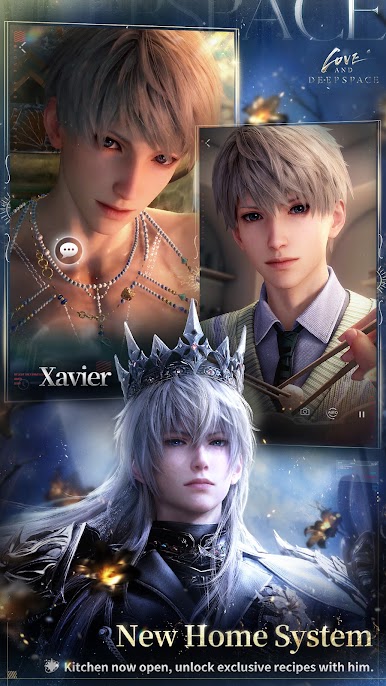
- Home and cooking: Build a cozy space together. Decorate, stock the kitchen, experiment with ingredients, and unlock special recipes as your relationship warms up.
- AR Photobooth memories: Use the upgraded Glint Photobooth to place him in real-world scenes, snap cute shots, and keep a gallery of one-of-a-kind moments.
- Everyday mini-games: Pass the time with Kitty Cards, compete at the claw machine, take quick Snapshots to match your mood, or study, work, and exercise side by side.
- Fight as a Deepspace Hunter: Team up in fast-paced battles against strange alien threats. The deeper you go, the more you uncover about your fate—and humanity’s.
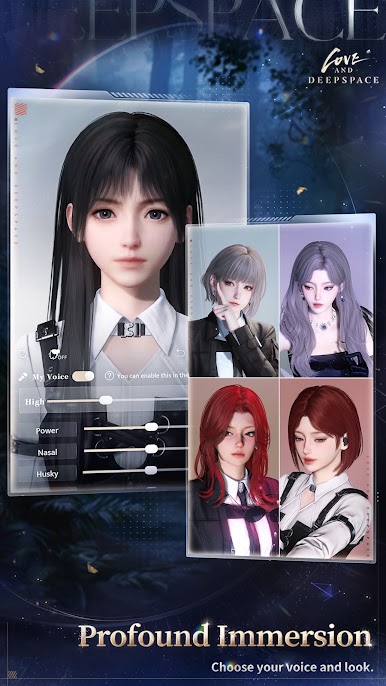
- Deep customization: Shape your look and voice with tons of appearance details and makeup choices, then fine-tune your vocal style to match your vibe.
- Become your avatar: Use the AI face-crafting tool to turn a selfie into your in-game self and stroll through Linkon City with a digital you.
- Play comfortably on PC: Prefer a bigger screen and smooth controls? You can also enjoy Love and Deepspace on BlueStacks.
Get ready for a buttery smooth, high-performance gaming action only on BlueStacks.




Play Love and Deepspace on PC. It’s easy to get started.
-
Download and install BlueStacks on your PC
-
Complete Google sign-in to access the Play Store, or do it later
-
Look for Love and Deepspace in the search bar at the top right corner
-
Click to install Love and Deepspace from the search results
-
Complete Google sign-in (if you skipped step 2) to install Love and Deepspace
-
Click the Love and Deepspace icon on the home screen to start playing

