

PaperSpan - Read It Later
Play on PC with BlueStacks – the Android Gaming Platform, trusted by 500M+ gamers.

Page Modified on: Jan 13, 2026
Run PaperSpan - Read It Later on PC or Mac
Let BlueStacks turn your PC, Mac, or laptop into the perfect home for PaperSpan – Read It Later, a fun Productivity app from PaperSpan.
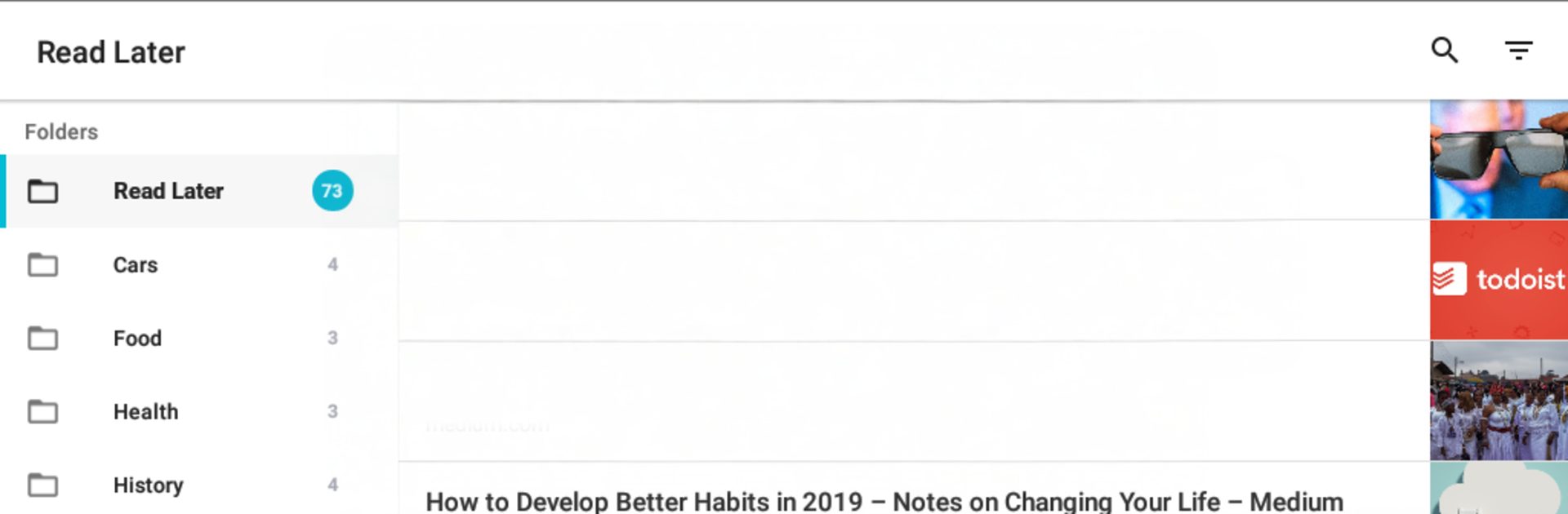
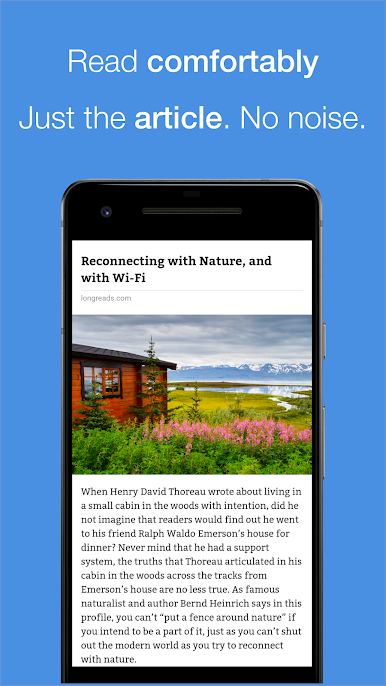
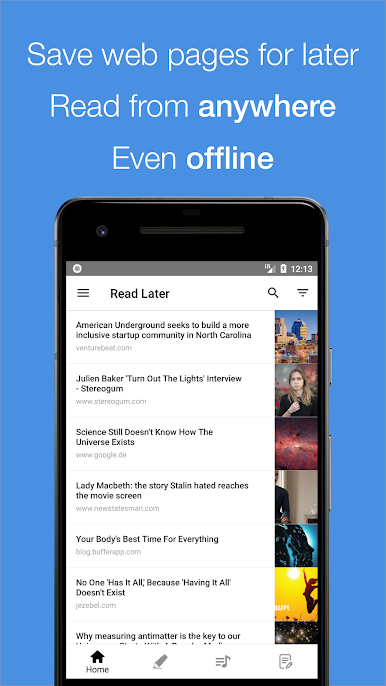
PaperSpan feels like a calm little inbox for web articles, built for people who want less noise and more finish-what-you-start. It lets someone stash links from anywhere and read them later in a clean, uncluttered view. No ads popping in, no random “you might like” detours, just the stuff they saved. On a PC through BlueStacks it almost feels like a desktop reader, with the bigger screen and quick scrolling making longer pieces easier on the eyes. The app has dark and light themes, font and brightness tweaks, and it remembers where they left off.
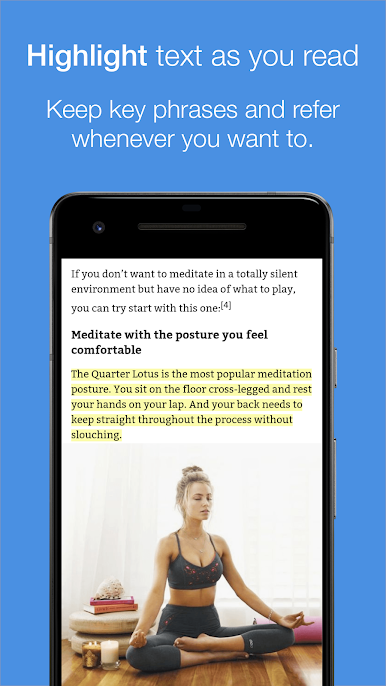
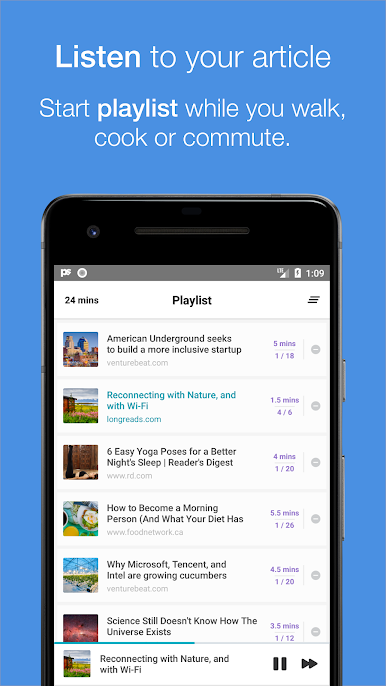
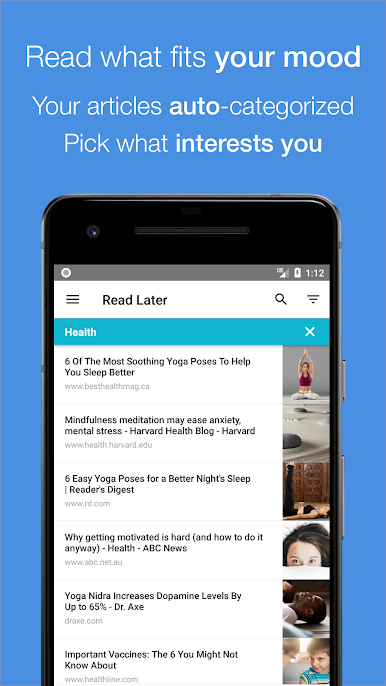
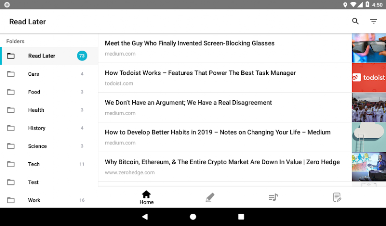
Finding things is simple. Articles can be searched, sorted, and filtered by category or by reading time, so a five minute break can actually be used to knock out a short read. It auto tags content into topics like Health or Science, and there is an Unread section that keeps the backlog honest. Everything works offline too, then syncs later without fuss. Highlights and notes are built in, so saving the good lines or writing a quick summary is easy. There is folder support, Kindle sending for those who love that screen, and a surprisingly solid text to speech mode that can queue a playlist for walks or cooking. The reading stats are a nice touch as well, showing when they read most, which sites they pull from, and how fast they get through stuff. It is not flashy, but it feels organized and respectful of time, which is exactly the point.
BlueStacks brings your apps to life on a bigger screen—seamless and straightforward.
Play PaperSpan - Read It Later on PC. It’s easy to get started.
-
Download and install BlueStacks on your PC
-
Complete Google sign-in to access the Play Store, or do it later
-
Look for PaperSpan - Read It Later in the search bar at the top right corner
-
Click to install PaperSpan - Read It Later from the search results
-
Complete Google sign-in (if you skipped step 2) to install PaperSpan - Read It Later
-
Click the PaperSpan - Read It Later icon on the home screen to start playing

