


Enchanted Forest Reels
Play on PC with BlueStacks – the Android Gaming Platform, trusted by 500M+ gamers.

Page Modified on: Oct 8, 2026
Play Enchanted Forest Reels on PC
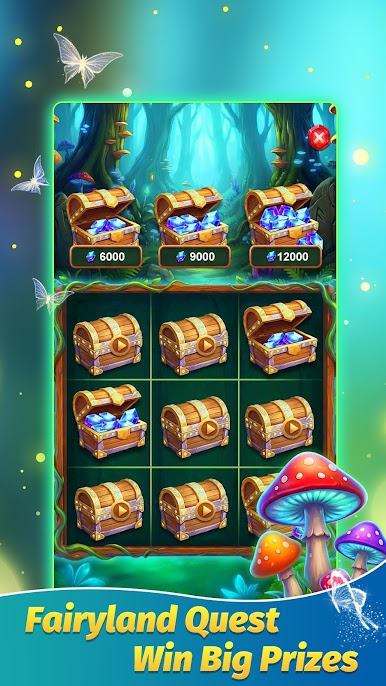
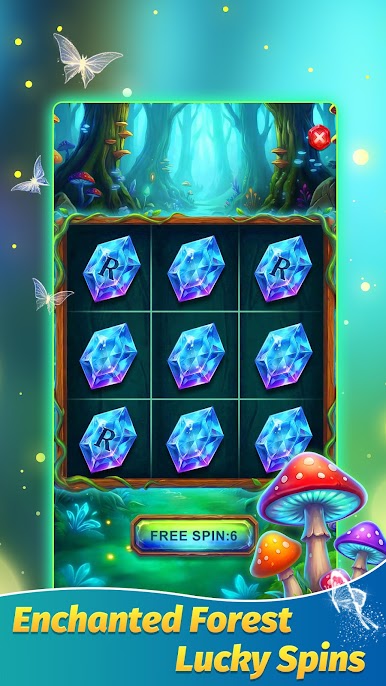
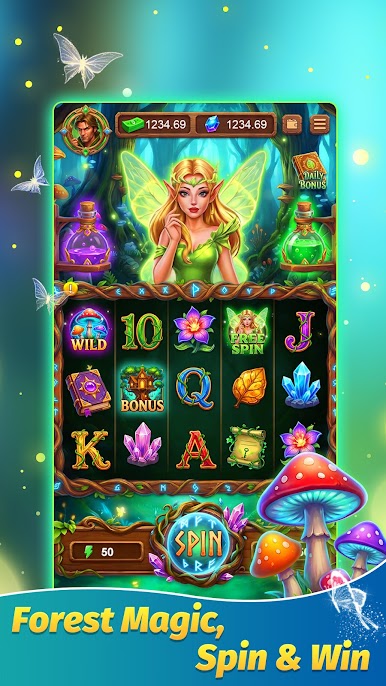
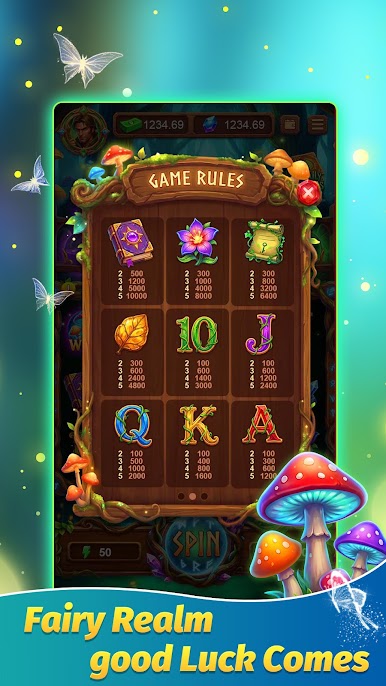
Step into a whimsical enchanted forest, where glowing fairies, magical potions, and ancient forest wonders bring every spin to life. This game is built for casual fun, with easy-to-learn mechanics perfect for short breaks, commutes, or unwinding at home.
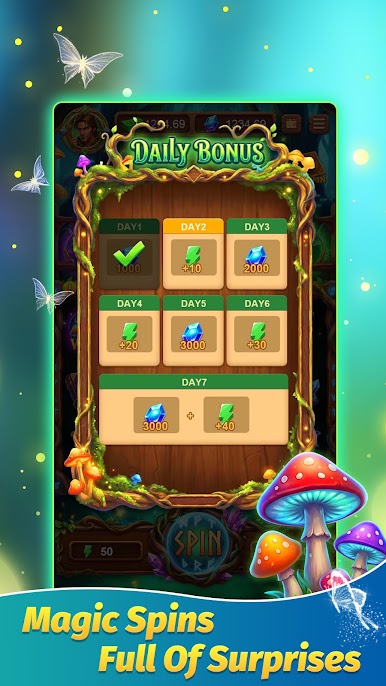
Log in every day to claim free coins and free spin rewards, no purchases required. Daily sign-in bonuses keep the fun going, so you can enjoy endless spinning without any pressure. Explore a vibrant world filled with forest-themed symbols, including glowing mushrooms, magical flowers, crystal gems, and friendly forest fairies.
Play Enchanted Forest Reels on PC. It’s easy to get started.
-
Download and install BlueStacks on your PC
-
Complete Google sign-in to access the Play Store, or do it later
-
Look for Enchanted Forest Reels in the search bar at the top right corner
-
Click to install Enchanted Forest Reels from the search results
-
Complete Google sign-in (if you skipped step 2) to install Enchanted Forest Reels
-
Click the Enchanted Forest Reels icon on the home screen to start playing

