


Mulligan Rush
Play on PC with BlueStacks – the Android Gaming Platform, trusted by 500M+ gamers.

Page Modified on: May 25, 2026
Play Mulligan Rush on PC
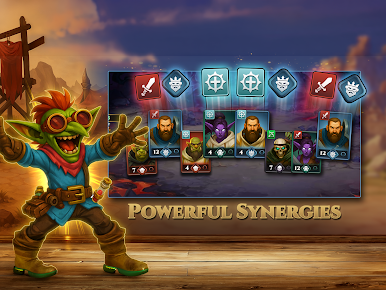
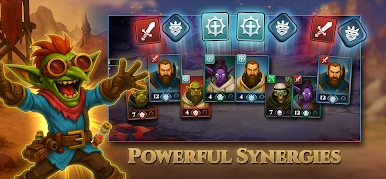
Mulligan Rush is a roguelike deckbuilder where strategy runs deep and no two runs play alike. Build your army, master your synergies, and push your hero further with every battle.
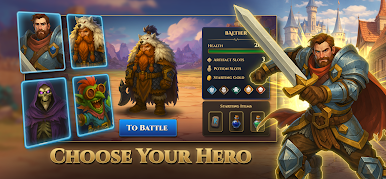
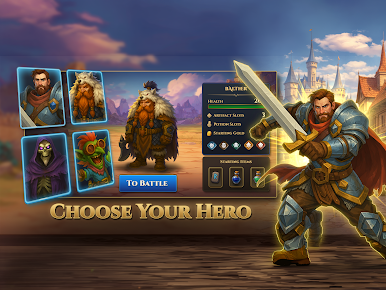
CHOOSE YOUR HERO
Powerful heroes will shape the foundation of your strategy. Each one brings unique strengths and a different starting advantage - guiding you through new playstyles and decisions in every run. Try them all, find your favourite, and free the realms of evil.
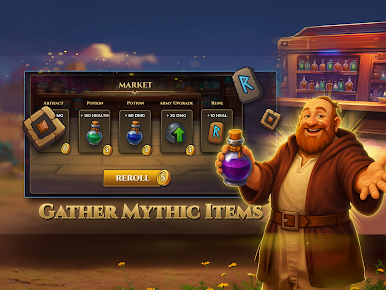
BUILD YOUR ARMY
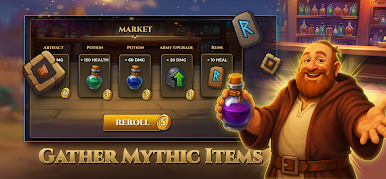
Collect artifacts, potions, upgrades and runes between battles. The shop is always open for surviving heroes - spend wisely, build boldly, and let every item push your run in a direction that is entirely your own. The best builds are the ones you discover yourself.
CONQUER THE DARKNESS
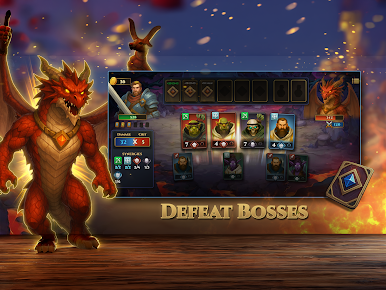
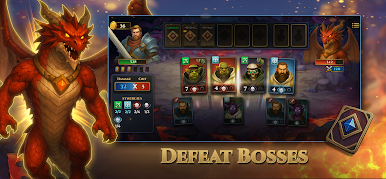
Enemies hit harder with every level. Bosses arrive with abilities that force you to adapt as you make your way through the realms. Only players who balance power and survival will go the distance to unlock new powerful relics.
Play Mulligan Rush on PC. It’s easy to get started.
-
Download and install BlueStacks on your PC
-
Complete Google sign-in to access the Play Store, or do it later
-
Look for Mulligan Rush in the search bar at the top right corner
-
Click to install Mulligan Rush from the search results
-
Complete Google sign-in (if you skipped step 2) to install Mulligan Rush
-
Click the Mulligan Rush icon on the home screen to start playing

