


PDF Reader - PDF Viewer
Play on PC with BlueStacks – the Android Gaming Platform, trusted by 500M+ gamers.

Page Modified on: Jun 30, 2025
Overview
**Five Major Features of PDF Reader - PDF Viewer**
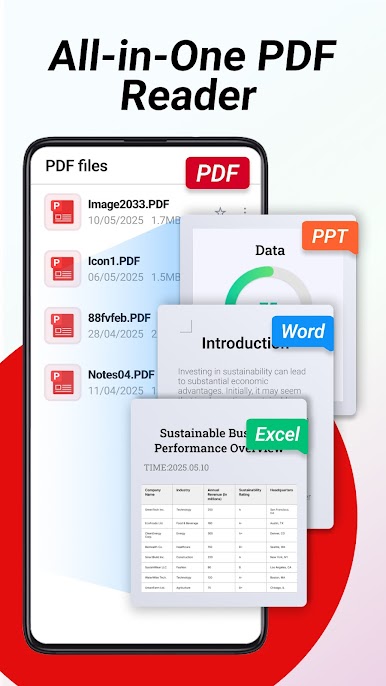
📦 Strong Format Compatibility
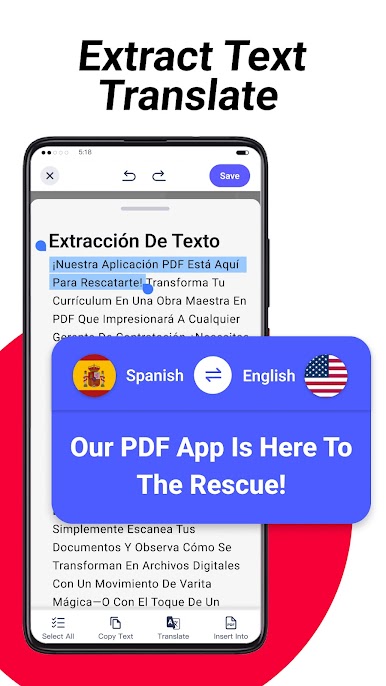
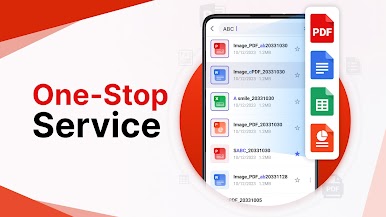
No need for extra applications, 'PDF Reader - PDF Viewer' integrates WORD,EXCEL,PPT,PDF and other file formats, offering a one-stop solution for all document viewing needs.
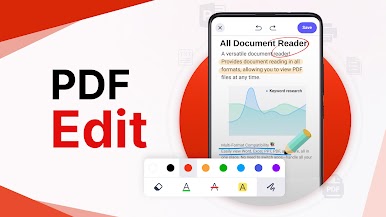
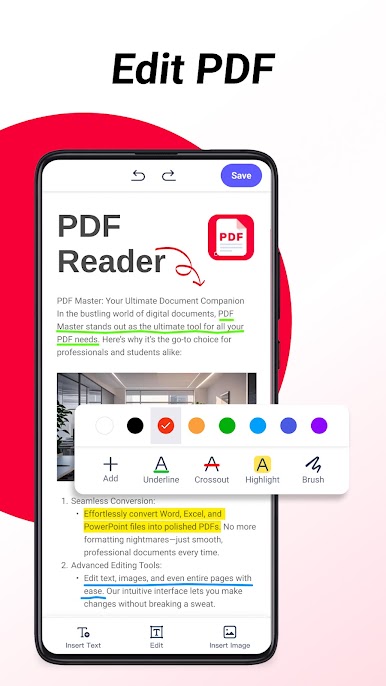
📋 Professional Reader
Browse files anytime, anywhere, 'PDF Reader - PDF Viewer' can read PDF files stored on your phone, enhancing your work efficiency.
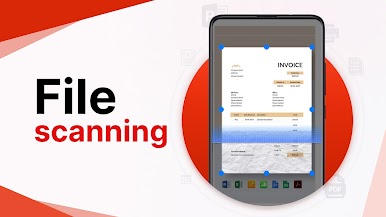
🔍 Document Scanning
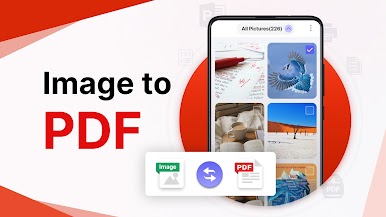
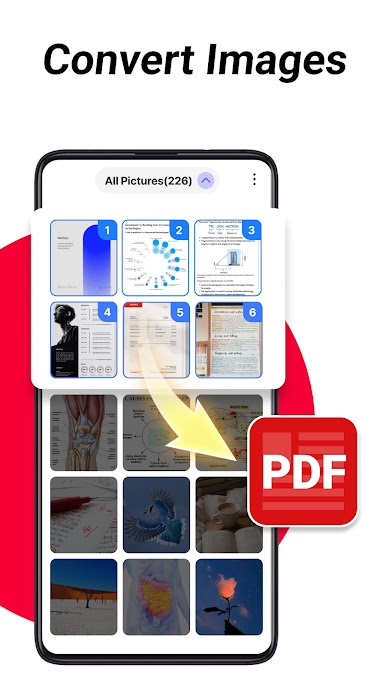
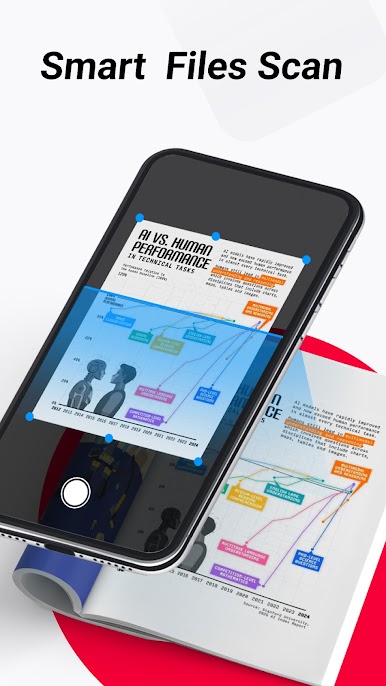
With just a quick scan, convert your paper documents into high-quality PDFs, Convert photos to PDF, convert JPG to PDF,making them easy to archive, share, or access anytime.
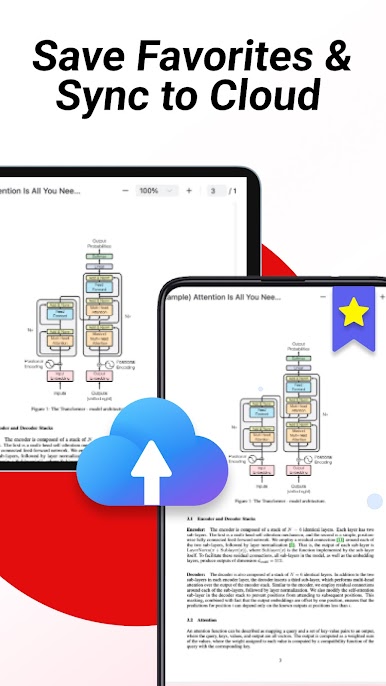
☁️ Cloud Document Storage
Effortlessly upload your files to the cloud for access and management from anywhere. Keep your important documents safe and enhance your work efficiency with convenient cloud storage.
📨 File Search
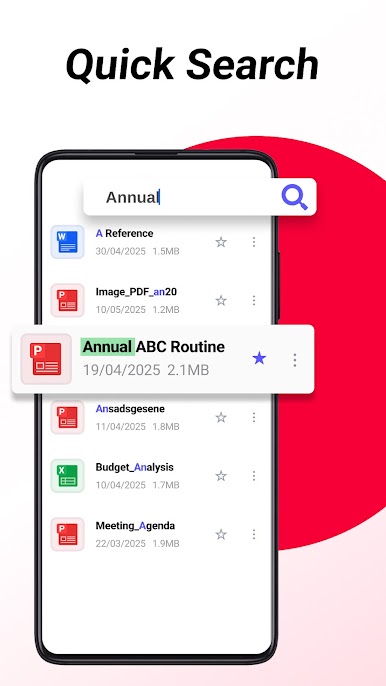
Search for file names with just one click, 'PDF Reader - PDF Viewer' supports searching for various file formats, quickly locating the desired files.
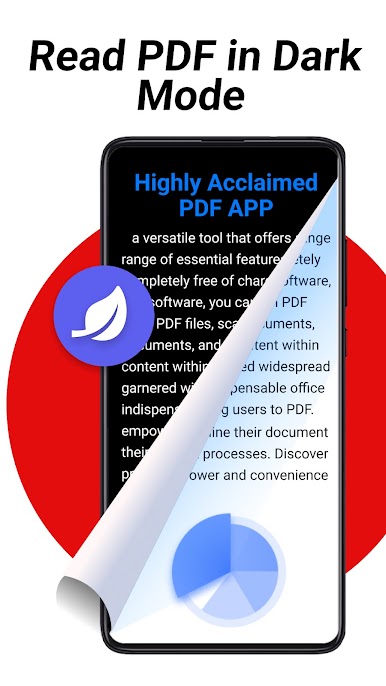
👁 Eye-Care Dark Mode
Considering night-time reading, 'PDF Reader - PDF Viewer' provides a dark mode, which helps to reduce visual fatigue, protect eye health, and allows for comfortable reading even in dim light.
PDF Reader - PDF Viewer, a lightweight yet powerful PDF reader, specially designed with a night mode for a more comfortable reading experience. Download now to explore new horizons in reading!
Play PDF Reader - PDF Viewer on PC. It’s easy to get started.
-
Download and install BlueStacks on your PC
-
Complete Google sign-in to access the Play Store, or do it later
-
Look for PDF Reader - PDF Viewer in the search bar at the top right corner
-
Click to install PDF Reader - PDF Viewer from the search results
-
Complete Google sign-in (if you skipped step 2) to install PDF Reader - PDF Viewer
-
Click the PDF Reader - PDF Viewer icon on the home screen to start playing

