


QR Code Reader Barcode Scanner
Play on PC with BlueStacks – the Android Gaming Platform, trusted by 500M+ gamers.

Page Modified on: Jul 29, 2025
Play QR Code Reader Barcode Scanner on PC
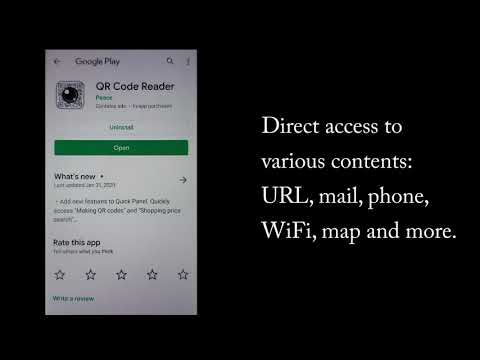
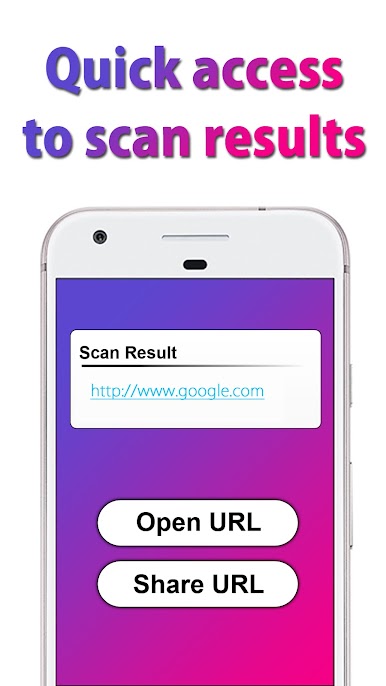
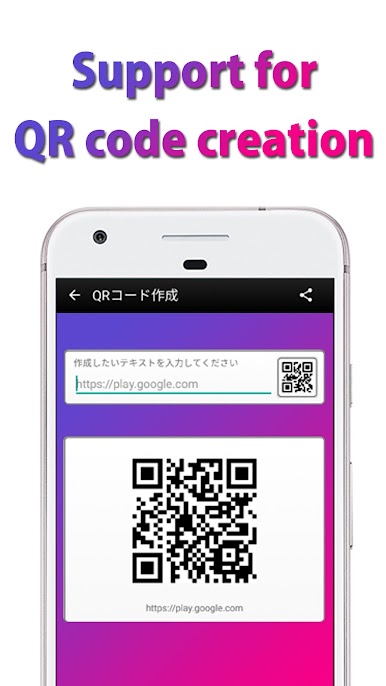
QR Scanner & Barcode Scanner can scan all kinds of QR code and barcode, including URL, Wi-Fi, location, contacts, calendar, Email, SMS, phone, product, promotion and coupon codes, etc.
Features of QR Scanner & Barcode Scanner:
・ Support all QR code/barcode formats
・ All scan history will be saved
・ Scan QR code / barcodes from photo gallery
・ Support flashlight to scan QR code/barcode in dark environment
・ Scan promotion and coupon codes
・ Privacy safe. Only camera permission required
Supported QR codes of QR Scanner & Barcode Scanner:
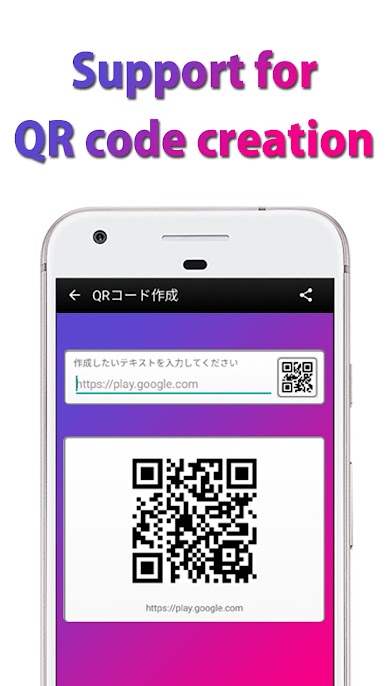
• Website links (URL)
• Wi-Fi (Supported direct access)
• Contact data (VCARD, etc.)
• Calendar event
• Geo locations (latitude and longitude)
• Phone
• Email, SMS
• AAMVA driver license/ID
• ISBN
• Text
Supported Barcodes of QR Scanner & Barcode Scanner:
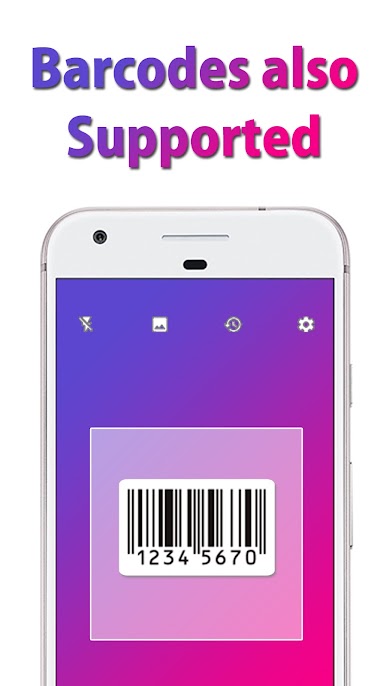
• EAN-13, EAN-8
• UPC-A, UPC-E
• Code 39, Code 93 and Code 128
• Codabar
• ITF
• Data Matrix
• PDF417
• Aztec
Permissions of QR Scanner & Barcode Scanner:
• Camera Permission for scanning QR code/barcodes.
Please enjoy QR Reader & Barcode Reader for FREE!
QR code reader
This is the best QR code reader in Google Play store. QR code reader supports scanning all kinds of QR codes and barcodes.
Barcode scanner
User privacy and security are important to us. so Barcode scanner needs only Camera permission.
QR code scanner
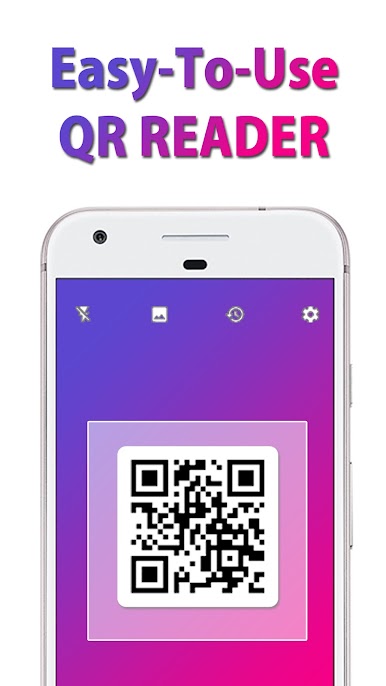
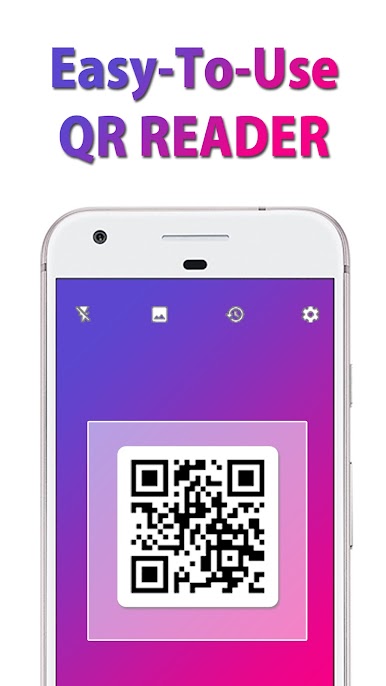
This is very easy-to-use QR code scanner. It supports flashlight for scan in dark environment.
Barcode reader
It is easy to scan all barcode format. Barcode reader supports zoom and exposure.
Play QR Code Reader Barcode Scanner on PC. It’s easy to get started.
-
Download and install BlueStacks on your PC
-
Complete Google sign-in to access the Play Store, or do it later
-
Look for QR Code Reader Barcode Scanner in the search bar at the top right corner
-
Click to install QR Code Reader Barcode Scanner from the search results
-
Complete Google sign-in (if you skipped step 2) to install QR Code Reader Barcode Scanner
-
Click the QR Code Reader Barcode Scanner icon on the home screen to start playing

