


Библия Православная
Play on PC with BlueStacks – the Android Gaming Platform, trusted by 500M+ gamers.

Page Modified on: Sep 29, 2025
Play Библия Православная on PC
• Support is available from the app or you can write to support@pearmobile.com
• Like our Facebook page: https://www.facebook.com/bibleholyonline
• Follow us on Instagram: https://www.instagram.com/bible_holy_kjv
• Follow us on Twitter: https://twitter.com/saint_gospels
• Read the Bible online at www.bible.pearmobile.com, www.bible.promo
Features:
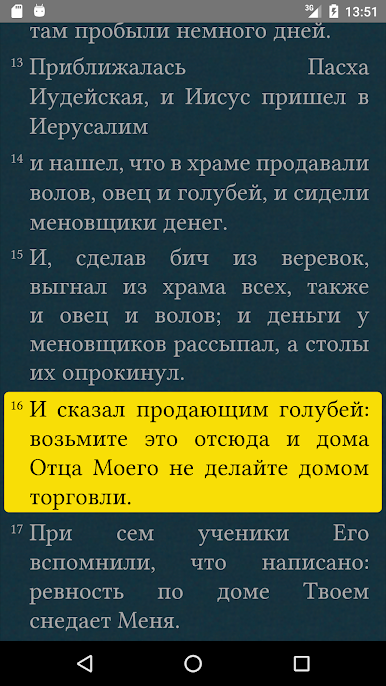
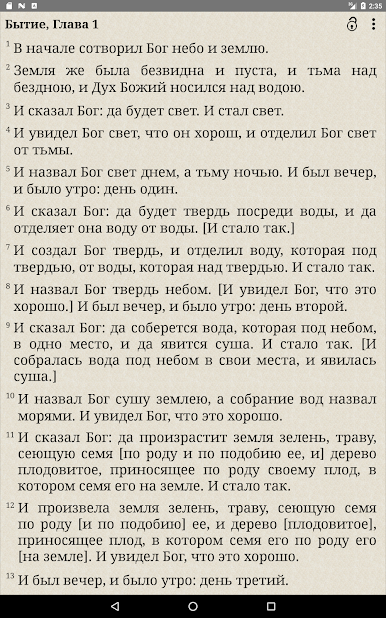
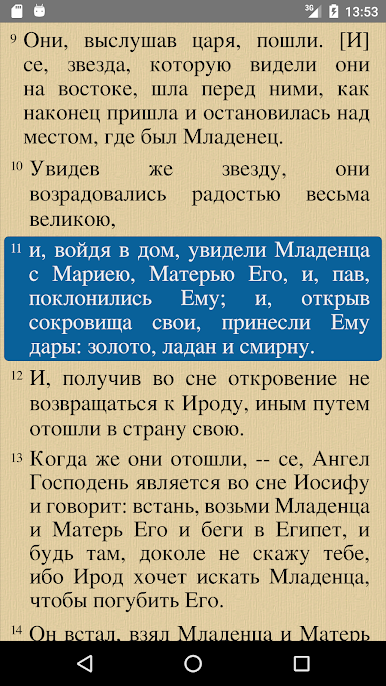
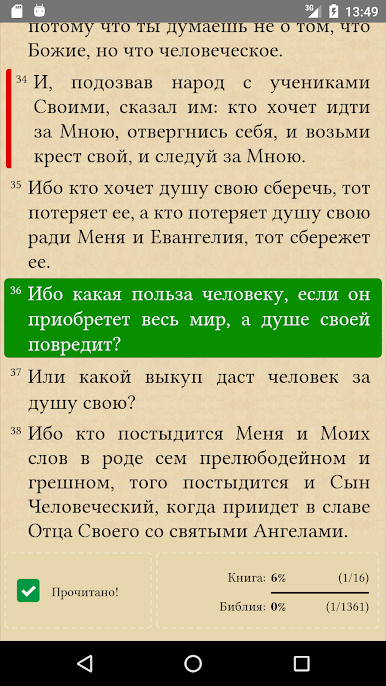
• Synodal Bible Translation
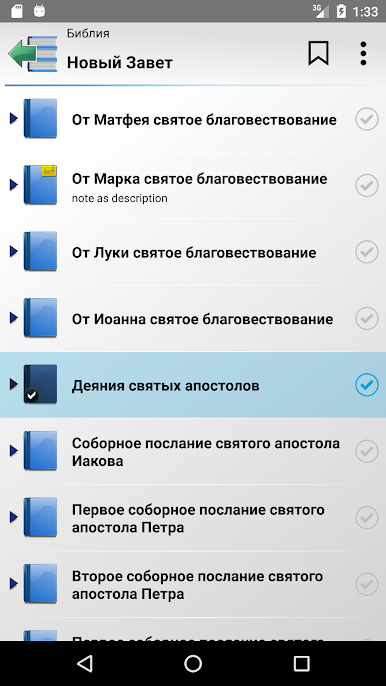
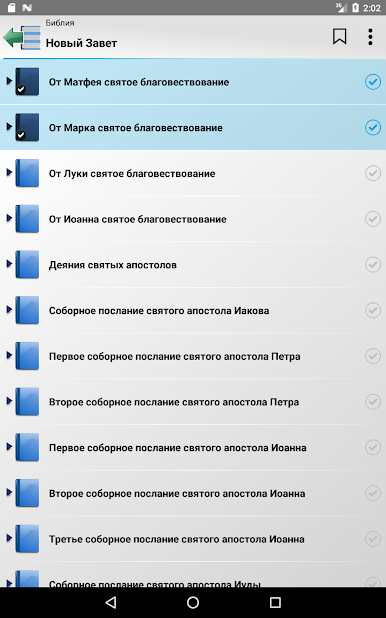
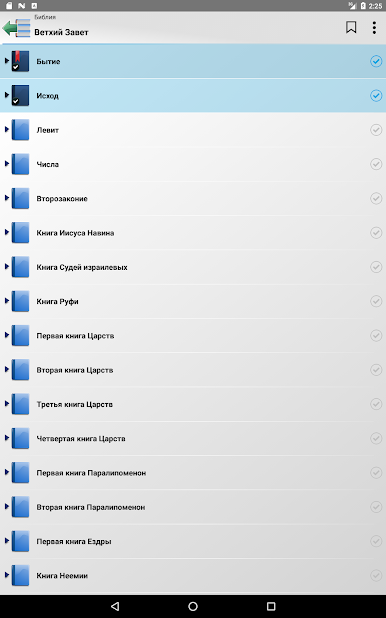
• Old and New Testaments + Non-canonical books
• Full application performance in the absence of Internet connection
• High speed application
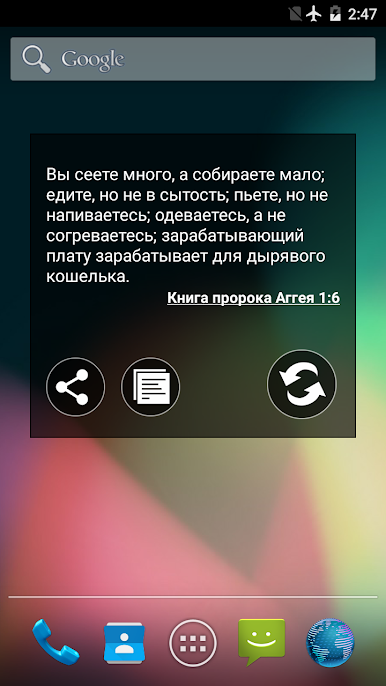
• Everyday Bible Widget
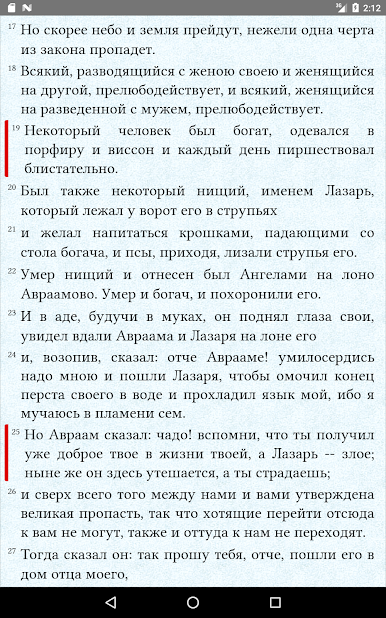
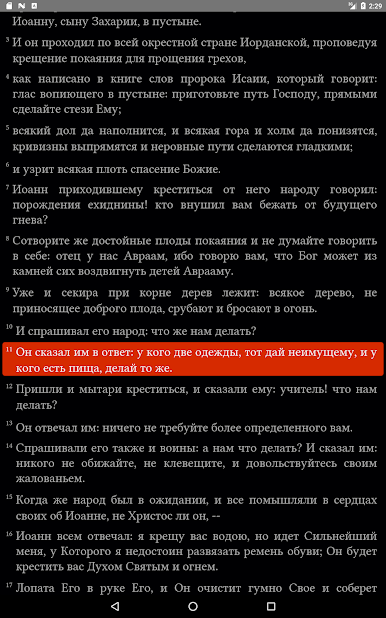
• Highlight proper names
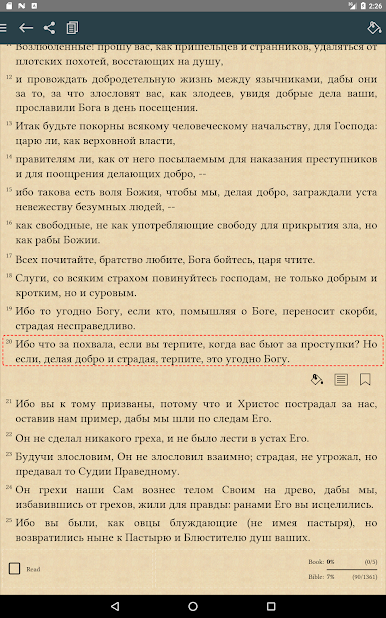
• Multiple font support
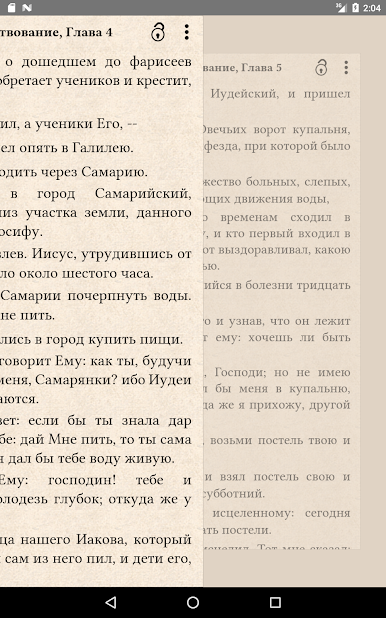
• Different design themes for Chapters
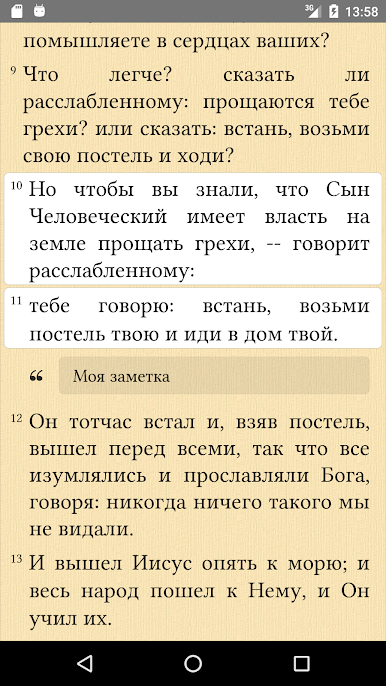
• Ability to make Bookmarks and Notes for Books and Chapters
• Ability to mark read chapter or book
• Copy text to clipboard
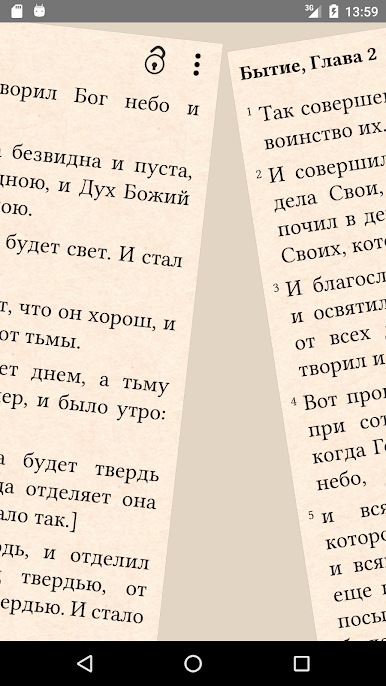
• Support gesture control
• Simple and convenient interface.
Play Библия Православная on PC. It’s easy to get started.
-
Download and install BlueStacks on your PC
-
Complete Google sign-in to access the Play Store, or do it later
-
Look for Библия Православная in the search bar at the top right corner
-
Click to install Библия Православная from the search results
-
Complete Google sign-in (if you skipped step 2) to install Библия Православная
-
Click the Библия Православная icon on the home screen to start playing

