


AutoRace: Idle Racing
Play on PC with BlueStacks – the Android Gaming Platform, trusted by 500M+ gamers.

Page Modified on: Nov 5, 2026
Play AutoRace: Idle Racing on PC
HOW TO PLAY
• Tap the left or right side of the screen to switch lanes
• Nail the turbo at the start for a flying launch
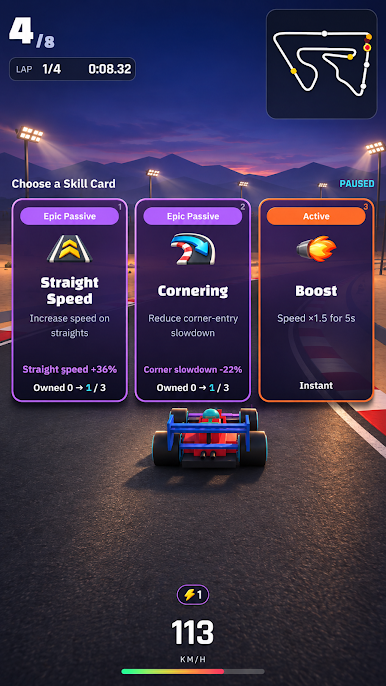
• At each gate, pick 1 of 3 skill cards and turn the race around
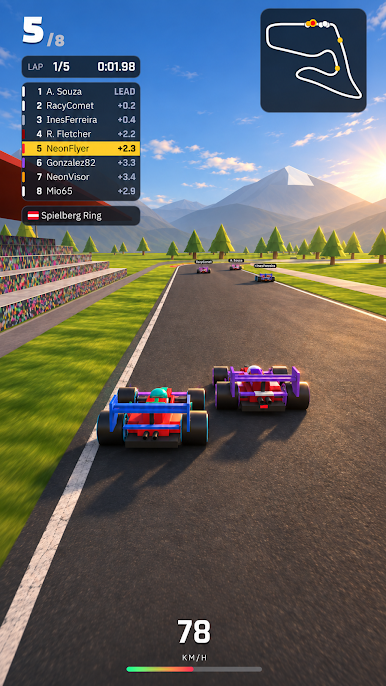
• Every race is a fight for position all the way to the flag
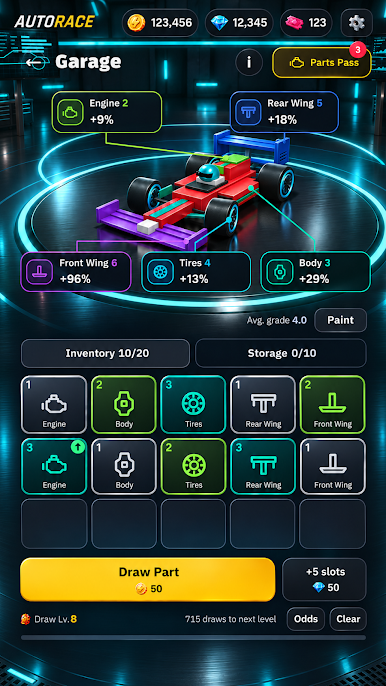
BUILD YOUR CAR
• Upgrade five parts: engine, body, tyres, front wing and rear wing
• Merge two parts of the same grade into a stronger one, up to grade 13
• Each part improves one stat, so you can feel every upgrade on track
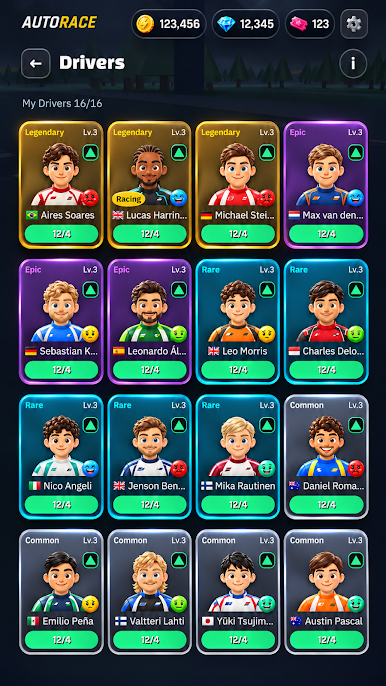
RECRUIT DRIVERS
• 16 drivers with their own skill cards – rarer drivers add a special skill
• Raise driver mastery to unlock new skills and stat boosts
• Check your drivers' condition before the green light
CLIMB THE LEAGUES
• Race from Bronze to Champion across 30 stages
• Take on the Grand Prix Challenge: 16 racers, no cards, pure racing
• Earn extra rewards from the Racing Pass and daily missions
QUICK RACES, REAL TRACKS
• Circuits modelled on the layouts of famous race tracks
• Races take just a few minutes – perfect for a quick break
Start your engine and race to the top!
Play AutoRace: Idle Racing on PC. It’s easy to get started.
-
Download and install BlueStacks on your PC
-
Complete Google sign-in to access the Play Store, or do it later
-
Look for AutoRace: Idle Racing in the search bar at the top right corner
-
Click to install AutoRace: Idle Racing from the search results
-
Complete Google sign-in (if you skipped step 2) to install AutoRace: Idle Racing
-
Click the AutoRace: Idle Racing icon on the home screen to start playing

