


Random Dice 2
Play on PC with BlueStacks – the Android Gaming Platform, trusted by 500M+ gamers.

Page Modified on: Nov 10, 2026
Main Random Dice 2 on PC
The Age of RNG and Pay-to-Win Is Over!
No Gacha. Just Pure Strategy.
Nowhere to hide. No excuses.
Welcome to the ultimate test of skill — Random Dice 2
🎲 A Truly Fair Battlefield! No Luck, Pure Skill
Everyone starts equal and every match is a true test of skill!
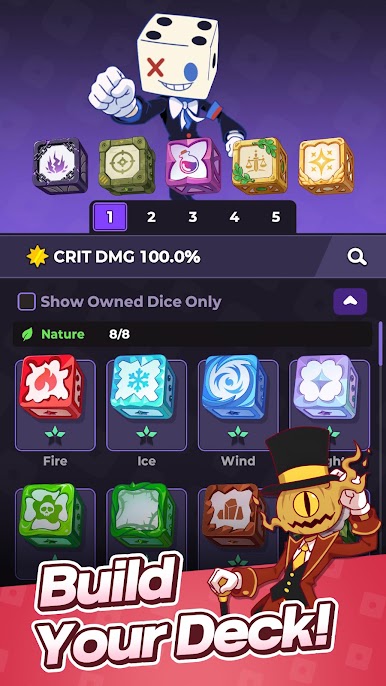
Build your deck, plan your strategy, and outplay your opponents!
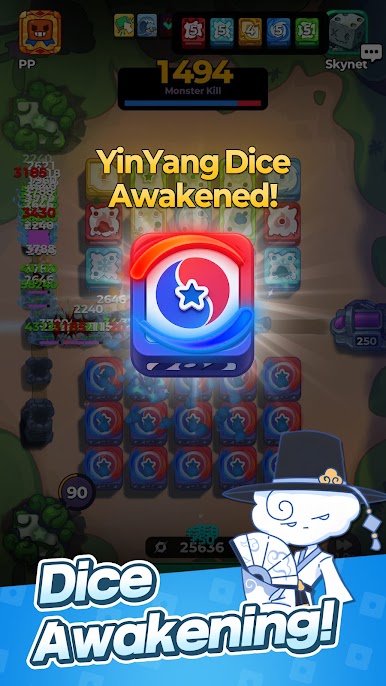
🎲 7-Dot Is Only the Beginning! Awaken Your True Power!
The moment your dice reaches 7-dot, the real battle begins!
Unlock powerful Awakening abilities and dominate the battlefield.
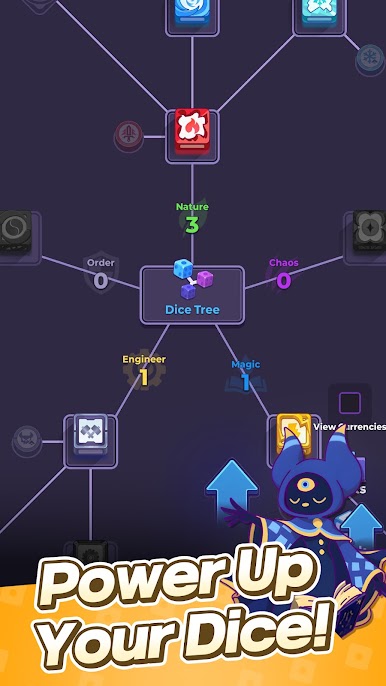
🎲 Shape Your Dice Your Way! Build Your Own Path
There's no single right answer! Grow, evolve, and customize your dice however you want.
Unlock the hidden potential of countless dice and create your very own path!
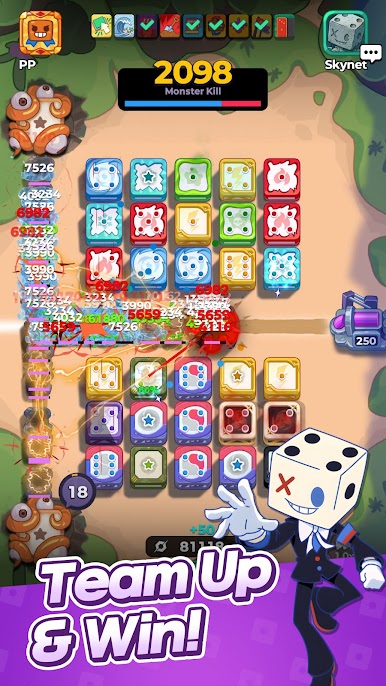
🎲 A Powerful Supporter! Team Up for the Perfect Strategy!
Choose the Supporter that best fits your strategy and take your game to the next level!
Swap or salvage dice, fire missiles based on dot count, and unleash all kinds of unique abilities!
With a friend and a trusty Supporter by your side, no boss is too tough to take down!
A Real-Time Dice Defense where victory is decided purely by "Strategy" and "Tactics" — Random Dice 2!
Forget gacha. Grow and shape your dice your way!

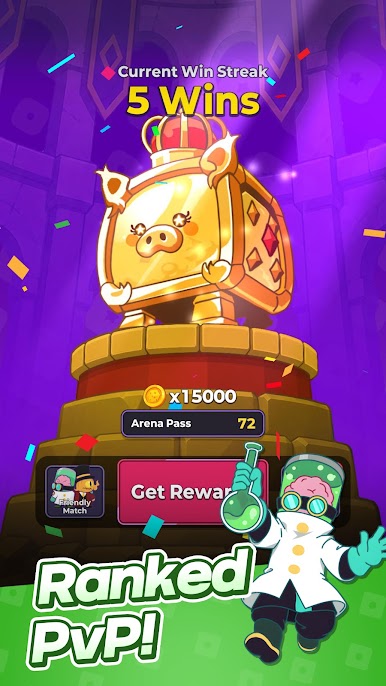
Play Random Dice 2 on PC. It’s easy to get started.
-
Download and install BlueStacks on your PC
-
Complete Google sign-in to access the Play Store, or do it later
-
Look for Random Dice 2 in the search bar at the top right corner
-
Click to install Random Dice 2 from the search results
-
Complete Google sign-in (if you skipped step 2) to install Random Dice 2
-
Click the Random Dice 2 icon on the home screen to start playing

