


Petcube
Play on PC with BlueStacks – the Android Gaming Platform, trusted by 500M+ gamers.

Page Modified on: Sep 30, 2026
Play Petcube on PC
Petcube goes far beyond smart hardware. It’s a pet-first platform designed around the animal you love — not the technology you use.
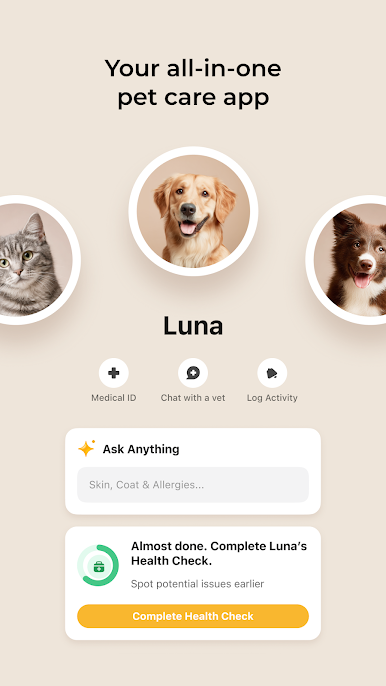
Start by creating a profile for your dog or cat. Add their age, breed, habits, and health history. Complete a Health Check by answering health and care-related questions about your pet. From there, Petcube becomes a companion with personalized AI insights and around-the-clock certified vet chat to help you make better decisions for your pet and be a more confident pet parent.
With Petcube App you can:
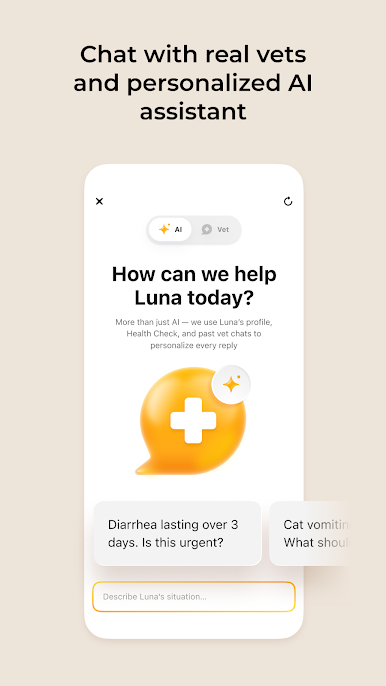
- Get AI-powered answers about your pet’s health, behavior, food, and training;
- Chat with licensed veterinarians when you need on-the-spot medical guidance;
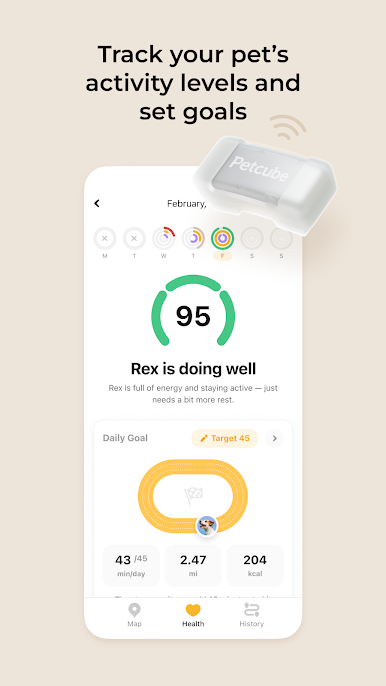
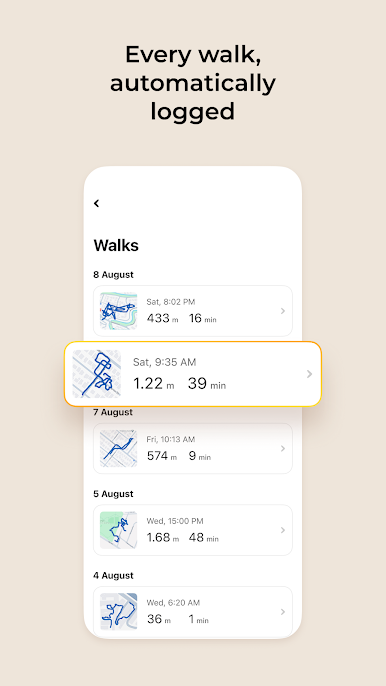
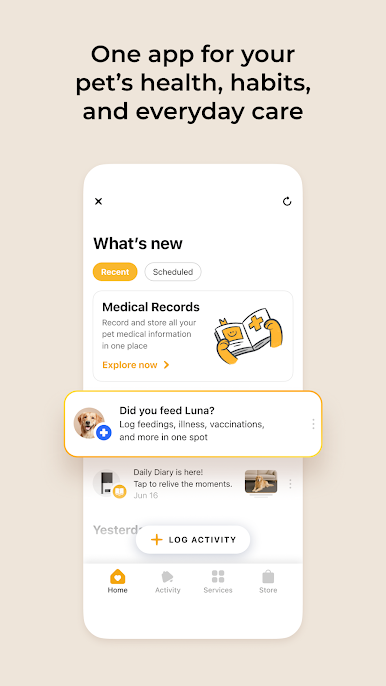
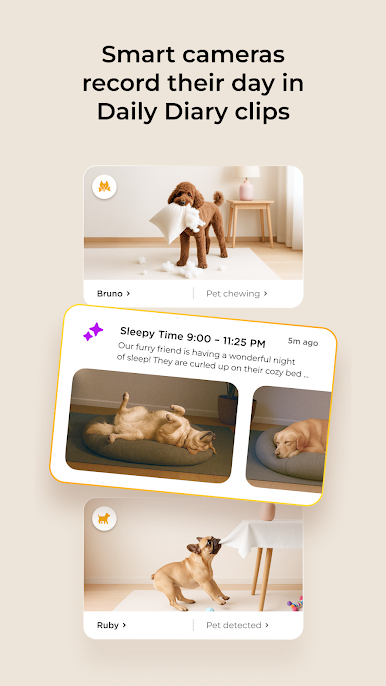
- Track activity, routines, health data, and daily moments in your pet’s journal;
- Get reminders, smart alerts, set up voice commands, and care schedules;
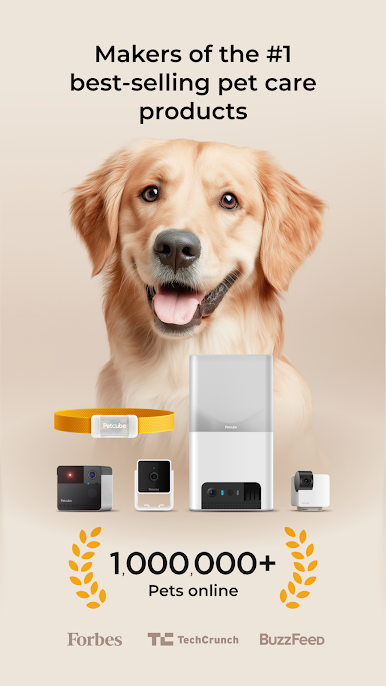
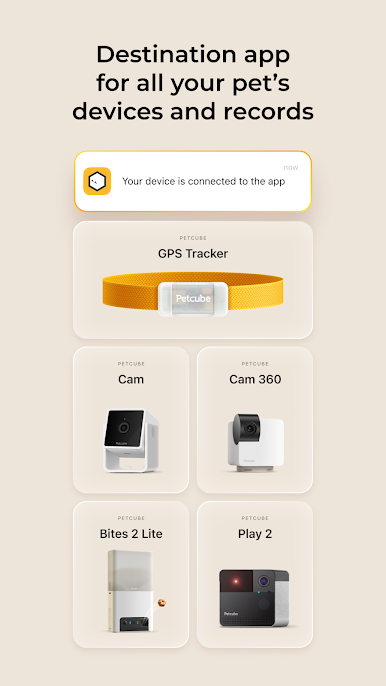
- Connect your Petcube devices for live streaming, smart alerts, emergency monitoring, and activity insights.
Your pet’s profile, photos, logs, and history help unlock more personalized advice, reminders, and care recommendations — turning the app into a digital diary for your pet.
Whether you’re checking in while you’re away, worried about a symptom, or just want to be a better pet parent, Petcube puts everything you need right at your fingertips.
Petcube app is free to download, and can be enjoyed as a standalone experience.
---------------------------------------------------------------
If you have any questions, drop us a line at support@petcube.com. We’re happy to assist you and take any feedback about the Petcube app or your Petcube camera.
www.petcube.com
---------------------------------------------------------------
Facebook: https://www.facebook.com/petcube.inc
Twitter: https://twitter.com/Petcube
Instagram: http://instagram.com/petcube
Pinterest: http://www.pinterest.com/petcube
TikTok: https://tiktok.com/@petcube_pack

Play Petcube on PC. It’s easy to get started.
-
Download and install BlueStacks on your PC
-
Complete Google sign-in to access the Play Store, or do it later
-
Look for Petcube in the search bar at the top right corner
-
Click to install Petcube from the search results
-
Complete Google sign-in (if you skipped step 2) to install Petcube
-
Click the Petcube icon on the home screen to start playing

