


Archery Score Keeper
Play on PC with BlueStacks – the Android Gaming Platform, trusted by 500M+ gamers.

Page Modified on: Jan 3, 2026
Play Archery Score Keeper on PC
Key Features
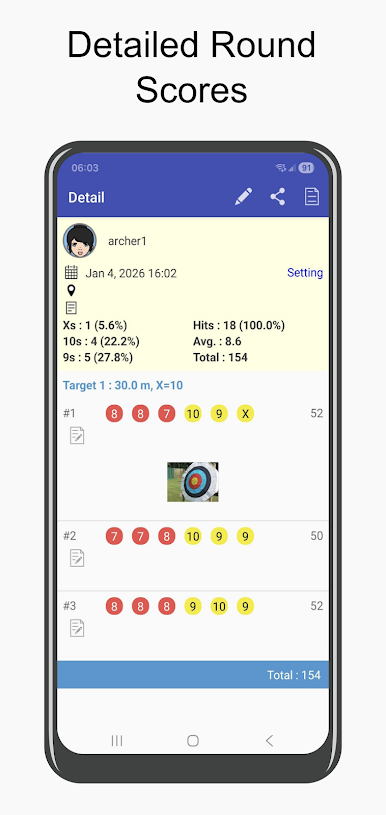
Flexible scoring: Support for 1-12 arrows per end to match any training style
Rounds: Built-in support for FITA (World Archery), GNAS (Archery GB), and custom rounds
Multiple archers: Support 2 archers
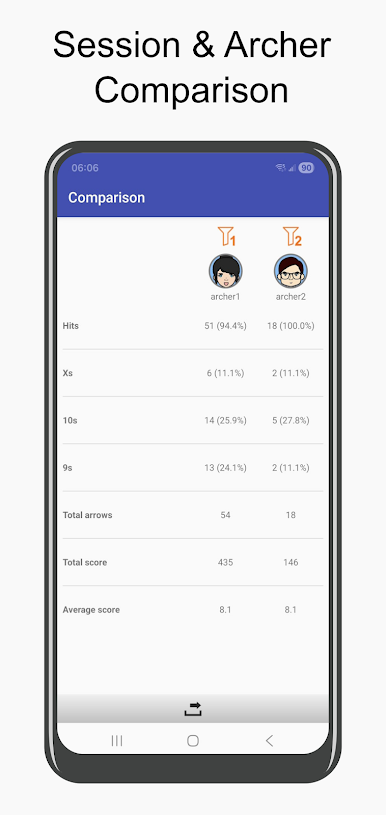
In-depth comparisons: Analyze performance by session or across archers
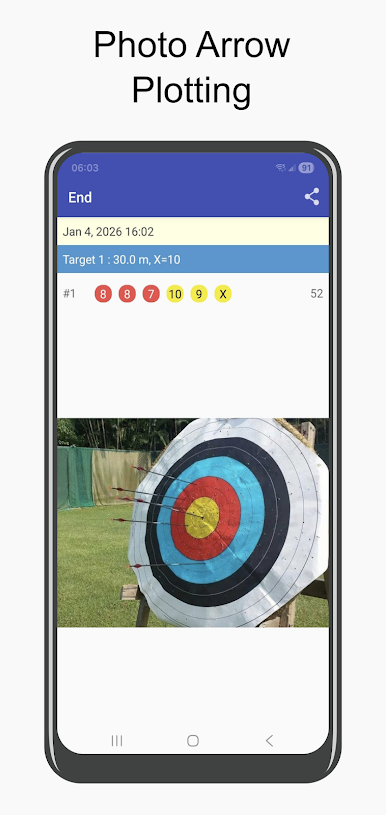
Sight marks: Record arrow position by just take a photo. No more manual entry of imprecise sight marks!
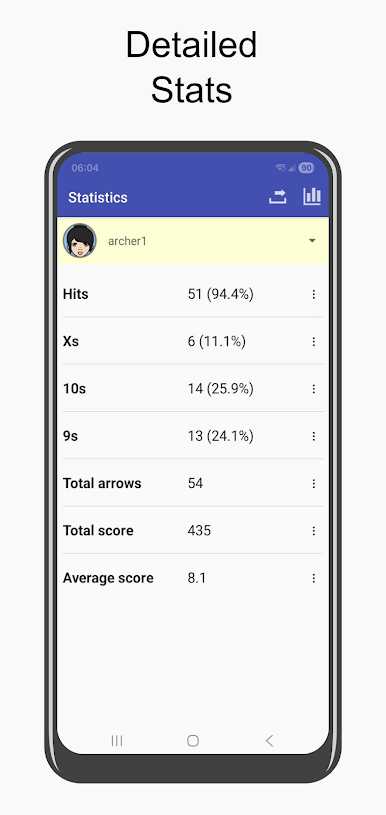
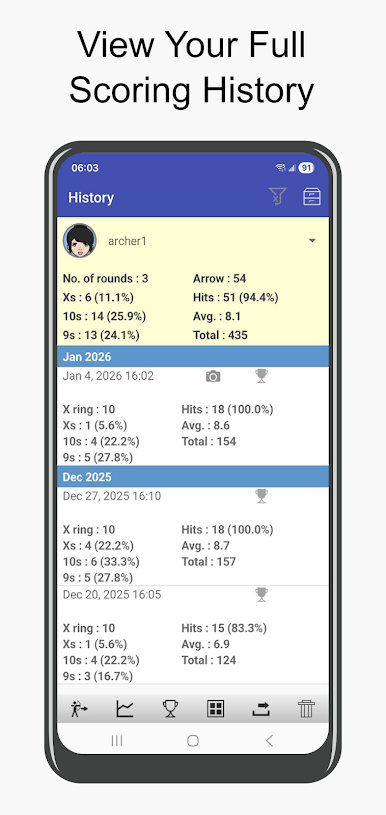
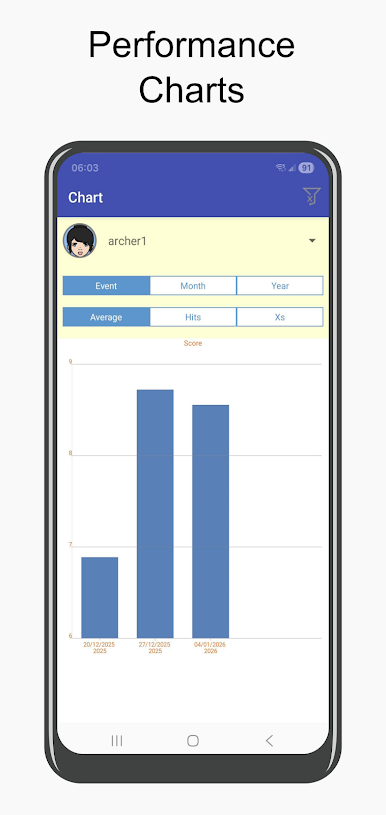
Statistics: Detailed statistics and progress tracking
Comparison: Analyze performance by session or across archers
Export: Export scores to CSV or XLS for further analysis or sharing
Sessions: Up to 10 sessions
Key Features for PRO version
One-time purchase
Archers: Support up to 4 archers, perfect for families
Sessions: Unlimited Sessions
Key Features for Ultra version
One-time purchase
Archers: Support up unlimited archers, perfect for clubs, families, or coaching
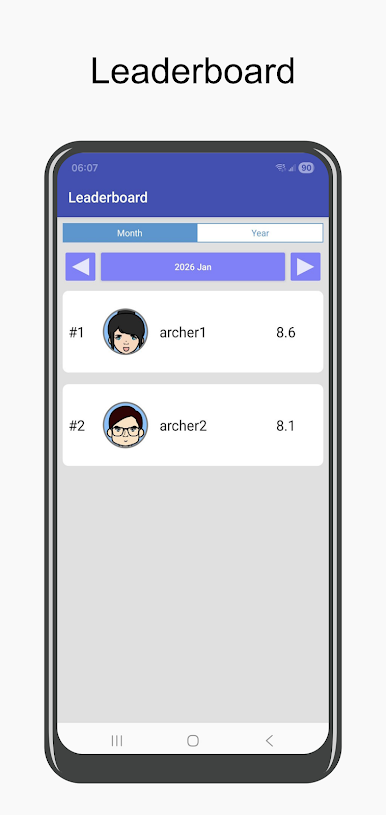
Leaderboard: Compare scores and motivate your group
Archer photos : For easy profile identification
Export: Export scores to XLS for further analysis or sharing
Designed for serious archers who want accurate, visual data without the hassle. Improve your game with real arrow plots from photos, compete on leaderboards, and track multiple profiles effortlessly.Join thousands of archers elevating their training.
Download now and hit the gold more often!
Play Archery Score Keeper on PC. It’s easy to get started.
-
Download and install BlueStacks on your PC
-
Complete Google sign-in to access the Play Store, or do it later
-
Look for Archery Score Keeper in the search bar at the top right corner
-
Click to install Archery Score Keeper from the search results
-
Complete Google sign-in (if you skipped step 2) to install Archery Score Keeper
-
Click the Archery Score Keeper icon on the home screen to start playing

