

FML26: Football Mobile League
Play on PC with BlueStacks – the Android Gaming Platform, trusted by 500M+ gamers.

Page Modified on: Jul 3, 2026
Play FML26: Football Mobile League on PC or Mac
Play FML26: Football Mobile League by Pivot Games Studios on PC or Mac with BlueStacks. Use a bigger screen, mouse and keyboard controls, and smoother performance while you play.
About the Game
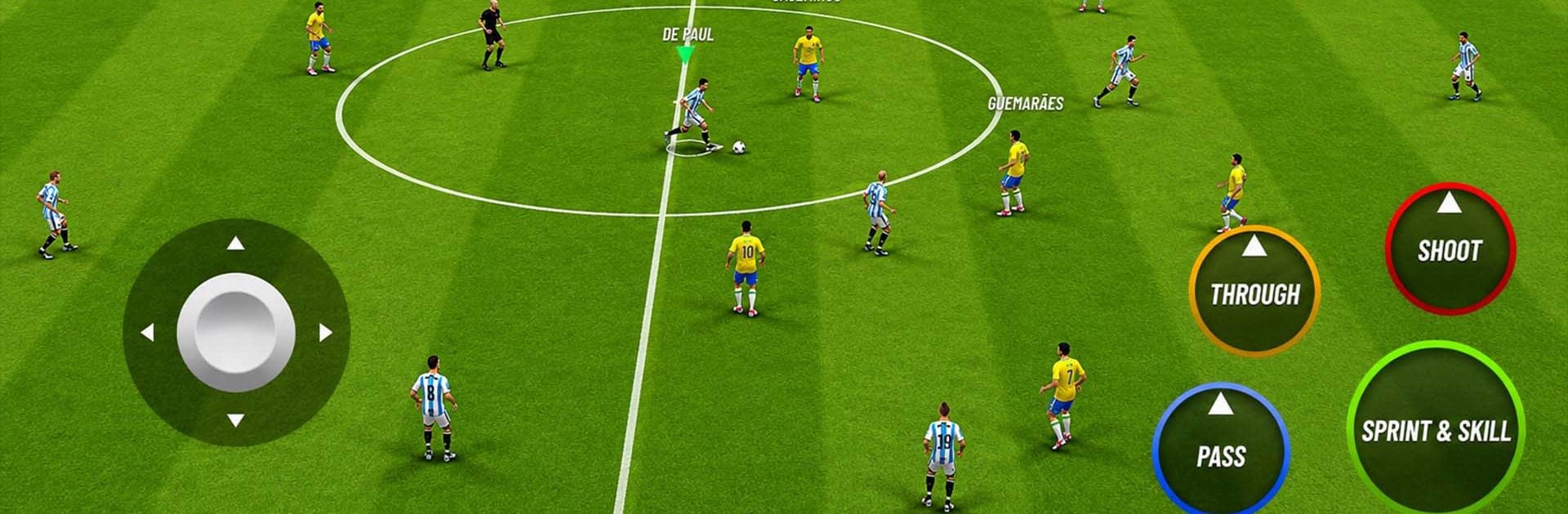
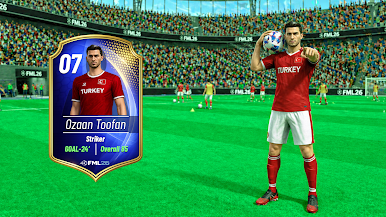
FML26: Football Mobile League is all about fast, competitive matches where your choices on the ball actually matter. This Sports title mixes quick pick‑up play with deeper modes for season grinders, so you can sneak in a short match or grind your way to the top. Prefer a bigger view? It also runs smoothly on BlueStacks if you like playing on your PC.
Game Features
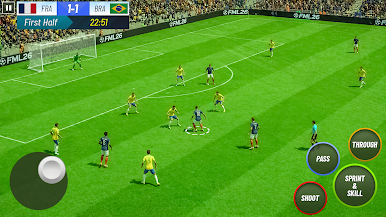
- Real Match Feel: Every pass, tackle, and shot has weight, so building a game plan—pressing high or sitting back—really pays off.
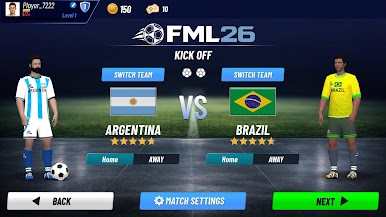
- Kickoff Mode: Short on time? Jump straight into a match, pick a side, and get the ball rolling in seconds.
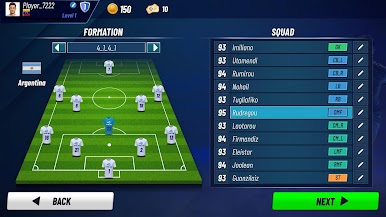
- Clubs Mode: Stick with a favorite club, sharpen your play, and outwork opponents match after match.
- Tournament Runs: Battle through knockout-style brackets where each win pushes you closer to the trophy.
- Full League Seasons: Play the long game—stack points, climb the table, and chase that champion’s spot over a full campaign.
- Penalty Shootouts: Feel the pressure from the spot with tense kicks where timing and nerve decide everything.
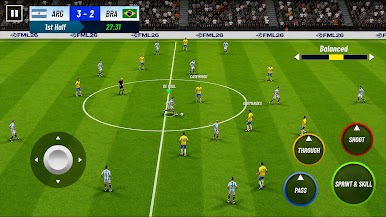
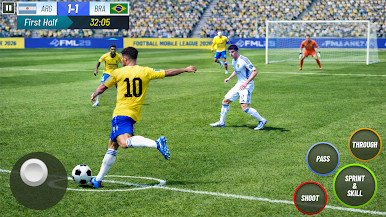
- Snappy Controls: Clean passing, crisp shooting, slick dribbling, and solid defending keep matches fluid and responsive.
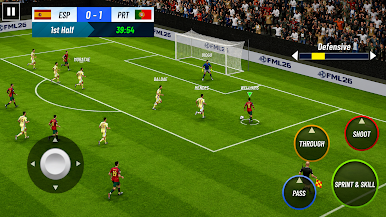
- Attack With Purpose: Break lines, thread through-balls, and finish with strikes that feel—and look—satisfying.
- Competitive Pace: Matches are quick and intense, great for newcomers who want action and veterans who crave challenge.
- Play Your Way: Bounce between modes to scratch different itches, whether it’s instant action or a long, strategic season.
Start playing FML26: Football Mobile League on BlueStacks and get a smoother, more comfortable PC or Mac setup.
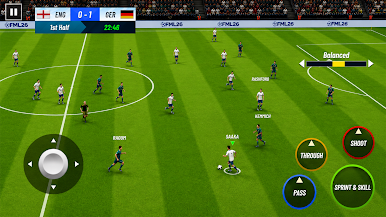
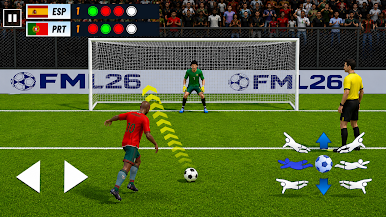
Play FML26: Football Mobile League on PC. It’s easy to get started.
-
Download and install BlueStacks on your PC
-
Complete Google sign-in to access the Play Store, or do it later
-
Look for FML26: Football Mobile League in the search bar at the top right corner
-
Click to install FML26: Football Mobile League from the search results
-
Complete Google sign-in (if you skipped step 2) to install FML26: Football Mobile League
-
Click the FML26: Football Mobile League icon on the home screen to start playing

