


Gun Shot ASMR: Sound Simulator
Play on PC with BlueStacks – the Android Gaming Platform, trusted by 500M+ gamers.

Page Modified on: Mar 8, 2023
Overview
In order to give you real-life experience, the app are designed in such a way that anyone, kids, teen, young, and old people can easily play with. Only some simple steps then you can have real shots trial, but in a totally harmless and safe way
🔫 How to Play
▸ Download the Gun Shot ASMR: Sound Simulator game into your mobile
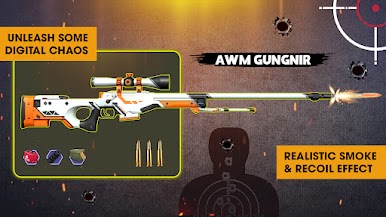
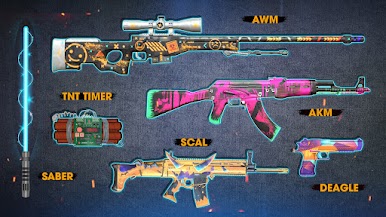
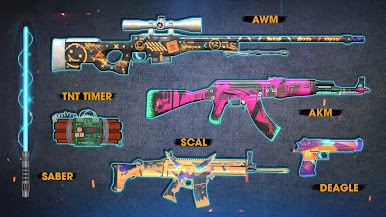
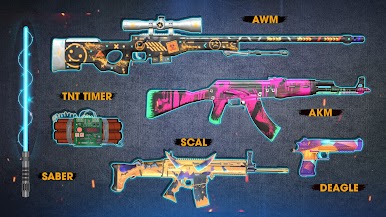
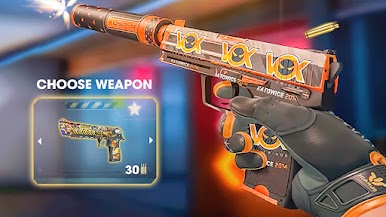
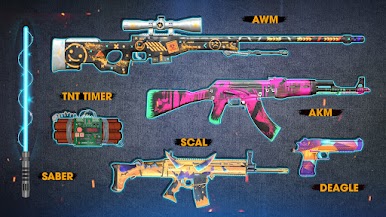
▸ Choose your weapons: Guns, Boomb, or Light Saber
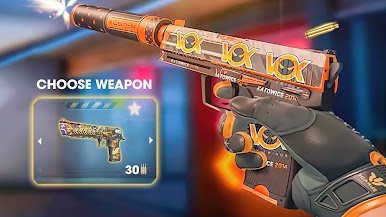
▸ Select your favorite & press the trigger
▸ Prank your friends and scare them with real gun sounds
🔫 Game Features:
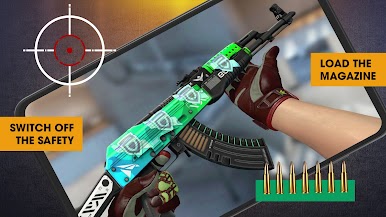
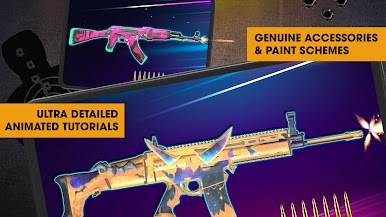
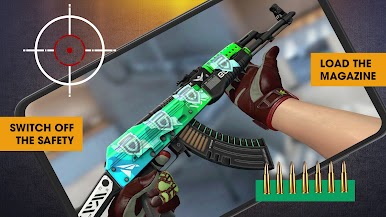
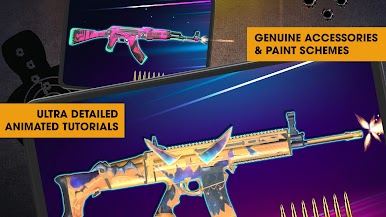
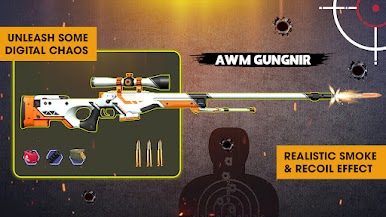
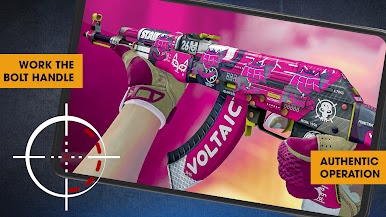
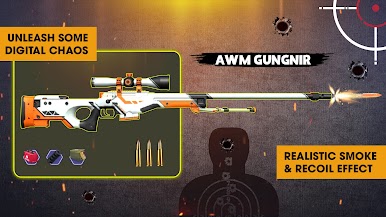
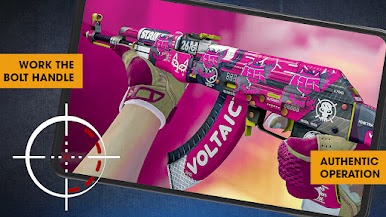
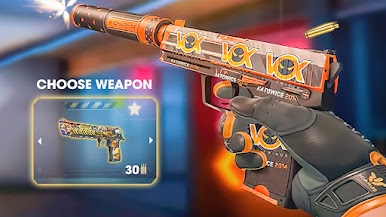
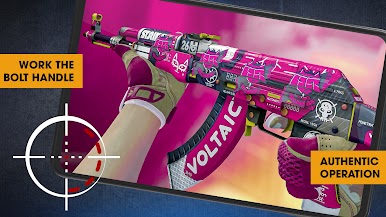
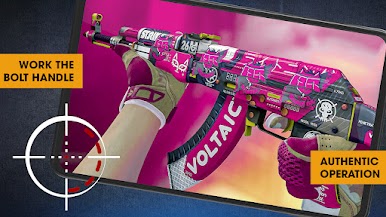
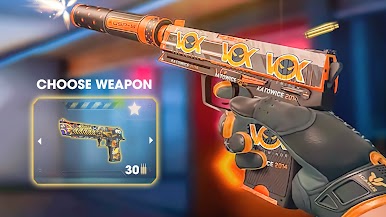
▸ Build your own collection with our 100+ different real Gun Sounds Simulator: AK 47/ M1-J/ Browning-M2HB/ Pistol/ M84-Granade/ Flame Thrower/ Laser...
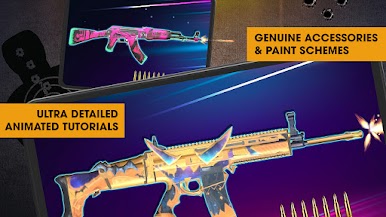
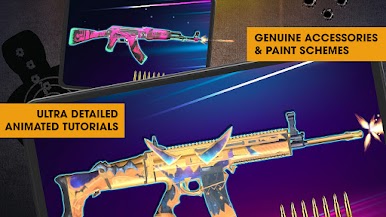
▸ High-quality graphics for Real 3D Weapon simulation Effects
▸ Multiple scene maps create multiple shooting challenges
▸ Extremely smooth, responsive, and easy to control
Hold strong your phone while shooting and enjoy different shot sounds with your friends NOW!
Play Gun Shot ASMR: Sound Simulator on PC. It’s easy to get started.
-
Download and install BlueStacks on your PC
-
Complete Google sign-in to access the Play Store, or do it later
-
Look for Gun Shot ASMR: Sound Simulator in the search bar at the top right corner
-
Click to install Gun Shot ASMR: Sound Simulator from the search results
-
Complete Google sign-in (if you skipped step 2) to install Gun Shot ASMR: Sound Simulator
-
Click the Gun Shot ASMR: Sound Simulator icon on the home screen to start playing

