


Phantom Rose Scarlet
Play on PC with BlueStacks – the Android Gaming Platform, trusted by 500M+ gamers.

Page Modified on: Dec 8, 2025
Play Phantom Rose Scarlet on PC or Mac
Step into the World of Phantom Rose Scarlet, a thrilling Card game from the house of Studio Maka. Play this Android game on BlueStacks App Player and experience immersive gaming on PC or Mac.
About the Game
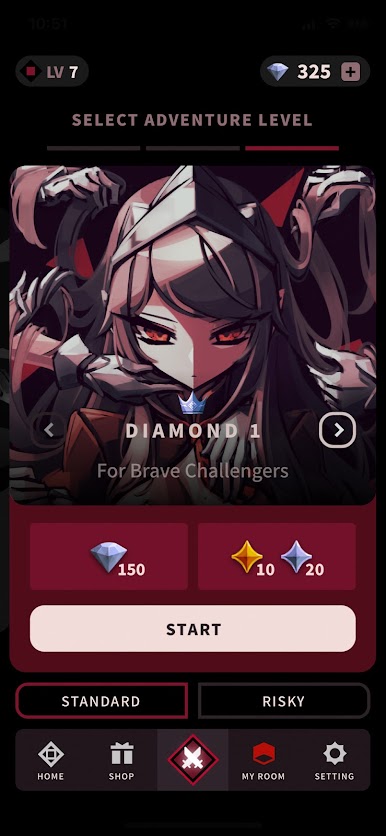
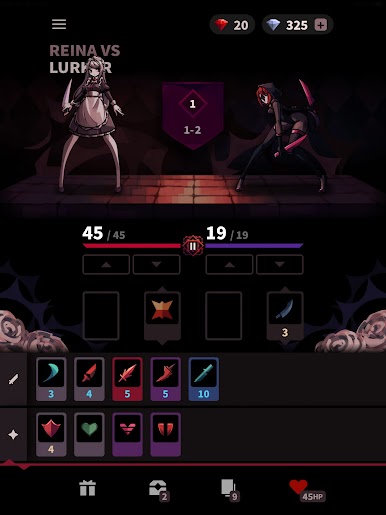
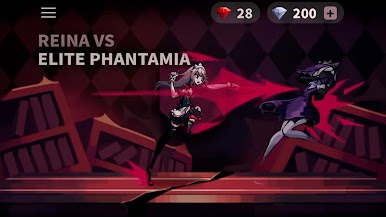
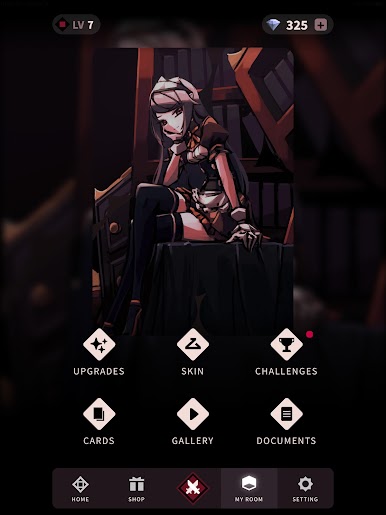
Phantom Rose Scarlet, from Studio Maka, drops you right into the shoes of Reina, a maid wandering a creepy, monster-filled mansion. This isn’t just your average card game—it’s all about strategy, tension, and choices that actually matter. With every step, you’ll need to think ahead as you build your deck, knowing one wrong move could be your last.
Game Features
-
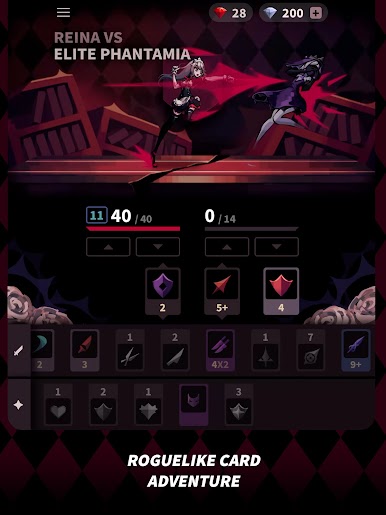
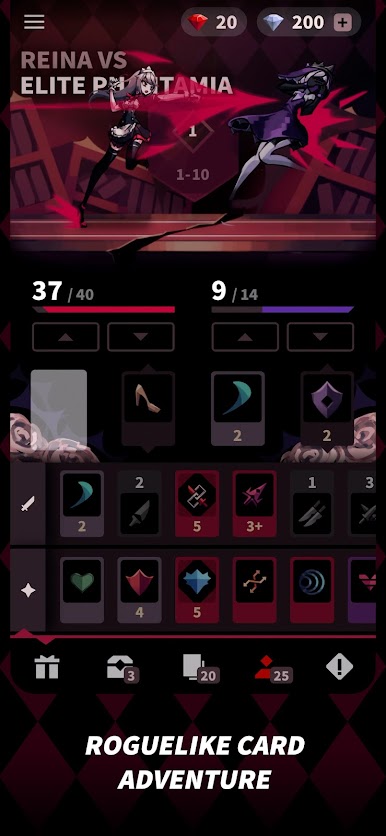
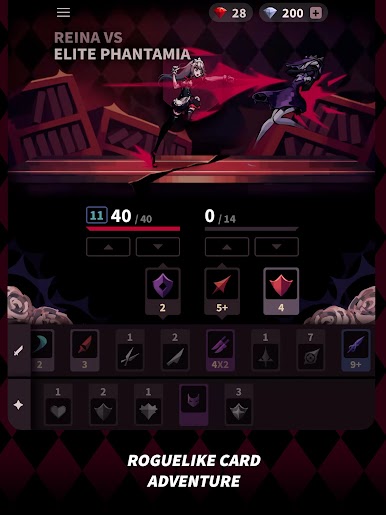
Roguelike Card Adventure
Each run through Phantom Rose Scarlet feels fresh and unpredictable. Every decision you make sticks with you—mess up, and you might not get a do-over. -
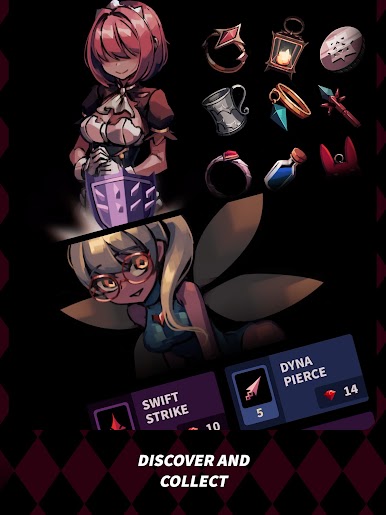
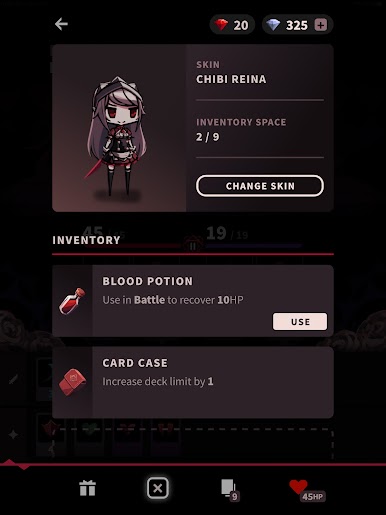
Huge Card Collection
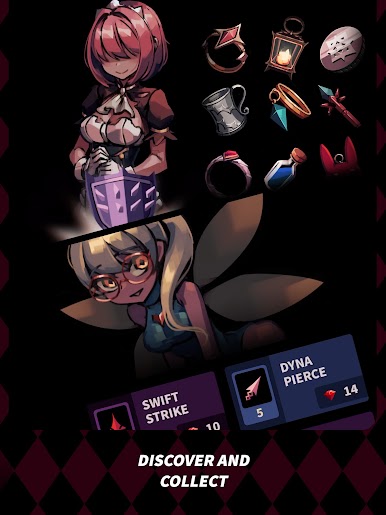
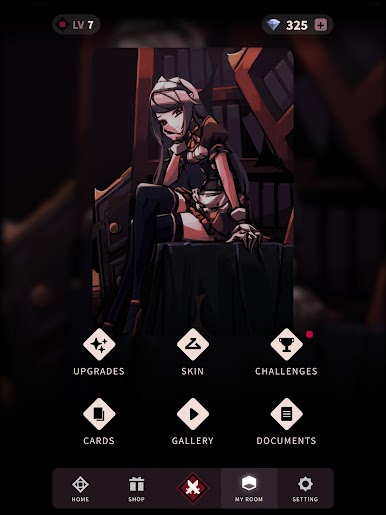
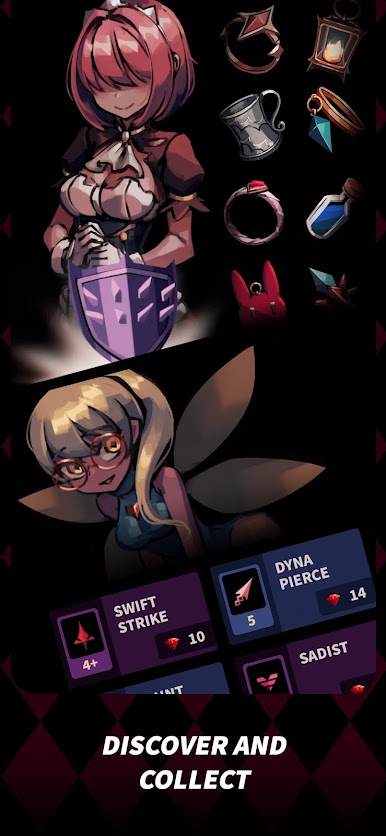
Defeat phantoms and rescue fellow maids to snag over a hundred unique cards and powerful items. There’s always something new to add to your collection and change up your strategy. -
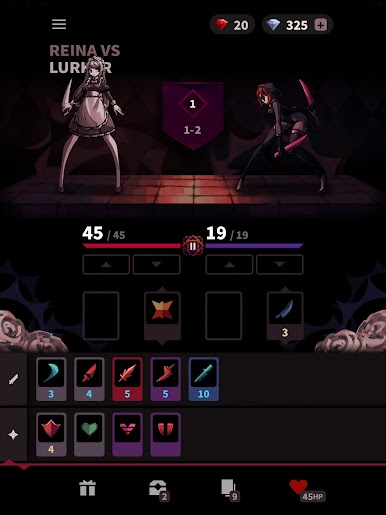
Unique Deck Management
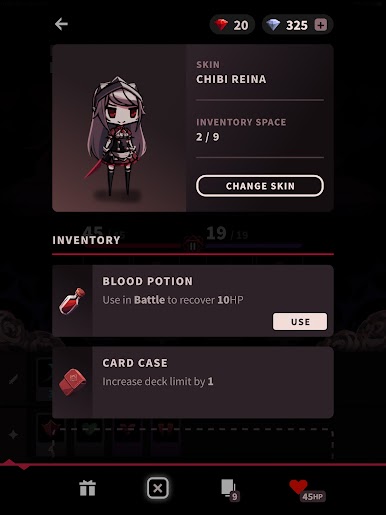
No pulling random cards here. When you’re in battle, you’re in full control by managing cooldowns instead of hoping for a lucky draw. It’s all about smart planning and timing, not just luck. -
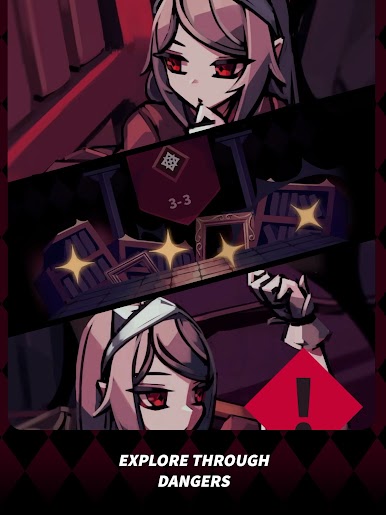
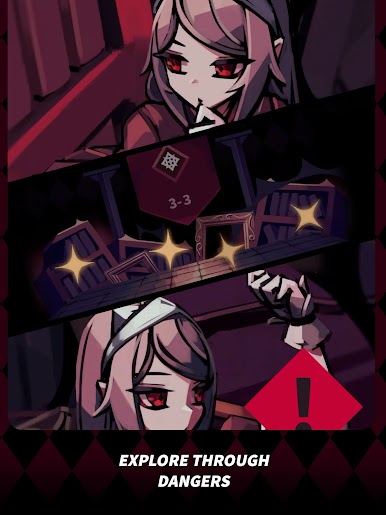
Challenging Exploration
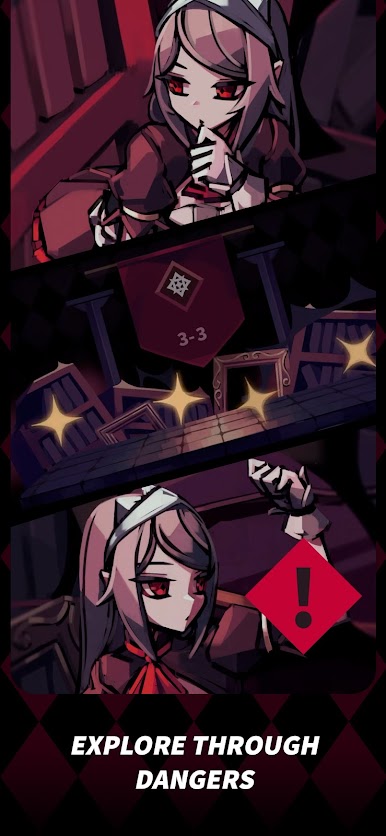
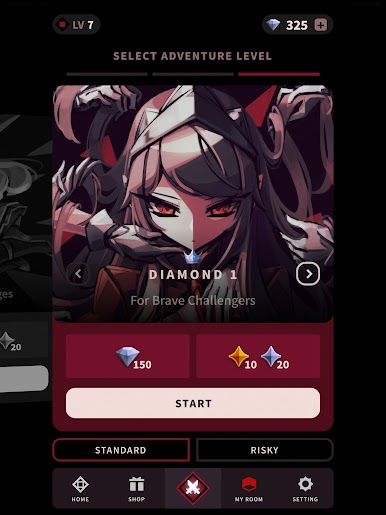
Move through haunting rooms filled with danger—or the occasional safe spot. Each area brings its own surprises, and tougher crown phantoms are waiting at the end for the bravest players eyeing big rewards.
If you want to play Phantom Rose Scarlet on PC, you’ll find it runs smoothly with BlueStacks, letting you get the most out of each thrilling decision.
Get ready for a buttery smooth, high-performance gaming action only on BlueStacks.






Play Phantom Rose Scarlet on PC. It’s easy to get started.
-
Download and install BlueStacks on your PC
-
Complete Google sign-in to access the Play Store, or do it later
-
Look for Phantom Rose Scarlet in the search bar at the top right corner
-
Click to install Phantom Rose Scarlet from the search results
-
Complete Google sign-in (if you skipped step 2) to install Phantom Rose Scarlet
-
Click the Phantom Rose Scarlet icon on the home screen to start playing

