


PhilGolf GSPRO Add-on
Play on PC with BlueStacks – the Android Gaming Platform, trusted by 500M+ gamers.

Page Modified on: Mar 14, 2026
Play PhilGolf GSPRO Add-on on PC
Turn your GsPro practice sessions into exciting competitions with friends.
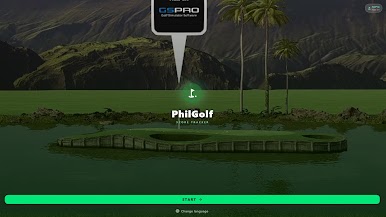
PhilGolf GsPro is a score tracking app designed for multiplayer practice sessions on the GsPro golf simulator. Track every shot, record scores hole by hole, and see the live leaderboard update instantly during the game.
With a scoring system based on accuracy around the flag, every shot matters. The closer you land to the pin, the better your score.
Perfect for friendly matches, simulator leagues, or competitive practice sessions.
Key Features
🏆 Live Leaderboard
Follow the ranking in real time as scores update after each shot.
🔥 Automatic Playoff Mode
Tied at the end of the round? The app automatically launches extra holes until a winner is decided.
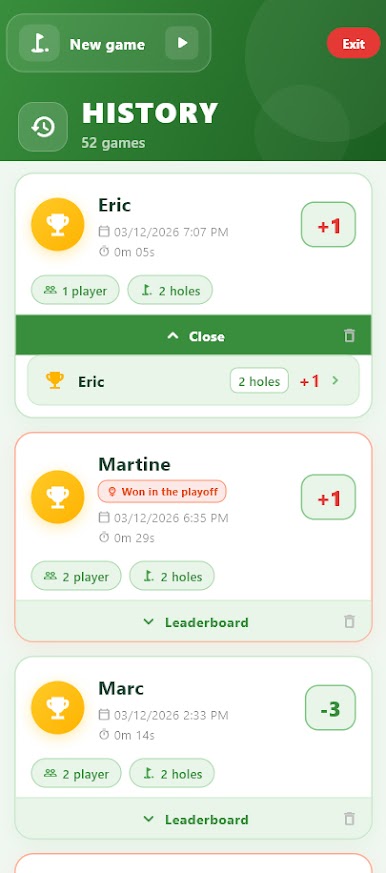
📊 Game History
Review all your previous games with detailed scores for every player.
⚡ Fast & Simple Score Entry
Record results in seconds without slowing down your game.
🌍 Multilingual Support
Available in English, French, and German.
📱 Multi-Platform
Works across Android, Web, Windows, and Linux.
How to Play
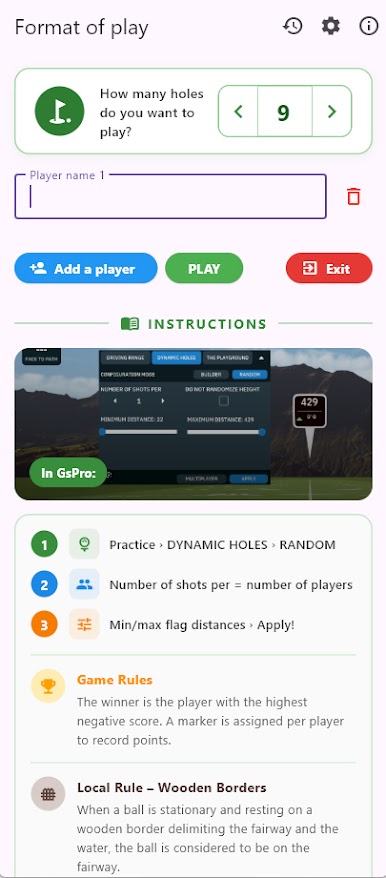
Start Practice Mode in GsPro.
Add the players in the app.
Record the result of each hole and watch the live leaderboard update instantly.


Play PhilGolf GSPRO Add-on on PC. It’s easy to get started.
-
Download and install BlueStacks on your PC
-
Complete Google sign-in to access the Play Store, or do it later
-
Look for PhilGolf GSPRO Add-on in the search bar at the top right corner
-
Click to install PhilGolf GSPRO Add-on from the search results
-
Complete Google sign-in (if you skipped step 2) to install PhilGolf GSPRO Add-on
-
Click the PhilGolf GSPRO Add-on icon on the home screen to start playing

