


Phone Case DIY: ASMR Mobile
Play on PC with BlueStacks – the Android Gaming Platform, trusted by 500M+ gamers.

Page Modified on: Jun 23, 2026
Play Phone Case DIY: ASMR Mobile on PC
If you love a satisfying coloring game or want to become a coloring master, this simulator is tailor-made for you. Dive into a world of endless creativity, smooth mechanics, and deeply relaxing sounds that melt your stress away.
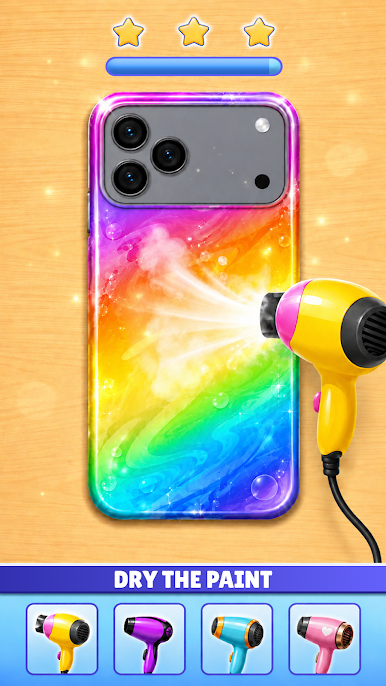
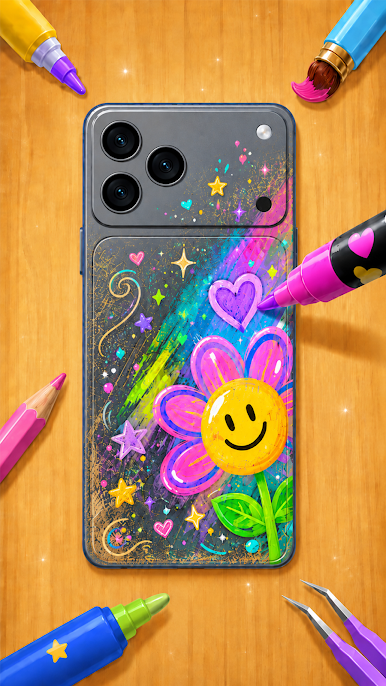
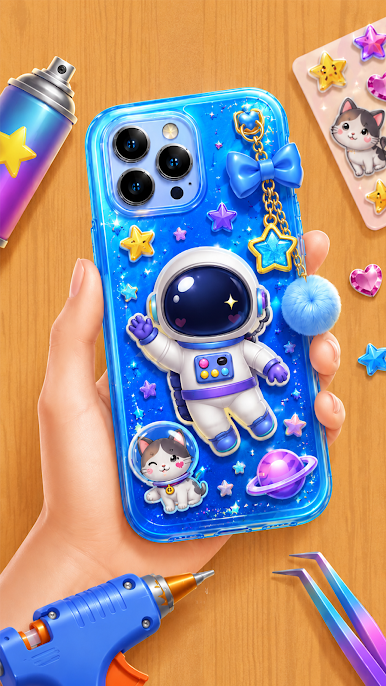
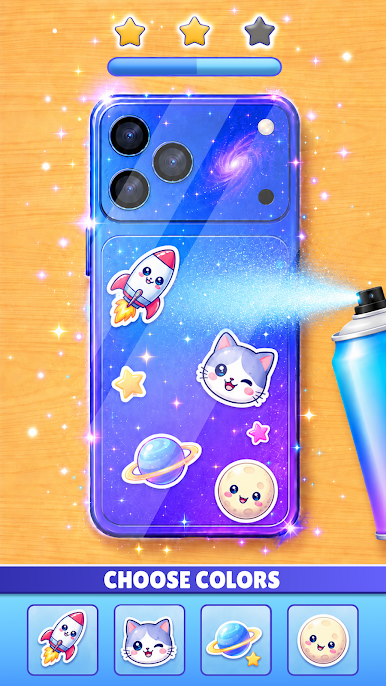
🎨 EXPRESS YOUR UNIQUE STYLE Why settle for a boring phone case? In this phone design game, you are the creator. Explore hundreds of trendy templates or start from scratch. Dip, spray, paint, and watch your imagination come to life in vibrant colors.
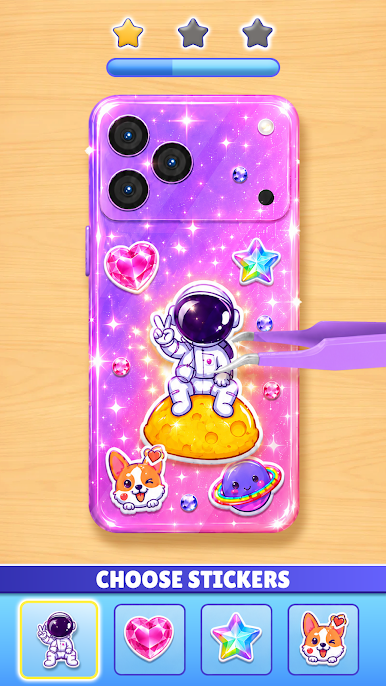
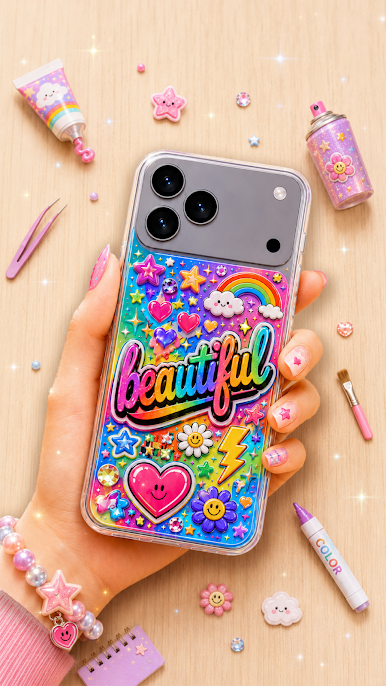
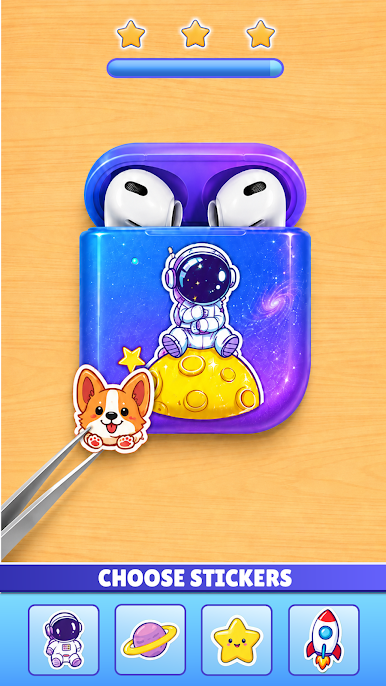
✨ DECORATE WITH FUN STICKERS & 3D CHARMS Take your design to the next level! After painting, use our massive collection of sticker decor to add that perfect touch. From cute anime characters to cool pop-culture doodles, customize your cover exactly the way you like.
🎧 DEEPLY SATISFYING ASMR EXPERIENCE It is not just about the art—it is about the feeling. Enjoy the realistic sounds of scraping off old glue, spraying neon paint, popping fidget toys, and peeling off protective layers. This is the perfect antistress escape after a long day.
AWESOME GAME FEATURES:
Diverse Mechanics: Paint spray, tie-dye, acrylic dipping, and sparkling glitter decoration.
Massive Wardrobe: Hundreds of modern phone models, camera styles, and 3D charms.
Intuitive Controls: Super smooth 3D simulation that feels like real-life crafting.
Daily Challenges: Run your own phone case shop, complete special orders for VIP clients, and unlock premium rewards.
Download Phone Case DIY: ASMR Mobile today and start crafting your masterpiece. Let your inner artist shine in the most relaxing phone case maker on mobile!

Play Phone Case DIY: ASMR Mobile on PC. It’s easy to get started.
-
Download and install BlueStacks on your PC
-
Complete Google sign-in to access the Play Store, or do it later
-
Look for Phone Case DIY: ASMR Mobile in the search bar at the top right corner
-
Click to install Phone Case DIY: ASMR Mobile from the search results
-
Complete Google sign-in (if you skipped step 2) to install Phone Case DIY: ASMR Mobile
-
Click the Phone Case DIY: ASMR Mobile icon on the home screen to start playing

