


Video Downloader & Photo Vault
Play on PC with BlueStacks – the Android Gaming Platform, trusted by 500M+ gamers.

Page Modified on: Aug 26, 2024
Overview
If you need to protect your privacy, this app will be your good choice, it can hide your private videos and photos and keep your files safe with ease. Whether it's personal memories, sensitive content, or your favorite clips, our secure vault ensures your privacy is always maintained.
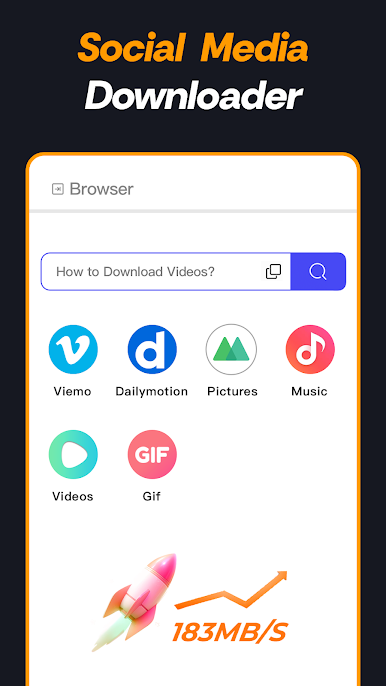
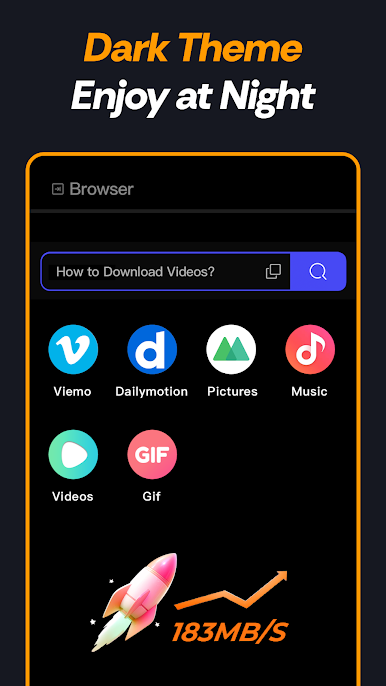
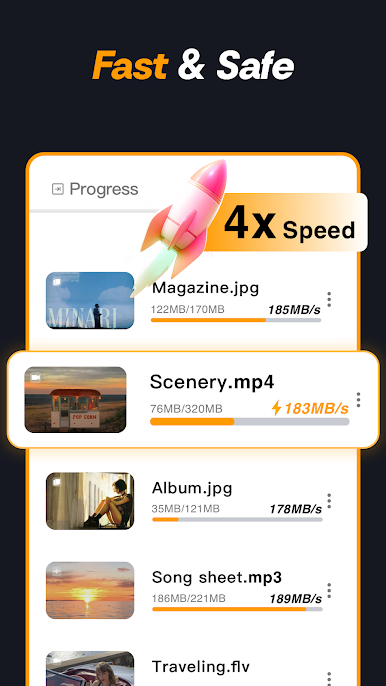
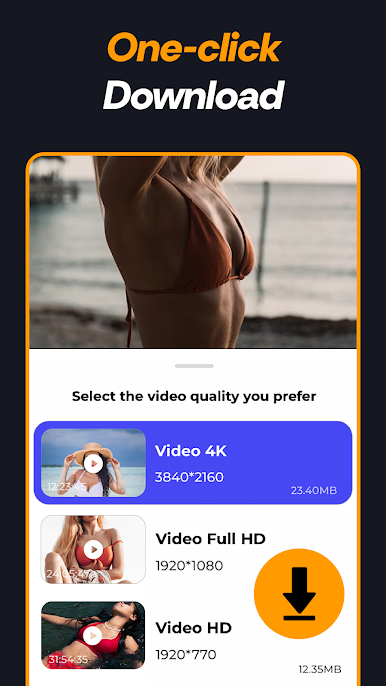
But that's not all! We've integrated a powerful downloader, allowing you to effortlessly save videos from various sources directly to your device. Enjoy your favorite content offline, anytime, anywhere.
Key Features:
- ⏬Video Downloader: Download videos from your favorite platforms and watch them offline.
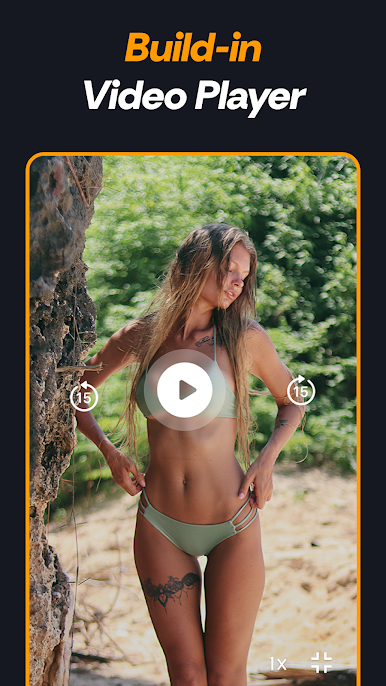
- 🎦Build-in Player: Seamlessly watch your videos within the app without needing an external player.
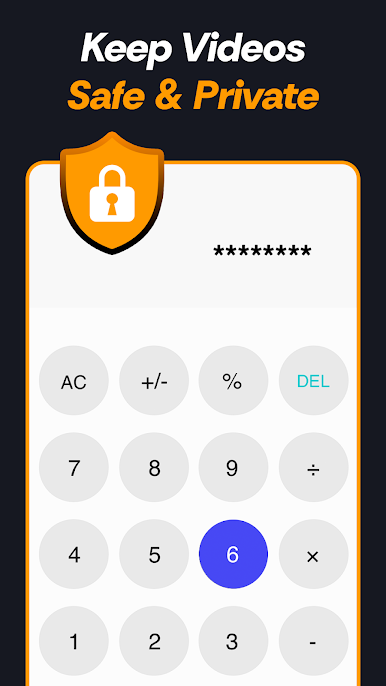
- 🧮Calculator Interface: Disguise your vault with a fully functional calculator interface for added privacy.
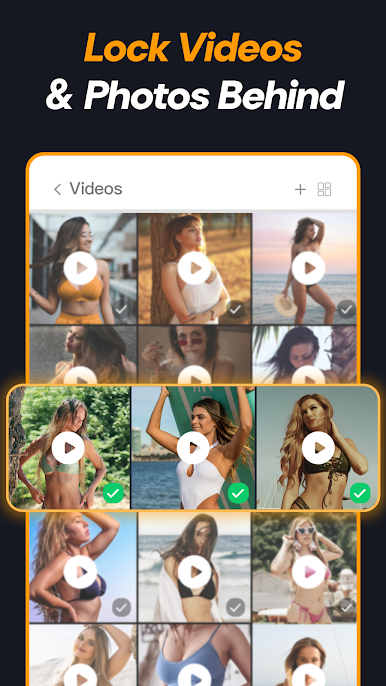
- 🔐Secure Vault: Keep your videos and photos safe from prying eyes with our encrypted vault.
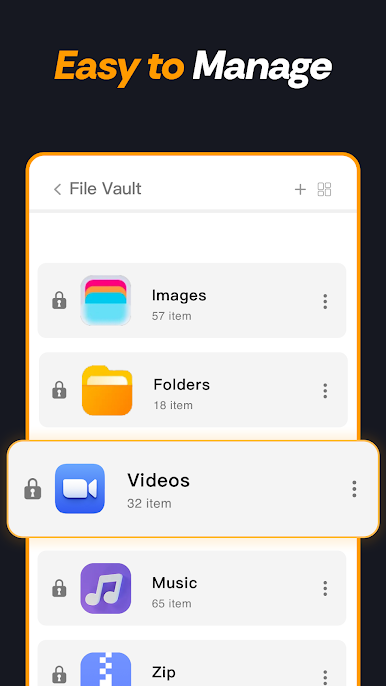
- 📁Easy Organization: Quickly organize your files with intuitive categorization features.
Privacy Policy:https://sites.google.com/view/safe-vault-privacy-policy/
Term of Use:https://sites.google.com/view/safevaulttermofuse/
Play Video Downloader & Photo Vault on PC. It’s easy to get started.
-
Download and install BlueStacks on your PC
-
Complete Google sign-in to access the Play Store, or do it later
-
Look for Video Downloader & Photo Vault in the search bar at the top right corner
-
Click to install Video Downloader & Photo Vault from the search results
-
Complete Google sign-in (if you skipped step 2) to install Video Downloader & Photo Vault
-
Click the Video Downloader & Photo Vault icon on the home screen to start playing

