


Piano Beat Master
Play on PC with BlueStacks – the Android Gaming Platform, trusted by 500M+ gamers.

Page Modified on: Sep 1, 2026
Play Piano Beat Master on PC
Game Features:
1. The game screen is exquisite, easy to use, and everyone can become a piano master!
2. Keep challenging and push your limits with heady music rhythms!
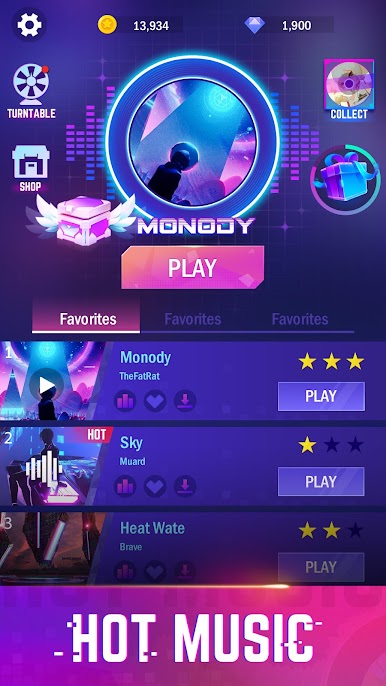
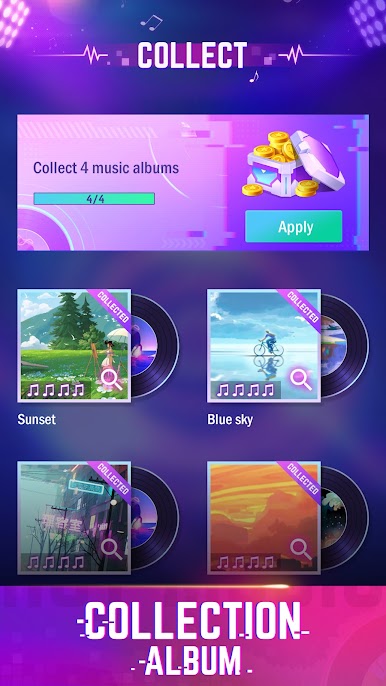
3. Massive music is constantly updated, classic, popular, original, and a variety of styles to meet the needs of the majority of music lovers!
4. More challenges, more rewards, surpass yourself, come and compete with the masters on the leaderboard!
Game rules:
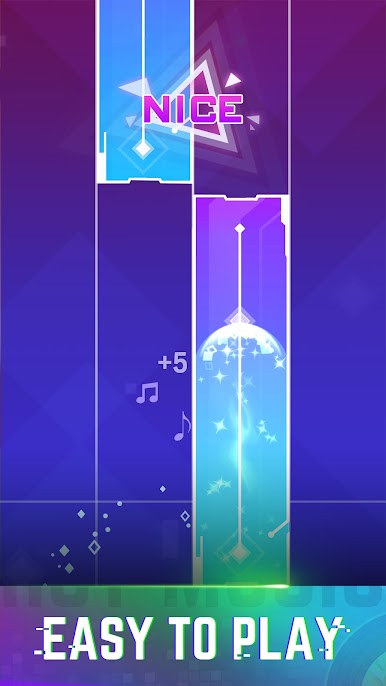
Concentrate and follow the rhythm and click the squares

Play Piano Beat Master on PC. It’s easy to get started.
-
Download and install BlueStacks on your PC
-
Complete Google sign-in to access the Play Store, or do it later
-
Look for Piano Beat Master in the search bar at the top right corner
-
Click to install Piano Beat Master from the search results
-
Complete Google sign-in (if you skipped step 2) to install Piano Beat Master
-
Click the Piano Beat Master icon on the home screen to start playing

