

Police Car Crazy Drivers
Play on PC with BlueStacks – the Android Gaming Platform, trusted by 500M+ gamers.

Page Modified on: Apr 13, 2026
Play Police Car Crazy Drivers on PC or Mac
Police Car Crazy Drivers brings the Simulation genre to life, and throws up exciting challenges for gamers. Developed by Game Pickle, this Android game is best experienced on BlueStacks, the World’s #1 app player for PC and Mac users.
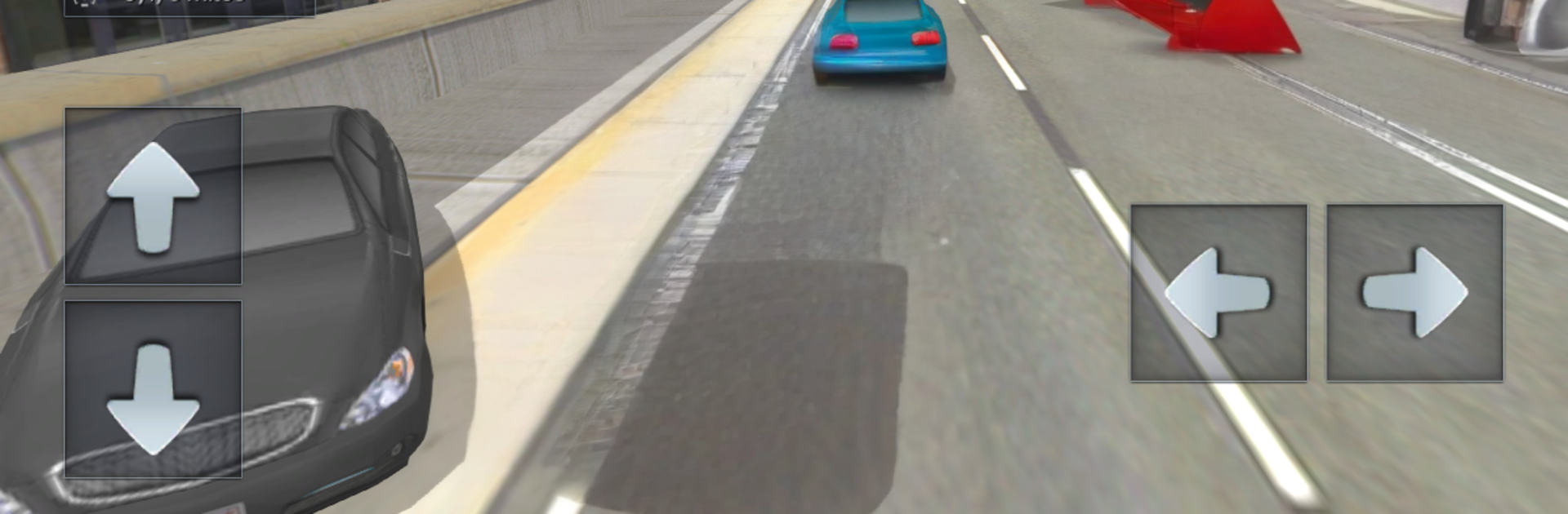
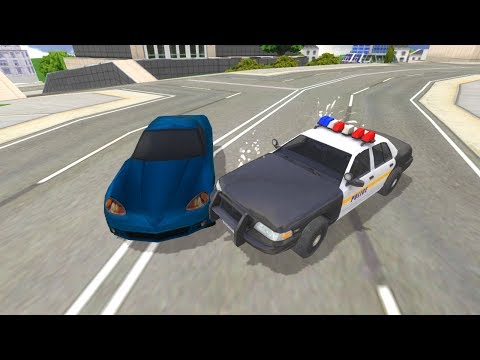
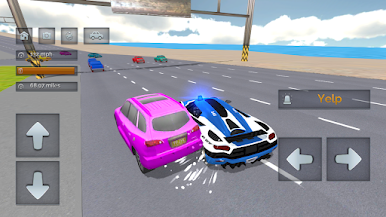
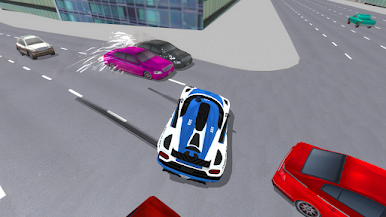
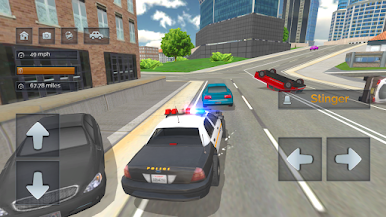
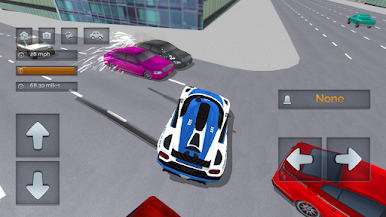
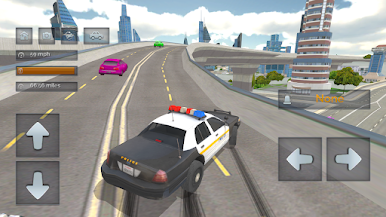
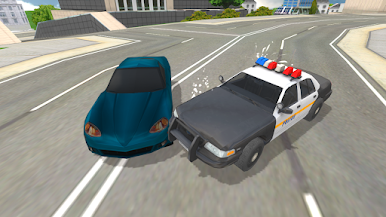
Police Car Crazy Drivers is an easy-to-pick-up cop driving sandbox that throws the player into big city maps with tons of traffic and long roads to mess around on. The loop is simple and fun. Pick a cruiser, hit the siren, weave through cars, drift corners, and unlock faster police vehicles as skills improve. The handling leans arcade but has a bit of weight, so cars slide if someone pushes too hard and that can turn into wild spins. Crashes leave dents and scrapes, so every bump shows up, which weirdly makes fender benders satisfying. There are multiple camera views and the traffic AI keeps the streets feeling busy enough that threading gaps actually feels tense.
What stands out is the freedom. There is no complicated story getting in the way, just open roads, alleys, and motorways to explore, plus space to try silly stunts or chase a personal speed record. The siren and lights sell the fantasy, and the cities are large enough that cruising around remains relaxing for a while. On PC with BlueStacks, keyboard steering and a quick key for the siren feel very natural, and the higher frame rate helps when dodging taxis and other patrol cars. It suits short sessions really well, the kind of game someone launches to blow off steam, unlock a new car, and see how much rubber they can burn before the next wipeout.
Make your gaming sessions memorable with precise controls that give you an edge in close combats and visuals that pop up, bringing every character to life.
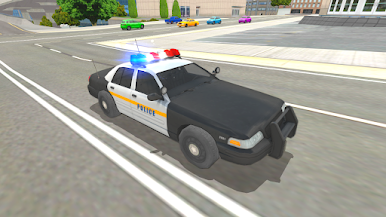
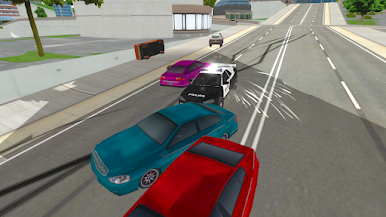
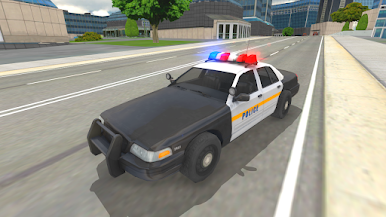
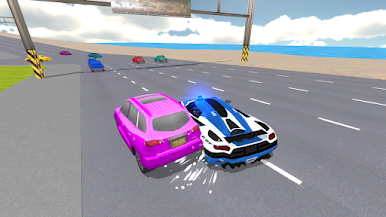
Play Police Car Crazy Drivers on PC. It’s easy to get started.
-
Download and install BlueStacks on your PC
-
Complete Google sign-in to access the Play Store, or do it later
-
Look for Police Car Crazy Drivers in the search bar at the top right corner
-
Click to install Police Car Crazy Drivers from the search results
-
Complete Google sign-in (if you skipped step 2) to install Police Car Crazy Drivers
-
Click the Police Car Crazy Drivers icon on the home screen to start playing

