


Wefun - Chat, Party and Game
Play on PC with BlueStacks – the Android Gaming Platform, trusted by 500M+ gamers.

Page Modified on: Aug 14, 2026
Run Wefun - Chat, Party and Game on PC or Mac
What’s better than using Wefun – Chat, Party and Game by FUCONNECT PTE. LTD.? Well, try it on a big screen, on your PC or Mac, with BlueStacks to see the difference.
About the App
Looking for a chill spot to chat, play, and meet new people? Wefun – Chat, Party and Game by FUCONNECT PTE. LTD. is all about bringing voices together in a relaxed, fun space. Whether you’re after a cool conversation, want to catch up with friends, or just feel like partying online, you’ll find plenty to do here. Wefun offers more than just chatting—there’s a whole mix of activities waiting for you, so you’ll never run out of ways to connect.
App Features
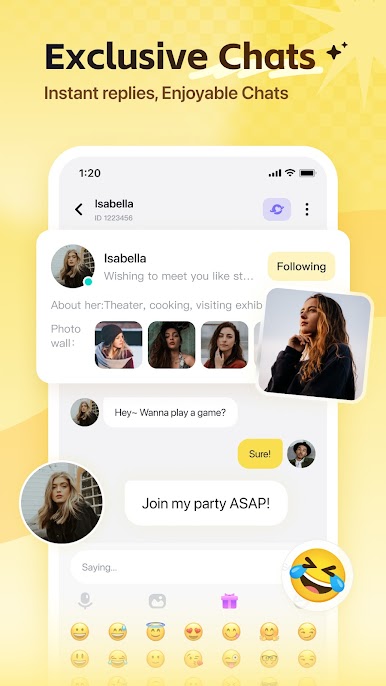
- Live Voice Chat
Hop into real-time group or one-on-one voice chats. Connect instantly and really feel the mood—sometimes, it’s just nicer to talk than to type. - Themed Chat Rooms
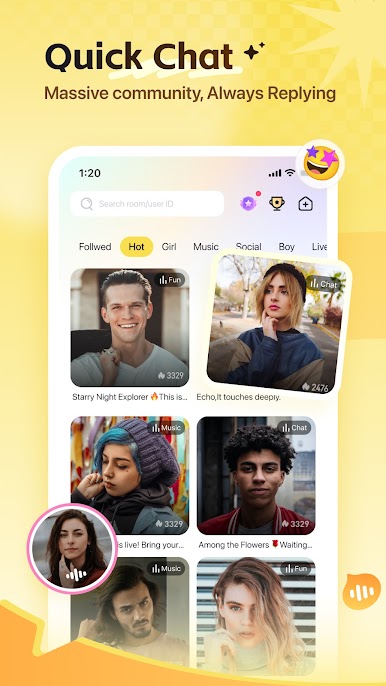
Whether you’re in the mood for a laidback chat, an online party, or karaoke with friends, themed rooms set the vibe. The energy’s always up, so you’ll never be bored. - Active Square
Share what’s on your mind, read stories from others, or find someone who totally relates. Mood updates, life bits, and relatable moments—this is where friendships begin. - Interactive Games
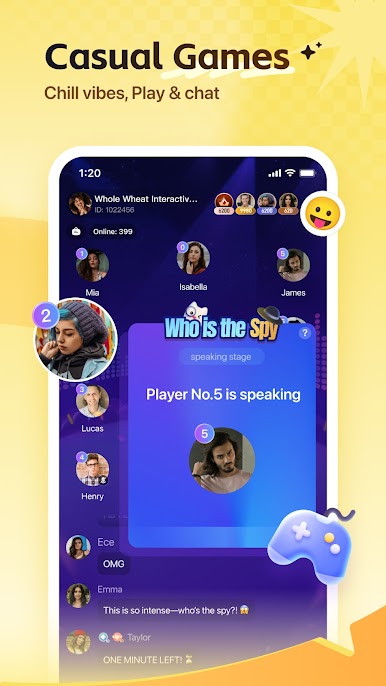
Take a break and test your wits in games like “Who is the Undercover.” Bring your friends or challenge new folks; let’s see who comes out on top, genius or just plain goofy. - Group Hangouts
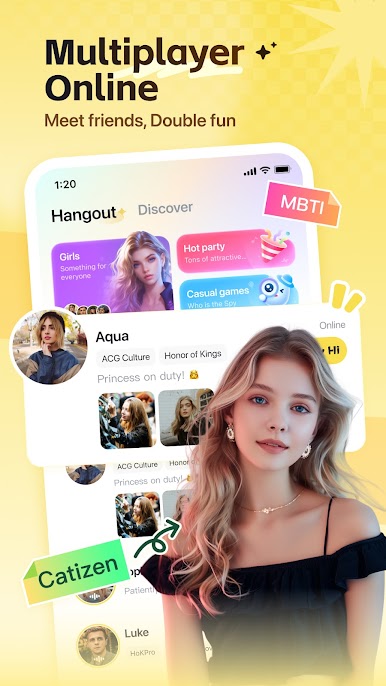
Want some company without going out? Host or join group chats, hang out virtually, and enjoy spontaneous conversations.
If you like using entertainment apps on a bigger screen, you can try Wefun with BlueStacks for an even more laidback experience.
Big screen. Bigger performance. Use BlueStacks on your PC or Mac to run your favorite apps.


Play Wefun - Chat, Party and Game on PC. It’s easy to get started.
-
Download and install BlueStacks on your PC
-
Complete Google sign-in to access the Play Store, or do it later
-
Look for Wefun - Chat, Party and Game in the search bar at the top right corner
-
Click to install Wefun - Chat, Party and Game from the search results
-
Complete Google sign-in (if you skipped step 2) to install Wefun - Chat, Party and Game
-
Click the Wefun - Chat, Party and Game icon on the home screen to start playing

