


Wefun - Chat, Party and Game
Play on PC with BlueStacks – the Android Gaming Platform, trusted by 500M+ gamers.

Page Modified on: Mar 5, 2026
Main Wefun - Chat, Party and Game on PC
Let's start your voice journey together!
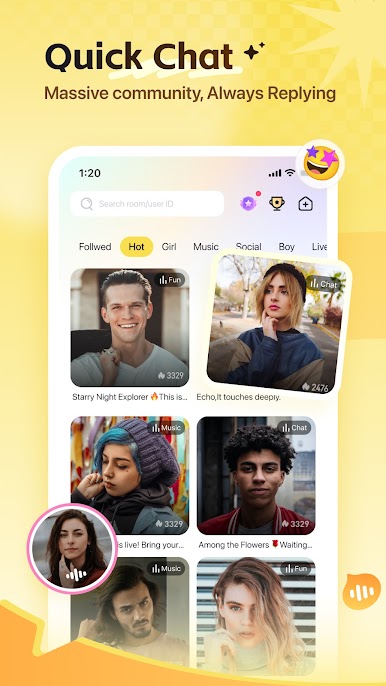
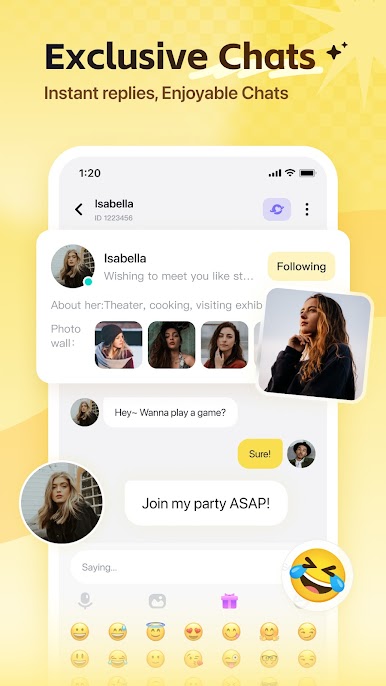
【Voice Chat】: Live online, voice chat; when you meet an interesting topic, use your voice to convey mood and get closer to each other.
【Theme Room】: Chatting, online party, online karaoke, various ways of interaction and the atmosphere is super high!
【Active Square】:Life catch, mood sharing, your story with him/her, starting with mutual likes.
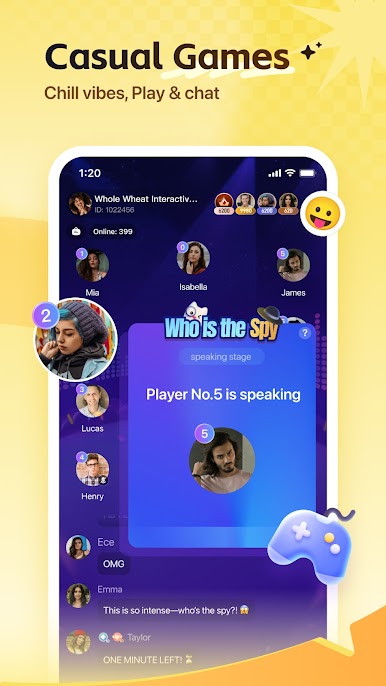
【Interactive Games】:"Who is the Undercover" and other brain-burning interactive games are in progress, are you a genius player or a bad gamer? The game is waiting for you!



Play Wefun - Chat, Party and Game on PC. It’s easy to get started.
-
Download and install BlueStacks on your PC
-
Complete Google sign-in to access the Play Store, or do it later
-
Look for Wefun - Chat, Party and Game in the search bar at the top right corner
-
Click to install Wefun - Chat, Party and Game from the search results
-
Complete Google sign-in (if you skipped step 2) to install Wefun - Chat, Party and Game
-
Click the Wefun - Chat, Party and Game icon on the home screen to start playing

