


Hotel Hideaway: Avatar & Chat
Play on PC with BlueStacks – the Android Gaming Platform, trusted by 500M+ gamers.

Page Modified on: Aug 31, 2026
Play Hotel Hideaway: Avatar & Chat on PC or Mac
Join millions to experience Hotel Hideaway: Avatar & Chat, an exciting Role Playing game from SulakeGames. With BlueStacks App Player, you are always a step ahead of your opponent, ready to outplay them with faster gameplay and better control with the mouse and keyboard on your PC or Mac.
About the Game
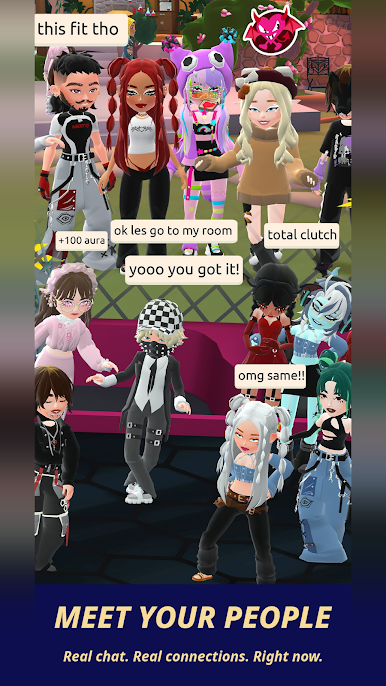
Hotel Hideaway: Avatar & Chat is a lively 3D social world where your style, your room, and your friendships take center stage. Create a look that feels like you, wander through buzzing hotel spaces, and jump into events that change week to week. It’s a laid-back Role Playing hangout from SulakeGames that’s all about expression and community. Prefer typing with a keyboard while you chat? You can also play on BlueStacks.
Game Features
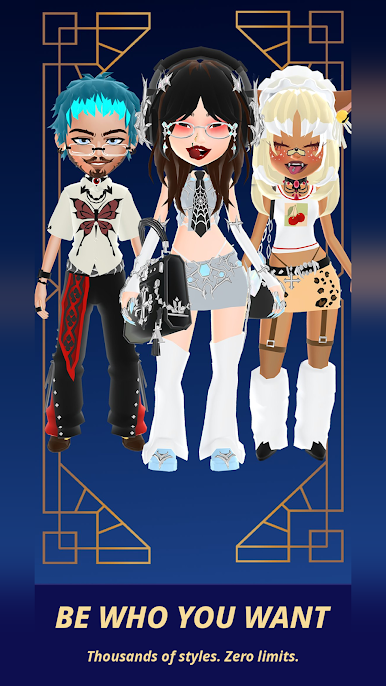
- Make your look yours: Build a fully custom avatar with tons of outfits, hairstyles, and accessories. Go casual, glam, or anything in between, then tweak the details until it matches your vibe.
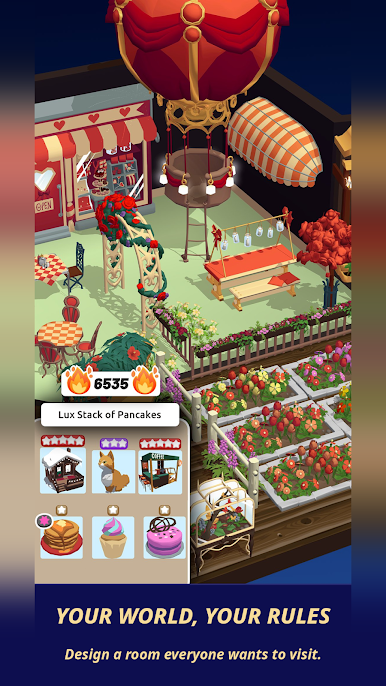
- Build showpiece rooms: Design and decorate spaces people actually want to visit. Curate furniture, experiment with layouts, and turn your place into a go-to spot for friends and curious guests.
- Chat, meet, and explore: Mingle in public areas, pop into exclusive rooms, and meet players from all over the world. Private convos, group hangs, or spontaneous meetups—it’s all here.
- Gestures that speak for you: Save and perform expressive moves using the Gestionary and Motion Studio. From subtle emotes to premium showstoppers, gestures make every hello or high-five feel personal.
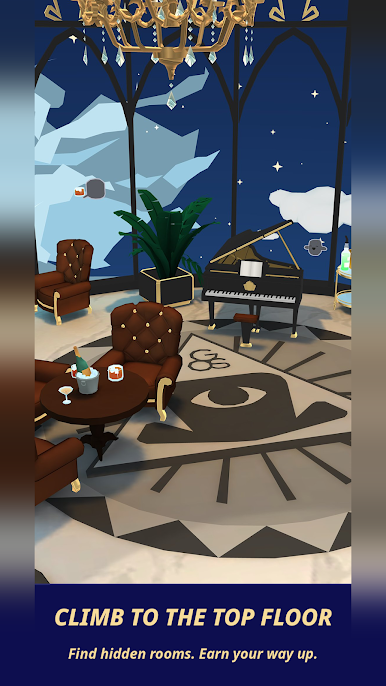
- Events and evolving spaces: Check out The Top Floor for high-end rewards through the Quantum Rift Exchange mini-game, drop by Herman’s Bargains when it opens for surprise deals, tackle seasonal quests, find secret rooms, and meet story-driven NPCs.
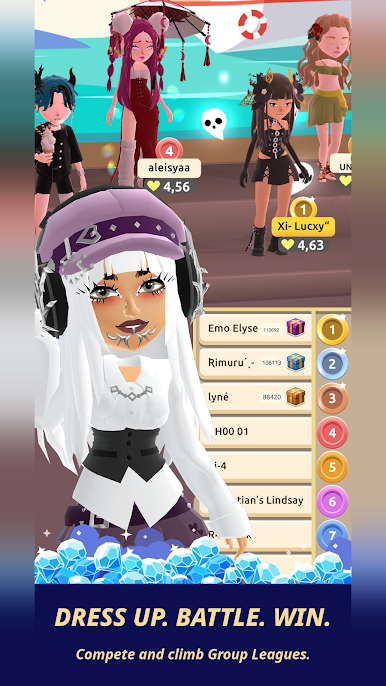
- Fast-paced Dance Battles: Challenge friends or rivals in quick competitions. Nail the timing, string together moves, and grab exclusive prizes.
- Team up and compete: Form or join groups to battle through dynamic leagues. Rank up together and unlock rewards as your crew climbs.
- Leaderboards for every passion: Fashion for rare fits, Interior for standout rooms, Social for gifting and two-player gestures, and Dance Battle for head-to-head wins. Pick your lane—or try them all.
- Always know what’s on: The in-game events calendar keeps limited-time drops, seasonal activities, and feature updates on your radar.
- Safe and moderated: Clear community guidelines and active moderation help keep conversations friendly and the vibe welcoming.
Get ready for a buttery smooth, high-performance gaming action only on BlueStacks.

Play Hotel Hideaway: Avatar & Chat on PC. It’s easy to get started.
-
Download and install BlueStacks on your PC
-
Complete Google sign-in to access the Play Store, or do it later
-
Look for Hotel Hideaway: Avatar & Chat in the search bar at the top right corner
-
Click to install Hotel Hideaway: Avatar & Chat from the search results
-
Complete Google sign-in (if you skipped step 2) to install Hotel Hideaway: Avatar & Chat
-
Click the Hotel Hideaway: Avatar & Chat icon on the home screen to start playing

