

Rival Stars Horse Racing
Play on PC with BlueStacks – the Android Gaming Platform, trusted by 500M+ gamers.

Page Modified on: Aug 11, 2026
Main Rival Stars Horse Racing on PC
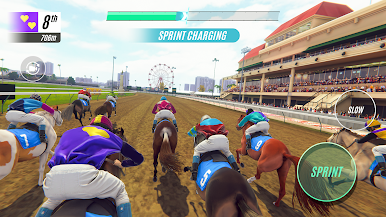
🏇 RACE 🏇
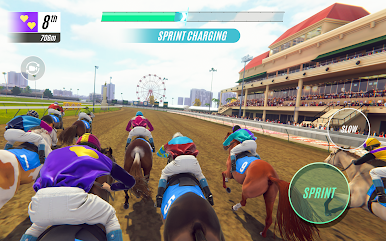
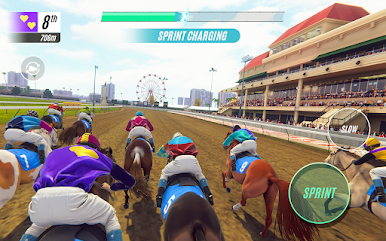
★ Compete for glory in thrilling horse races
★ Immersive racing gameplay with motion-captured animations and realistic commentary
★ Team up with your friends and claim your place on the global leaderboard in live events
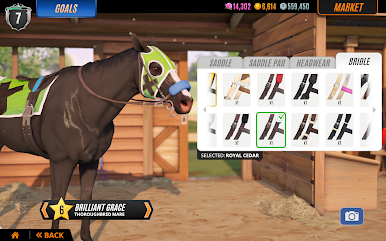
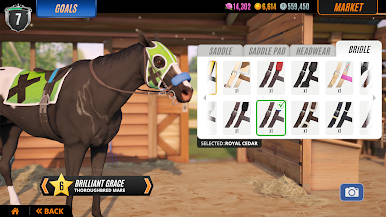
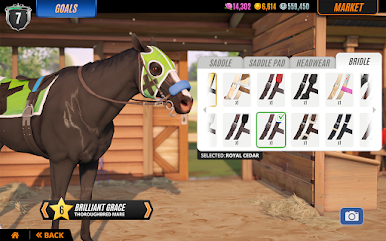
★ Customize your jockey, silks, and helmets for a photo finish
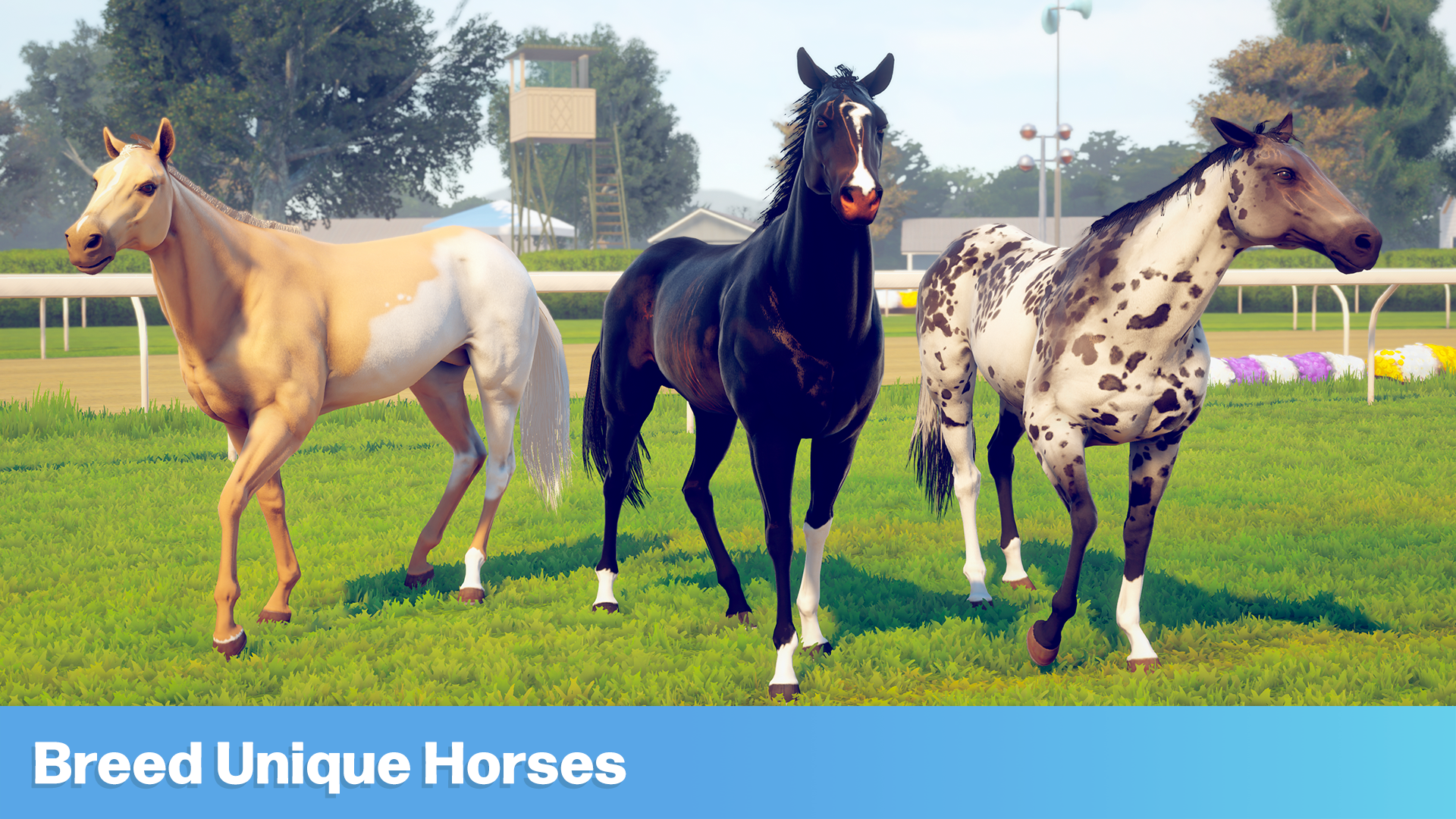
🧬 BREED 🧬
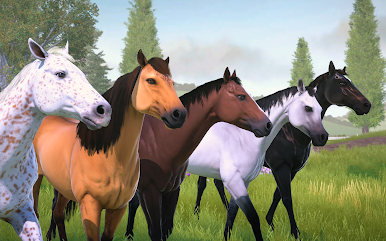
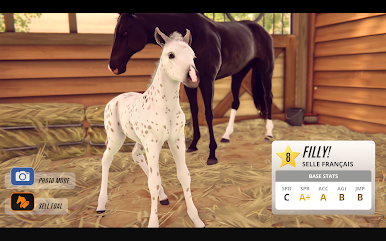
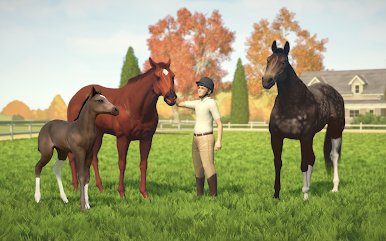
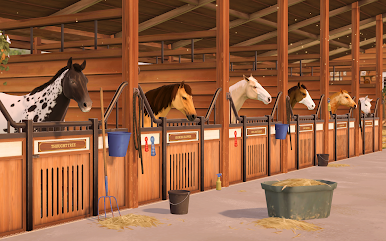
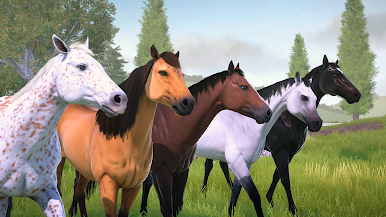
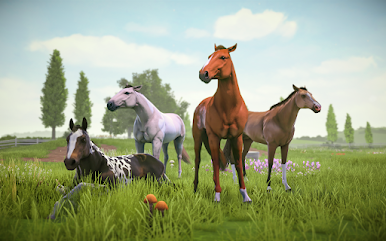
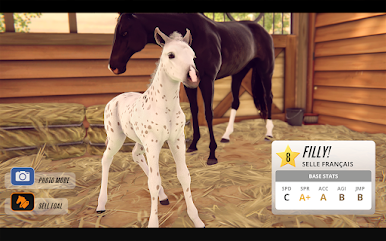
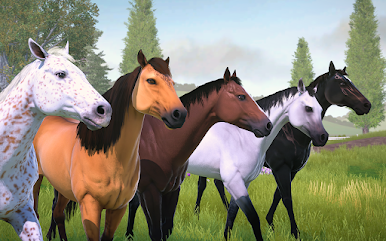
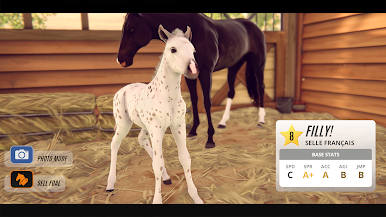
★ Breed adorable foals with unique coats and patterns
★ Detailed genetic horse breeding system and distinct horse breeds
★ Train and level up your horse’s stats to improve their performance
★ Buy and sell your star horses to create a stable of champions
🐴 RIDE 🐴
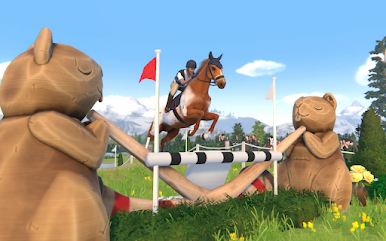
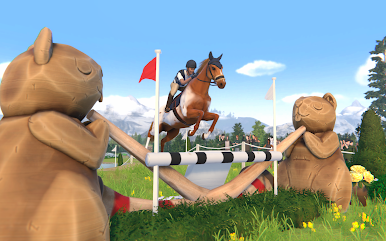
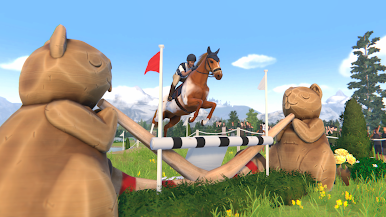
★ Put your jumping skills to the test in Cross Country competitions
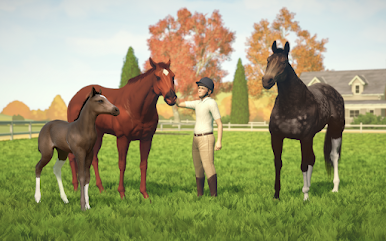
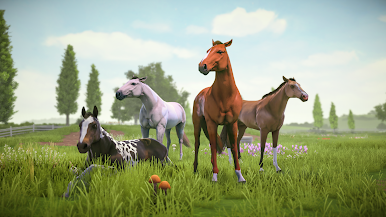
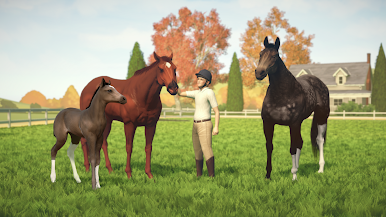
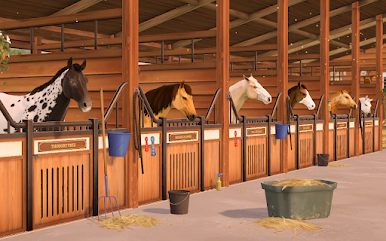
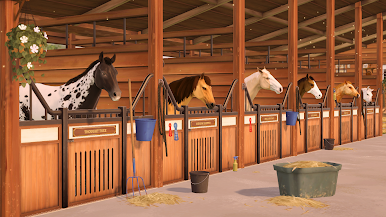
★ Bond with your animals by exploring your horse ranch in Free Roam
★ Capture beautiful images of horses and rider
★ Restore your family’s horse racing legacy by completing exciting missions
Whether you’re a fan of derby racing, animal games or pet horses, your exciting horse simulation journey begins with Rival Stars Horse Racing.
Rival Stars Horse Racing is free to play but offers some game items for purchase with real money.
Terms of Service: http://pikpok.com/terms-of-use/
The Star Riding Club subscription lasts for 1 Month and provides you with great daily in-game benefits. This subscription will auto-renew every month and must be cancelled at least 24 hours before renewal.

Play Rival Stars Horse Racing on PC. It’s easy to get started.
-
Download and install BlueStacks on your PC
-
Complete Google sign-in to access the Play Store, or do it later
-
Look for Rival Stars Horse Racing in the search bar at the top right corner
-
Click to install Rival Stars Horse Racing from the search results
-
Complete Google sign-in (if you skipped step 2) to install Rival Stars Horse Racing
-
Click the Rival Stars Horse Racing icon on the home screen to start playing

