

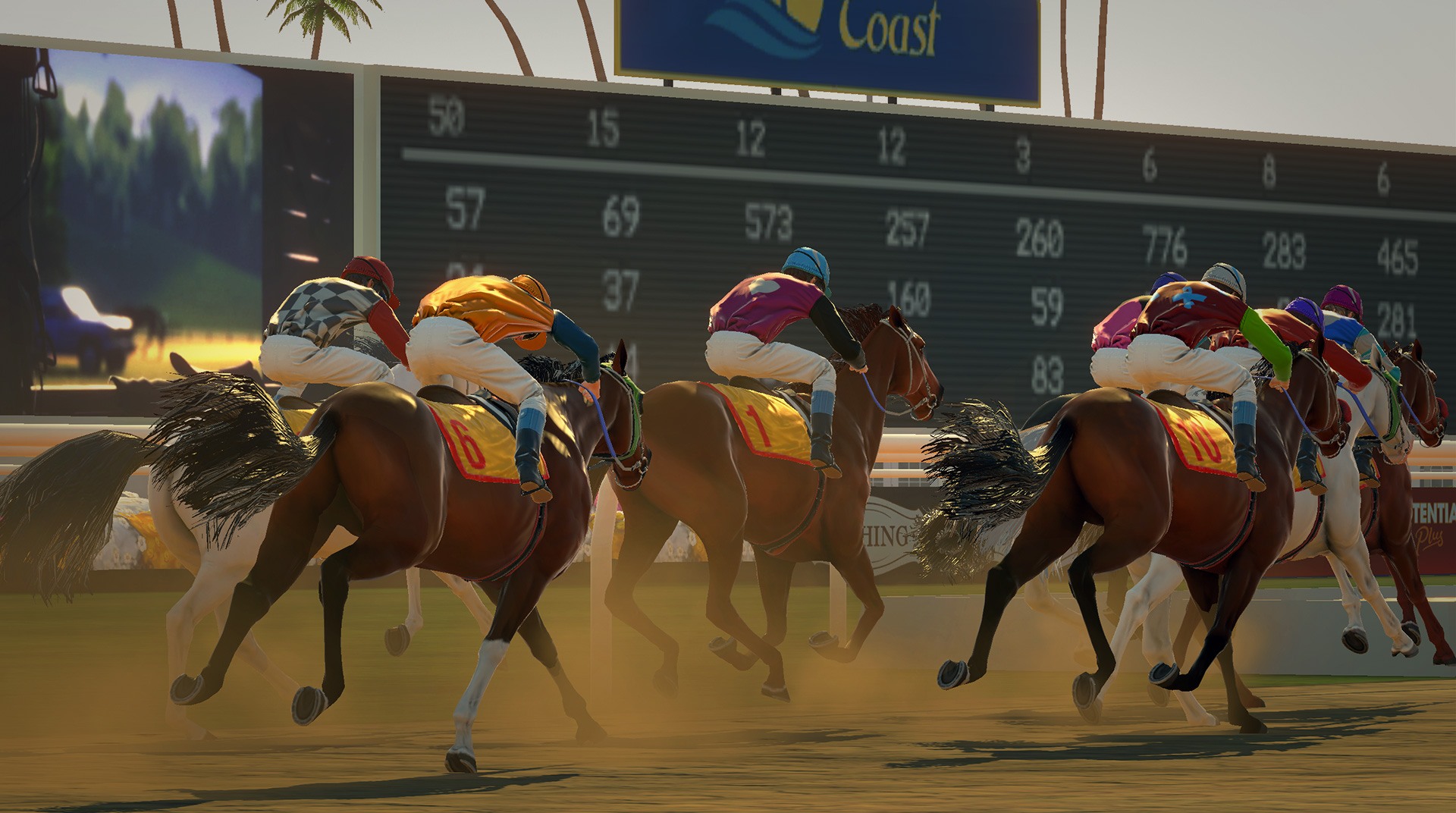
Rival Stars Horse Racing
Play on PC with BlueStacks – the Android Gaming Platform, trusted by 500M+ gamers.

Page Modified on: Aug 11, 2026
Play Rival Stars Horse Racing on PC or Mac
From the innovators and creators at PIKPOK, Rival Stars Horse Racing is another fun addition to the World of Sports games. Go beyond your mobile screen and play it bigger and better on your PC or Mac. An immersive experience awaits you.
About the Game
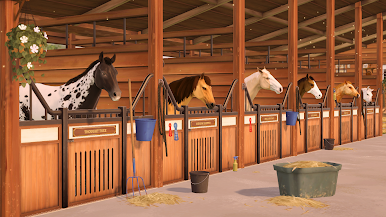
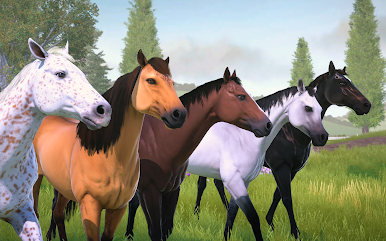
Rival Stars Horse Racing is a Sports game where you’re not just watching the race—you’re living it. Breed, train, and race a stable of champions, then head out for rides across open fields when you want a change of pace. It’s a smart mix of high-speed competition and laid-back horse care, crafted by PIKPOK for players who love a good finish line as much as quiet moments at the ranch.
Game Features
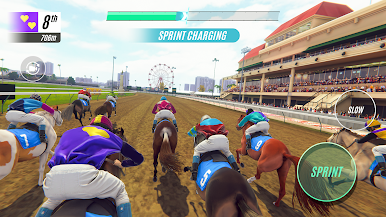
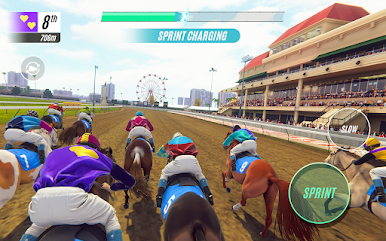
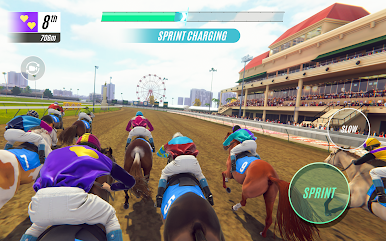
- Thrilling races, smooth controls: Feel the burst out of the gates, time your runs, and hear the crowd react with dynamic commentary and lifelike animations that make every sprint to the line count.
- Events and leaderboards: Team up with friends, enter live events, and see how your stable stacks up on global rankings.
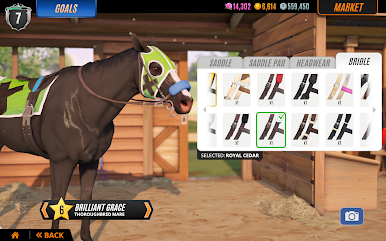
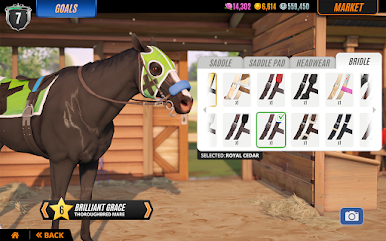
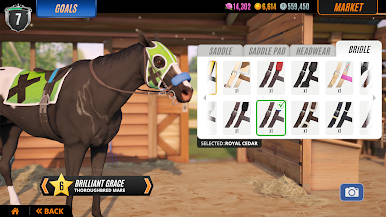
- Make it your style: Customize your rider’s look—from silks to helmets—so your victories look as good as they feel.
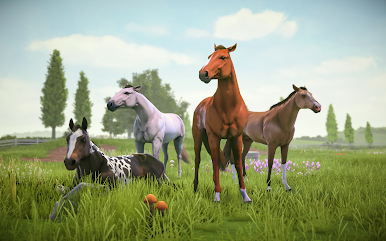
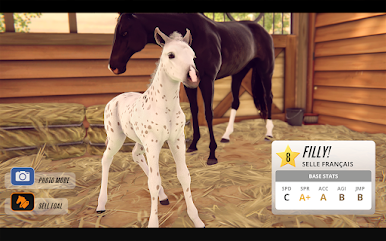
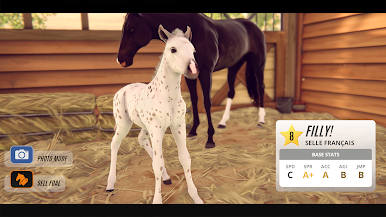
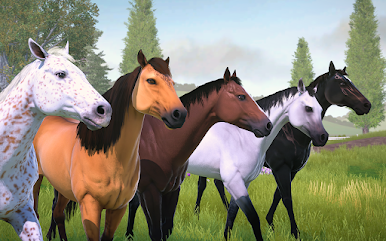
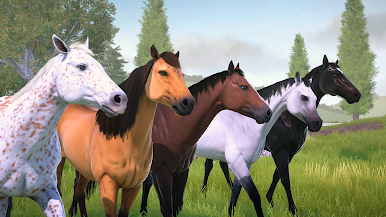
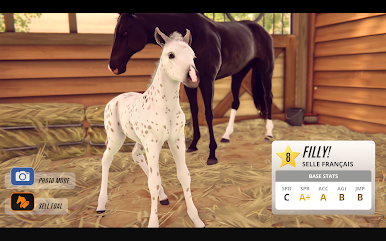
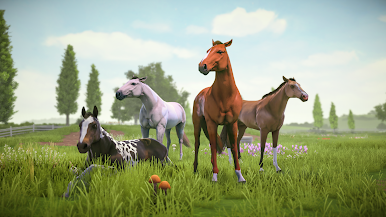
- Breeding that matters: Pair horses to produce foals with unique coats and patterns, backed by a genetics system where traits actually pass down.
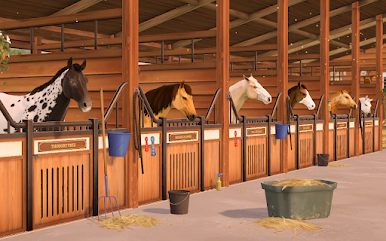
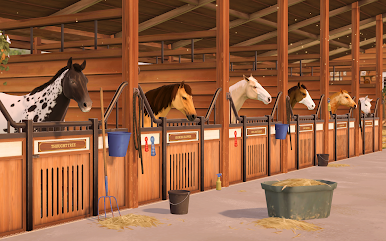
- Train and manage your stable: Improve stats through training, buy and sell horses, and shape a roster that matches your strategy.
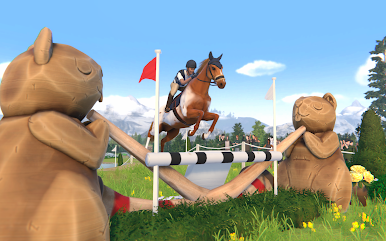
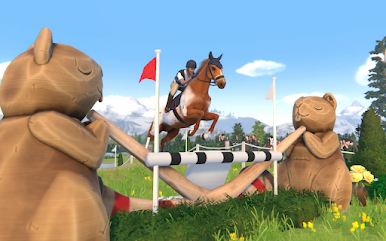
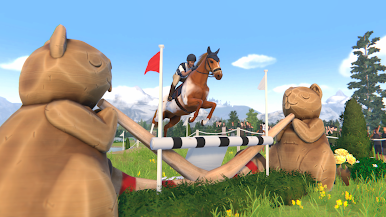
- Beyond the oval: Test your jumping chops in Cross Country competitions for a different kind of challenge.
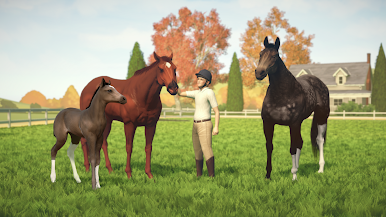
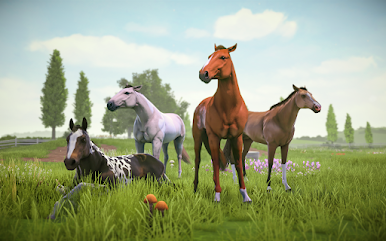
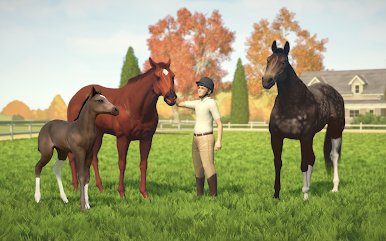
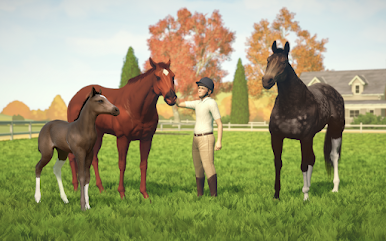
- Explore and bond: Wander your ranch in Free Roam, spend time with your horses, and build real connections.
- Photo-worthy moments: Capture stunning shots of your horses and rider, from quiet paddock scenes to full-flight jumps.
- Story with heart: Take on missions that rebuild your family’s racing legacy, one milestone at a time.
- Play bigger if you want: Prefer a larger view? Rival Stars Horse Racing also runs comfortably on PC with BlueStacks for a wider perspective.
Slay your opponents with your epic moves. Play it your way on BlueStacks and dominate the battlefield.

Play Rival Stars Horse Racing on PC. It’s easy to get started.
-
Download and install BlueStacks on your PC
-
Complete Google sign-in to access the Play Store, or do it later
-
Look for Rival Stars Horse Racing in the search bar at the top right corner
-
Click to install Rival Stars Horse Racing from the search results
-
Complete Google sign-in (if you skipped step 2) to install Rival Stars Horse Racing
-
Click the Rival Stars Horse Racing icon on the home screen to start playing

