


Octopus Pirate Neighbor
Play on PC with BlueStacks – the Android Gaming Platform, trusted by 500M+ gamers.

Page Modified on: Dec 3, 2022
Overview
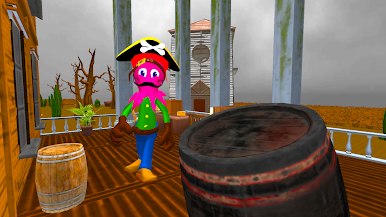
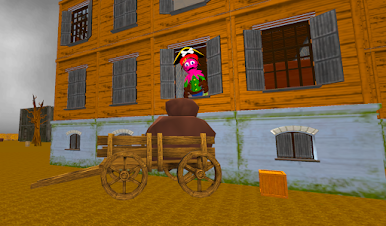
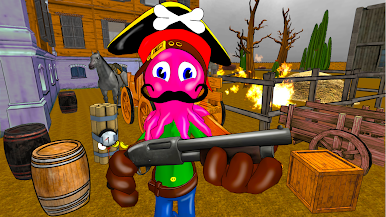
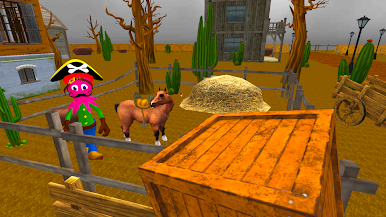
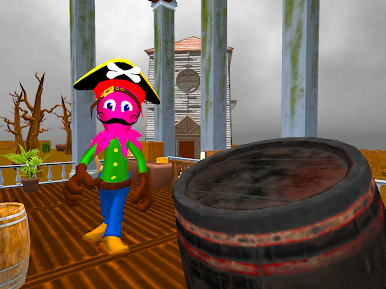
Now is the time of cowboys and the wild west, but your neighbor sailed here straight from the time of pirates and ship adventures. Since he arrived in the city, strange events began to occur. In the city, the sheriff disappeared and there was a bank robbery. You are sure that the pirate is plotting a major crime and you must stop him! Find the missing cowboy sheriff and find out who robbed the bank! You must conduct your own investigation and find out if your new neighbor pirate is connected with it.
One fine day, you wanted to say hello to your new acquaintance, but he began to chase you and shoot at you with a revolver! You managed to escape away to your house and decided to sneak into his huge house unnoticed.
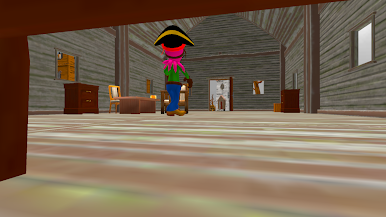
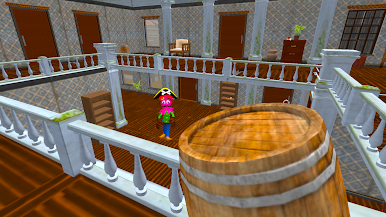
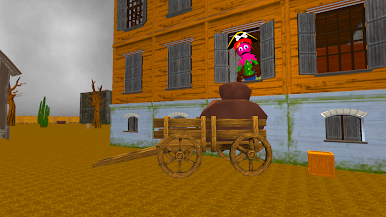
Look for the necessary items to complete tasks. Seek for items and throw them at windows and at the neighbor octopus to stun him. Explore his house and check all the rooms. Look for and eat food to restore stamina. Use the ghost mode to make level completing more easy.
Enjoy an extraordinary adventure in which you will uncover all the secrets of the strange pirate octopus!
Play Octopus Pirate Neighbor on PC. It’s easy to get started.
-
Download and install BlueStacks on your PC
-
Complete Google sign-in to access the Play Store, or do it later
-
Look for Octopus Pirate Neighbor in the search bar at the top right corner
-
Click to install Octopus Pirate Neighbor from the search results
-
Complete Google sign-in (if you skipped step 2) to install Octopus Pirate Neighbor
-
Click the Octopus Pirate Neighbor icon on the home screen to start playing

