

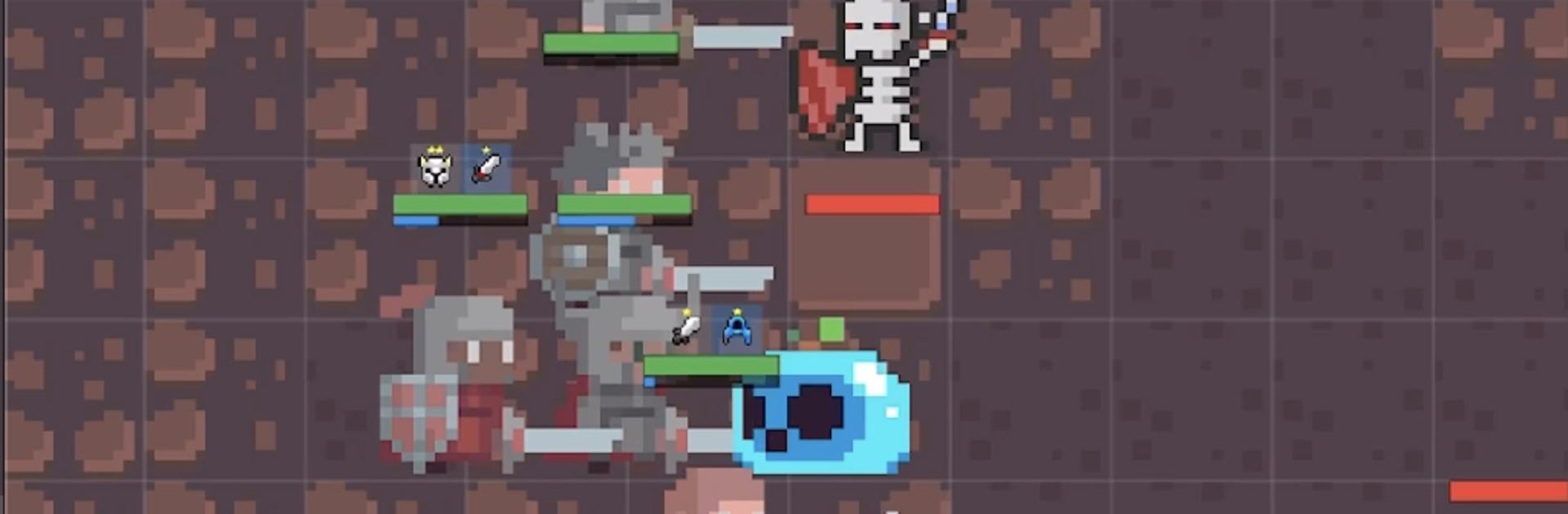
Idle Horizons: Hero RPG
Play on PC with BlueStacks – the Android Gaming Platform, trusted by 500M+ gamers.

Page Modified on: Sep 10, 2026
Play Idle Horizons: Dawn of Heroes on PC or Mac
From the innovators and creators at PixelBuf LLC, Idle Horizons: Dawn of Heroes is another fun addition to the World of Strategy games. Go beyond your mobile screen and play it bigger and better on your PC or Mac. An immersive experience awaits you.
About the Game
Idle Horizons: Dawn of Heroes lets you take a step back while your dream squad jumps right into the action. It’s a laid-back strategy game where you collect heroes, kit them out, and let them battle it out—whether you’re glued to your screen or stepping away for a bit. If you’ve ever wanted the thrill of seeing legendary fighters crush their enemies (without sweating over every little move), this might hit the spot.
Game Features
-
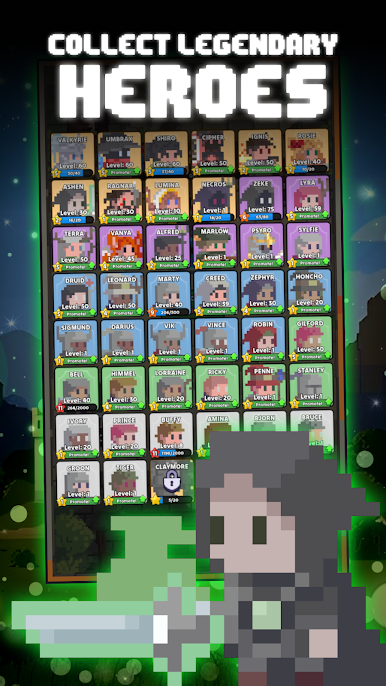
Unique Heroes Galore
Build your own roster full of all sorts of personalities, from fiery paladins who charge right in, to sharpshooters who pick off enemies from the shadows. -
Battle On, Even When You’re Not
Your heroes are always hard at work. Step away, take a break, and come back to piles of loot and plenty of ways to upgrade your team. -
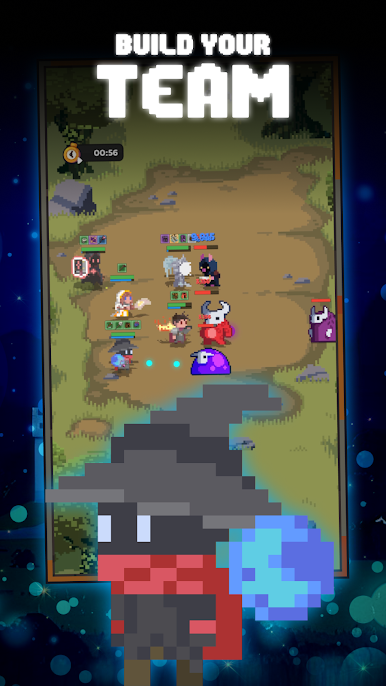
Tactical Team Building
Who goes up front? Who hangs back? Decide on a formation that makes the most sense for your style. Mix and match heroes, experiment with combos, and see what works—no “right” answers here. -
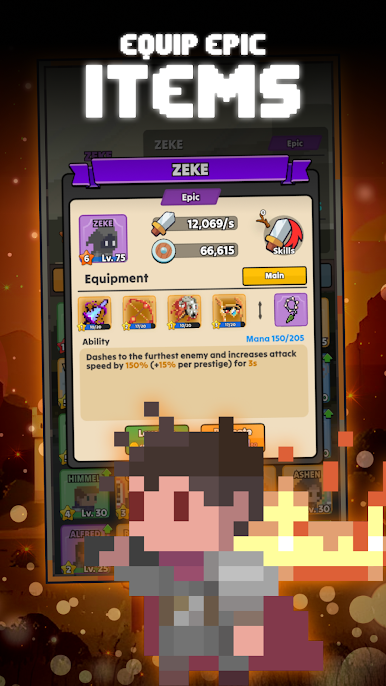
Loads of Gear and Upgrades
There’s a fun loop of discovering, crafting, and customizing equipment for your squad. You can tinker with skill trees to unlock different powers and shake up how your team fights. -
Easy to Play on Big Screens
Prefer gaming on your computer? You can jump into Idle Horizons: Dawn of Heroes using BlueStacks for a bigger view of the action.
Slay your opponents with your epic moves. Play it your way on BlueStacks and dominate the battlefield.

Play Idle Horizons: Hero RPG on PC. It’s easy to get started.
-
Download and install BlueStacks on your PC
-
Complete Google sign-in to access the Play Store, or do it later
-
Look for Idle Horizons: Hero RPG in the search bar at the top right corner
-
Click to install Idle Horizons: Hero RPG from the search results
-
Complete Google sign-in (if you skipped step 2) to install Idle Horizons: Hero RPG
-
Click the Idle Horizons: Hero RPG icon on the home screen to start playing

