


Idle Horizons: Hero RPG
Play on PC with BlueStacks – the Android Gaming Platform, trusted by 500M+ gamers.

Page Modified on: May 14, 2026
Main Idle Horizons: Hero RPG on PC
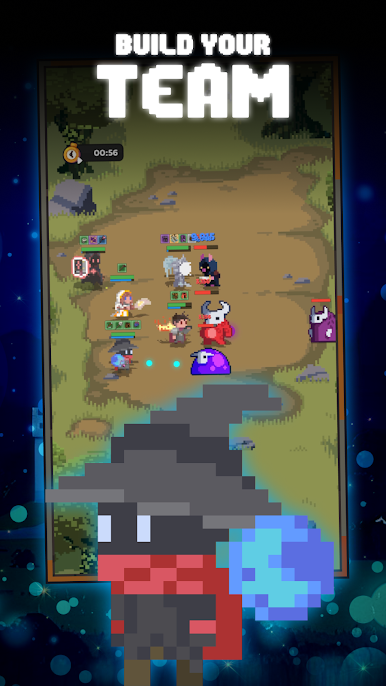
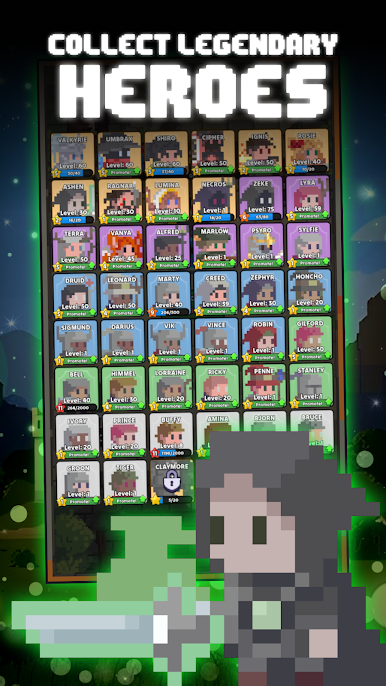
Draft and evolve your heroes, master positioning, comps, and synergy, and outplay the meta with pure strategy.
Each hero has a deep skill tree and unique playstyle.
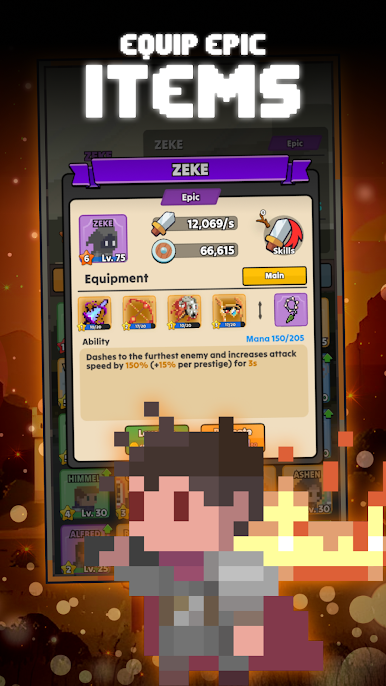
Craft gear, theory-craft builds, and create full custom setups: attack-speed spam, burst nukes, sustain tanks, whatever it takes to win.
Progress through dungeons, raids, and weekly arena brackets that reward precision over grind.
Idle when you’re off, analyze when you’re on. Part auto chess, part idle RPG, built for control freaks who love numbers more than luck.
Join our community today!

Play Idle Horizons: Hero RPG on PC. It’s easy to get started.
-
Download and install BlueStacks on your PC
-
Complete Google sign-in to access the Play Store, or do it later
-
Look for Idle Horizons: Hero RPG in the search bar at the top right corner
-
Click to install Idle Horizons: Hero RPG from the search results
-
Complete Google sign-in (if you skipped step 2) to install Idle Horizons: Hero RPG
-
Click the Idle Horizons: Hero RPG icon on the home screen to start playing

