

TL Pro
Play on PC with BlueStacks – the Android Gaming Platform, trusted by 500M+ gamers.

Page Modified on: Jan 8, 2026
Play TL Pro on PC or Mac
Bring your A-game to TL Pro, the Adventure game sensation from PixelCurves v2. Give your gameplay the much-needed boost with precise game controls, high FPS graphics, and top-tier features on your PC or Mac with BlueStacks.
About the Game
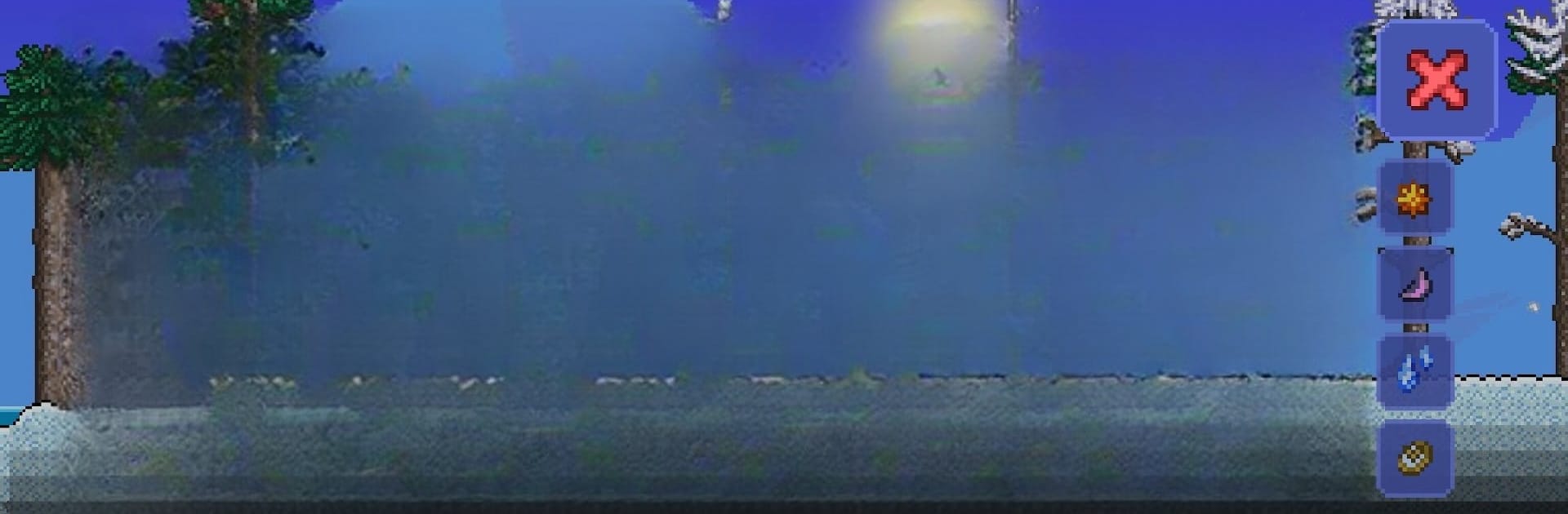
TL Pro by PixelCurves v2 is an adventurous way to customize your gaming experience! Dive into limitless possibilities as you tweak game resources, apply cheats, and manage inventories, all tailored to your preferences. Whether you’re swapping textures or crafting new worlds, TL Pro puts you in control. Unofficially, it complements the official Terraria client for Android, expanding what your game can do.
Game Features
-
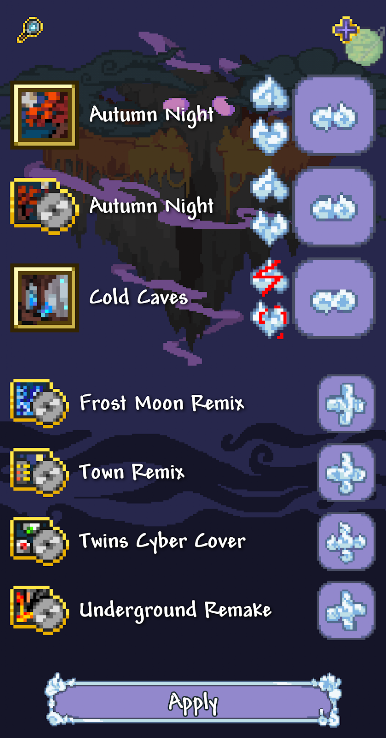
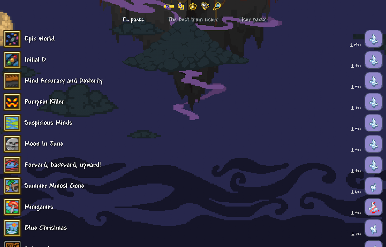
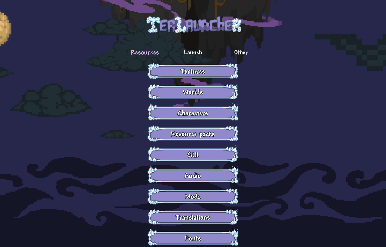
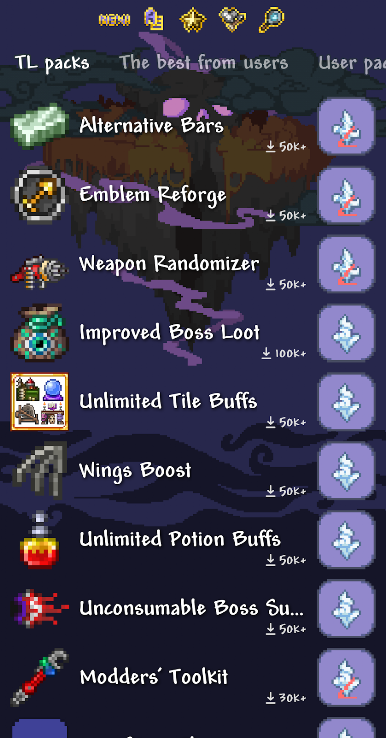
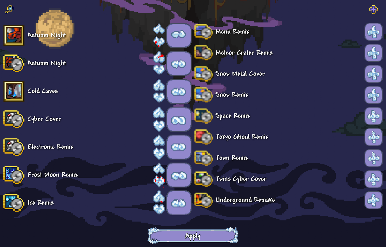
Custom Resource Management: Modify and swap game resources any time you please. Feeling bold? Try enabling or disabling them on a whim.
-
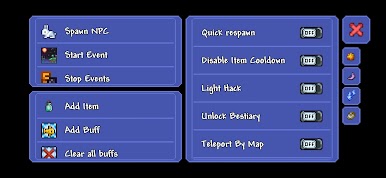
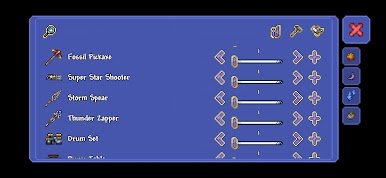
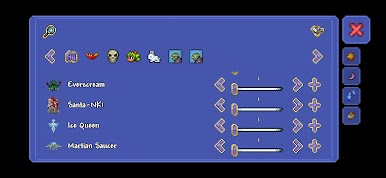
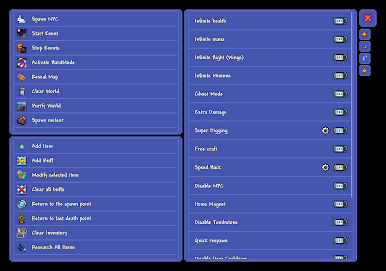
Cheat Panel Fun: Access a cheat panel packed with a wealth of functions. Experiment and test the boundaries of your adventures without breaking a sweat.
-
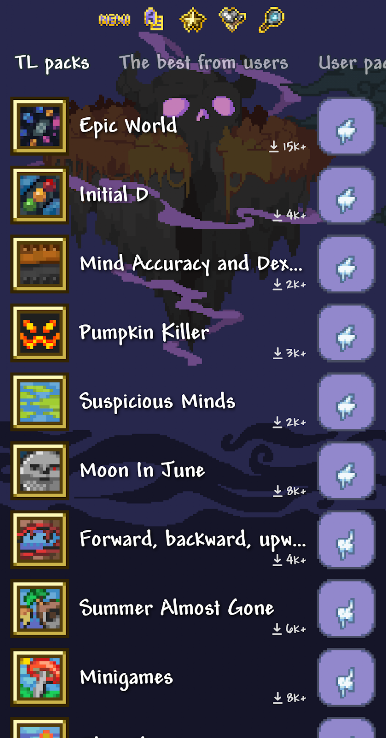
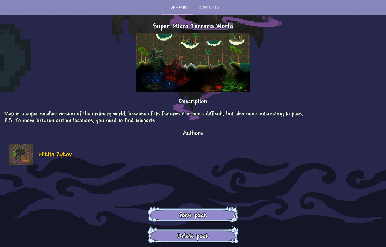
Creative Packs: Load texture packs, worlds, and players from others, or design your own. The creative freedom is yours to take.
-
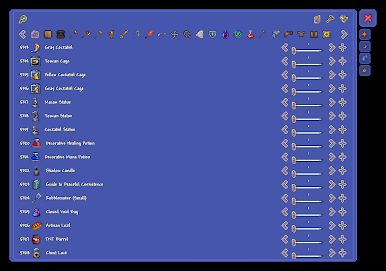
Inventory Editing: Tinker with characters’ inventory to suit your strategy and desires.
Using BlueStacks can enhance your TL Pro experience, keeping it smooth and enjoyable.
Ready to top the leaderboard? We bet you do. Let precise controls and sharp visuals optimized on BlueStacks lead you to victory.
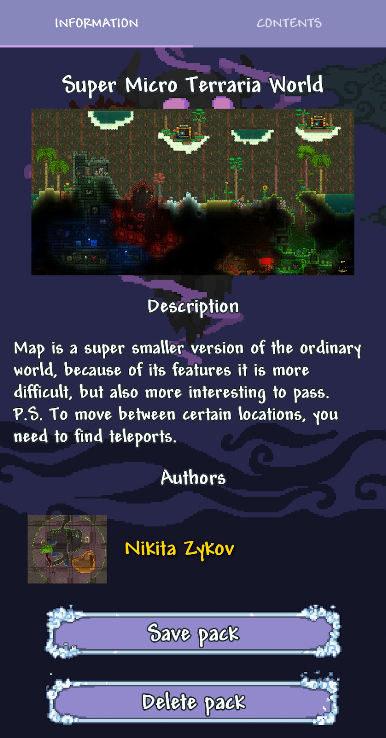
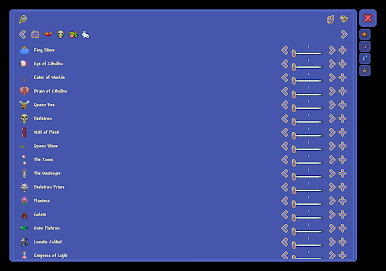
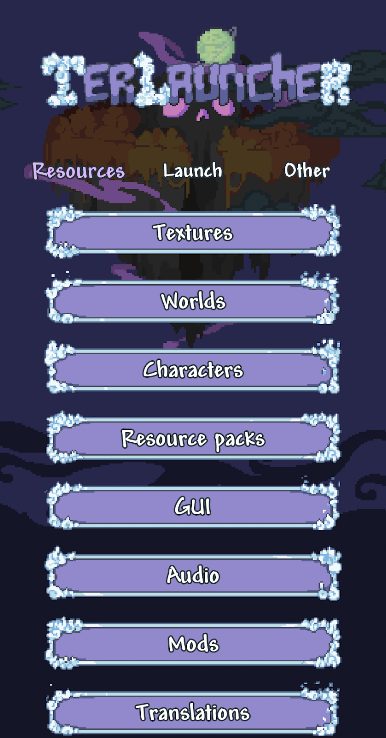
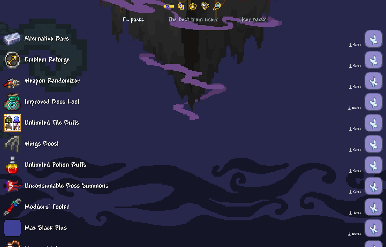
Play TL Pro on PC. It’s easy to get started.
-
Download and install BlueStacks on your PC
-
Complete Google sign-in to access the Play Store, or do it later
-
Look for TL Pro in the search bar at the top right corner
-
Click to install TL Pro from the search results
-
Complete Google sign-in (if you skipped step 2) to install TL Pro
-
Click the TL Pro icon on the home screen to start playing

