


Linkboy
Play on PC with BlueStacks – the Android Gaming Platform, trusted by 500M+ gamers.

Page Modified on: Feb 4, 2026
Main Linkboy on PC
KEY FEATURES
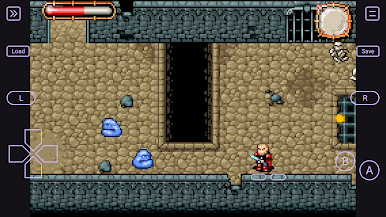
• ⚡ Optimized performance — smooth, efficient emulation with minimal battery use
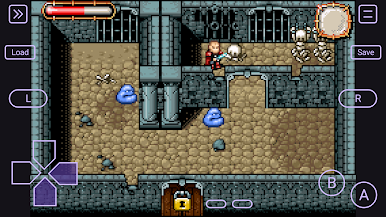
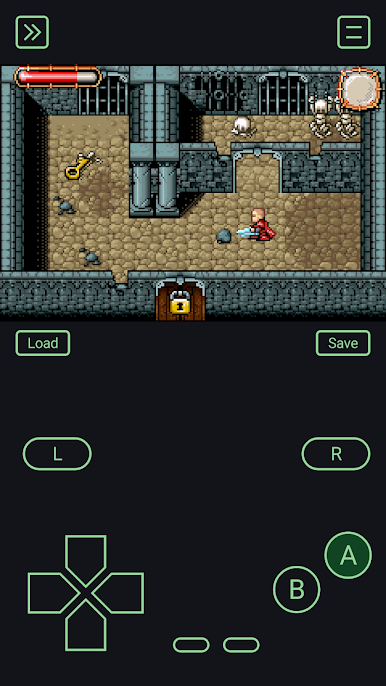
• 🎮 High compatibility — runs nearly all games flawlessly
• 🔗 Link cable emulation — play multiplayer via local network or on the same device
• 🏆 RetroAchievements support — unlock achievements while you play
• ⏩ Speed control — fast-forward up to 100× or slow down for detailed play.
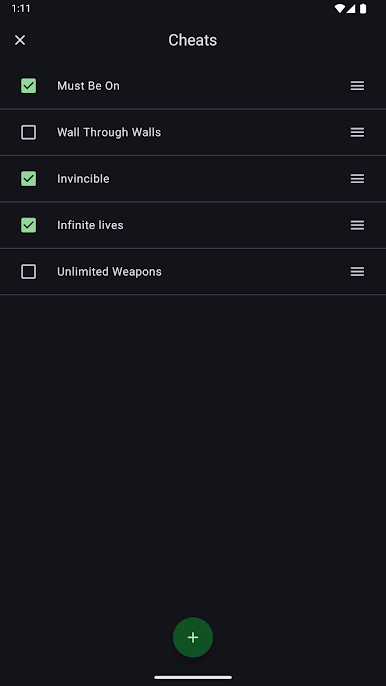
• 🧩 Cheat support — codes for multiple systems
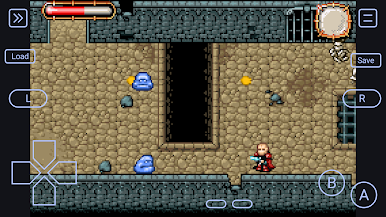
• 📱 Cartridge features emulation — gyroscope, light sensor, rumble, and GB Camera
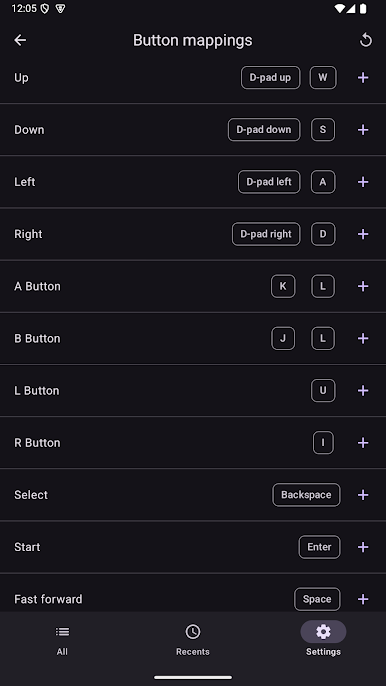
• 🎮 Controller & keyboard support — flexible many-to-many button mappings
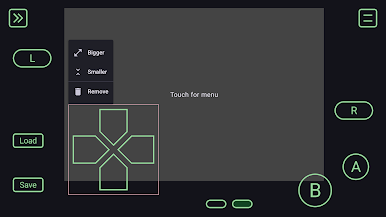
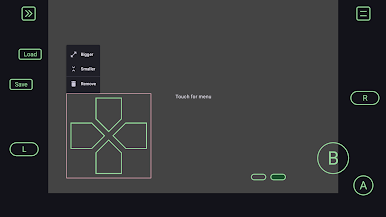
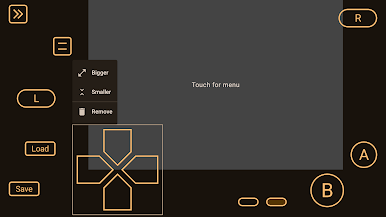
• 🎛️ Customizable virtual controls — move, resize, and configure buttons freely
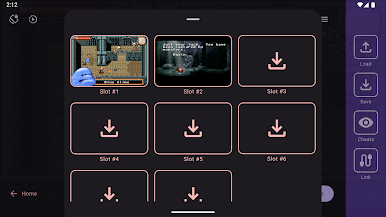
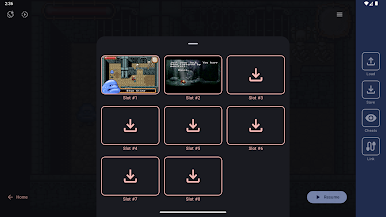
• 💾 Save states — multiple slots, save and load anytime
• ☁️ Google Drive sync/backup — keep saves and cheats safe across devices
• ✨ Visual enhancements — apply multiple GPU shaders for a new look
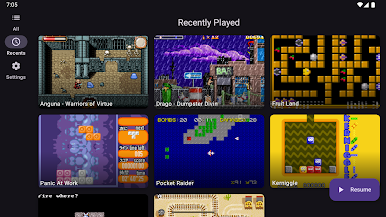
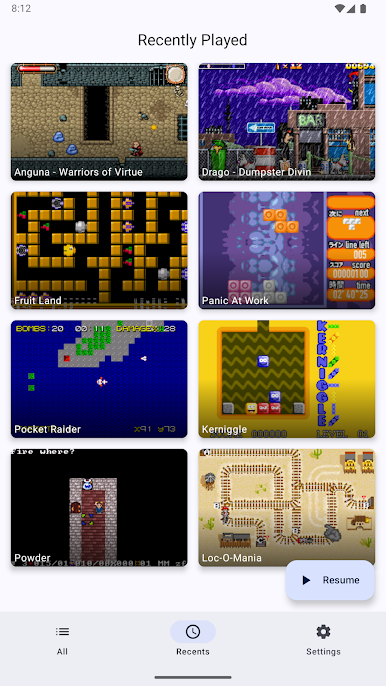
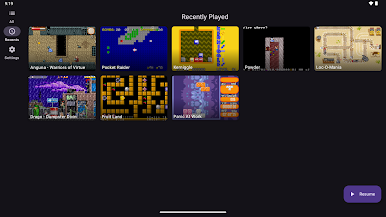
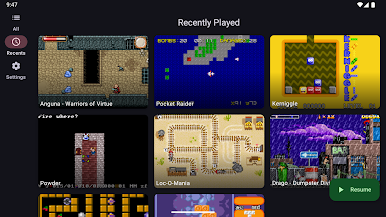
• 📁 Manage game folders — easily add, remove, or organize your game collection
• 🖌️ Modern UI — clean design with Material You styling
DISCLAIMER
This app is not affiliated with, authorized, endorsed, or licensed in any way by Nintendo, its affiliates, or subsidiaries.
No games are included. Screenshots feature either public domain titles or copyrighted works owned by their respective rights holders.
Play Linkboy on PC. It’s easy to get started.
-
Download and install BlueStacks on your PC
-
Complete Google sign-in to access the Play Store, or do it later
-
Look for Linkboy in the search bar at the top right corner
-
Click to install Linkboy from the search results
-
Complete Google sign-in (if you skipped step 2) to install Linkboy
-
Click the Linkboy icon on the home screen to start playing

