


Pizza Boy Double Slice
Play on PC with BlueStacks – the Android Gaming Platform, trusted by 500M+ gamers.

Page Modified on: Oct 24, 2026
Play Pizza Boy Double Slice on PC
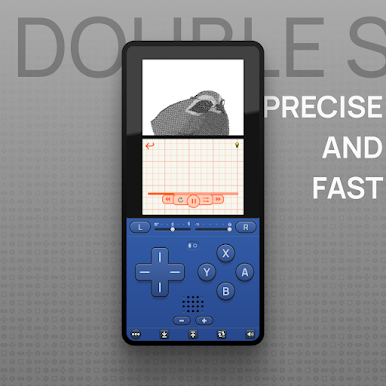
Runs smoothly on most device, keeping 3D games fluid thanks to a multi-threaded 3D renderer.
★ FEATURES
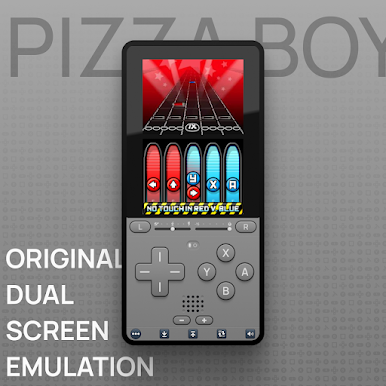
• Both screens, freely movable and resizable: stacked, side by side, or swapped with a single tap
• Touch screen and microphone support
• Close-the-lid emulation for games that use it
• Physical controller support with fully remappable buttons
• Fast forward with a customizable speed bar
• Cheat codes
• RetroAchievements integration
• Screenshots of both screens
• Shaders and video filters
• Import and export your battery saves (.sav)
★ PRO (one-time purchase, no subscription)
• Quick save and load states
• Rewind
• Custom speed rates
• Turbo buttons
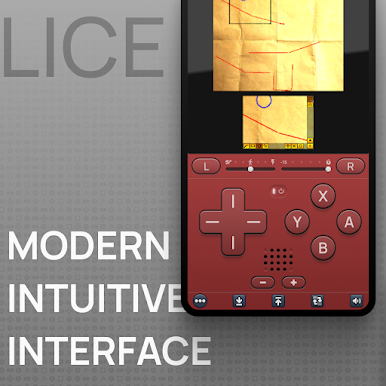
• Per-game settings: orientation, controls layout, speed and rewind bars
• Google Drive sync of saves and states
• AI-powered on-screen translation
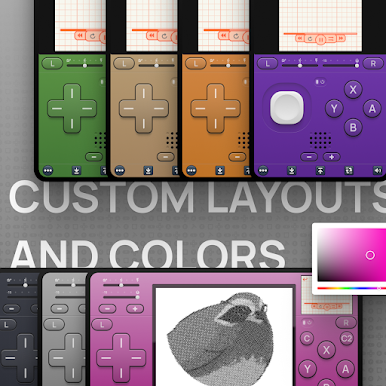
• Skins: gradients, presets and full look customization
★ IMPORTANT
Pizza Boy Double Slice does not include any game. You must provide your own legally dumped game files (.nds) and copy them to your device.
The app also works without any BIOS or firmware files: it uses a free open-source BIOS replacement.
Join our community on Discord: https://discord.gg/4VkZmumBAr
This app is not affiliated with, endorsed by, or sponsored by Nintendo. All trademarks belong to their respective owners.
Support and feedback: pizzaemulators@gmail.com
Play Pizza Boy Double Slice on PC. It’s easy to get started.
-
Download and install BlueStacks on your PC
-
Complete Google sign-in to access the Play Store, or do it later
-
Look for Pizza Boy Double Slice in the search bar at the top right corner
-
Click to install Pizza Boy Double Slice from the search results
-
Complete Google sign-in (if you skipped step 2) to install Pizza Boy Double Slice
-
Click the Pizza Boy Double Slice icon on the home screen to start playing

