

Block Monster
Play on PC with BlueStacks – the Android Gaming Platform, trusted by 500M+ gamers.

Page Modified on: Dec 19, 2016
Play Block Monster on PC or Mac
Block Monster brings the Role Playing genre to life, and throws up exciting challenges for gamers. Developed by Plampsoft, this Android game is best experienced on BlueStacks, the World’s #1 app player for PC and Mac users.
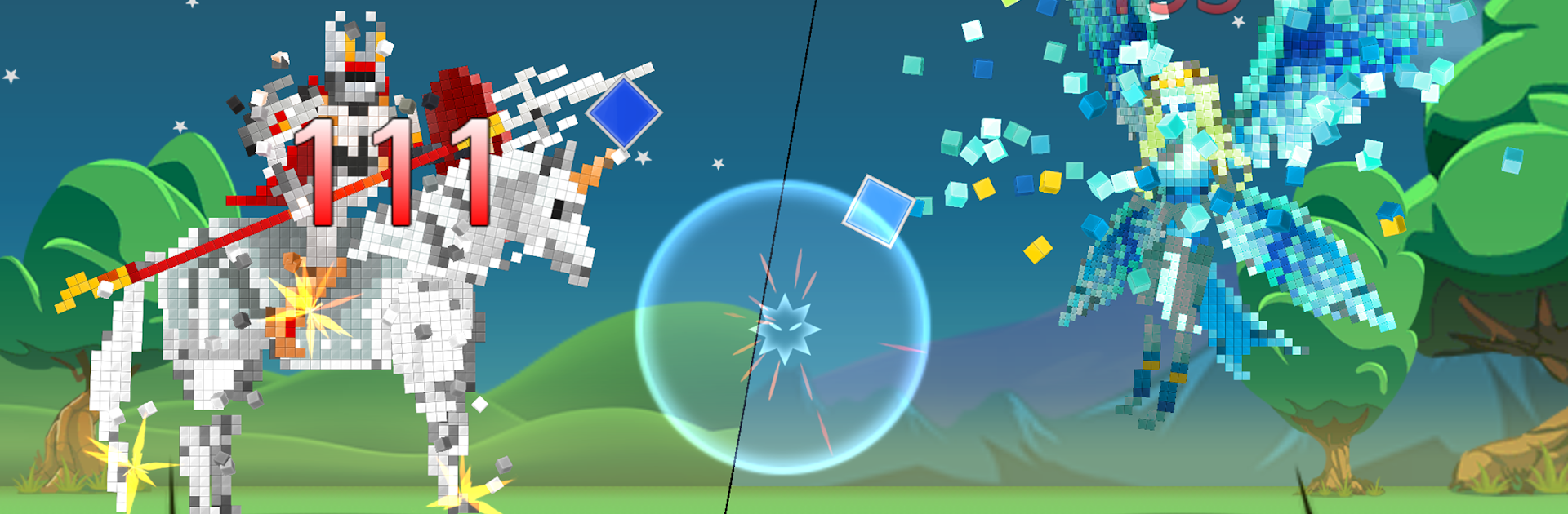
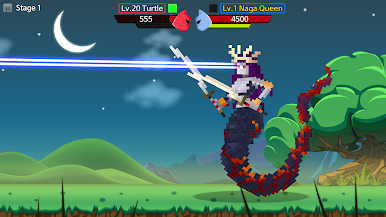
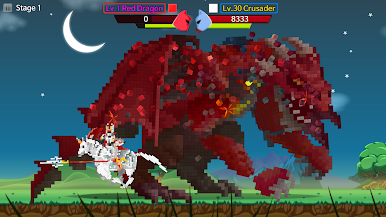
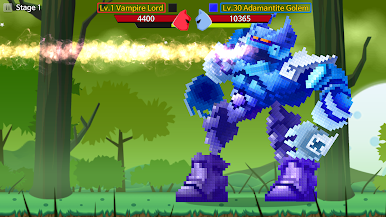
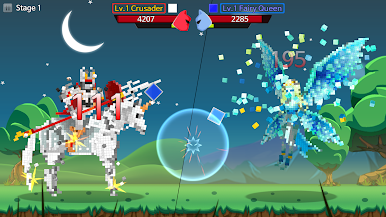
Block Monster feels like a rhythm game and a monster RPG smooshed together. Battles are not menu tapping. Blocks slide down the screen to the music and hitting them on time smacks the enemy, with speed building until it turns into that fun little panic where hands try to keep up. Missing hurts, tight timing lands big hits, and the whole thing flows to the beat so it stays snappy instead of slow. It ramps up quickly and works well for short sessions. On a PC with BlueStacks, using keys for the lanes feels clean and the larger screen makes the fast scroll easier to read when the tempo climbs.
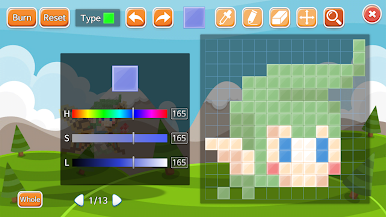
The creatures are charming in a blocky, pixel toy way, and the game lets players mess with their look a lot. You can push designs pretty far, like reshaping an orc into an elf style, swapping pieces and colors so it keeps that goofy cube vibe but still feels personal. Evolutions keep it playful, with lines that shift both form and role, like a bat turning into a vampire or a small hatchling growing into a dragon. It stays light and colorful, focused on timing and customization rather than long menus, so anyone who enjoys tapping to a beat while building a team of weird little block monsters will get what it is doing.
Get ready for a buttery smooth, high-performance gaming action only on BlueStacks.

Play Block Monster on PC. It’s easy to get started.
-
Download and install BlueStacks on your PC
-
Complete Google sign-in to access the Play Store, or do it later
-
Look for Block Monster in the search bar at the top right corner
-
Click to install Block Monster from the search results
-
Complete Google sign-in (if you skipped step 2) to install Block Monster
-
Click the Block Monster icon on the home screen to start playing

