

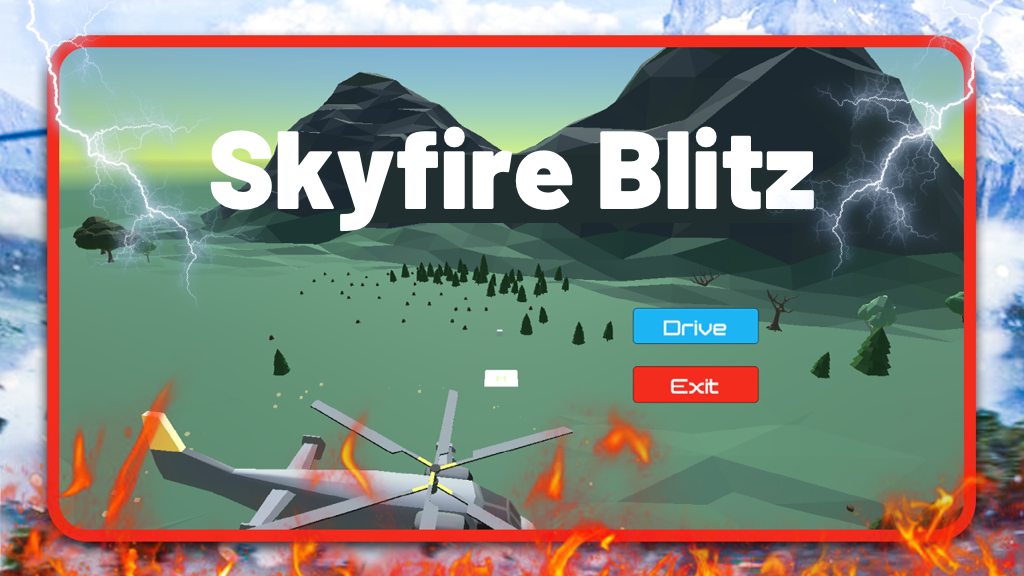
Skyfire Blitz
Play on PC with BlueStacks – the Android Gaming Platform, trusted by 500M+ gamers.

Page Modified on: Jan 27, 2026
Main Skyfire Blitz on PC
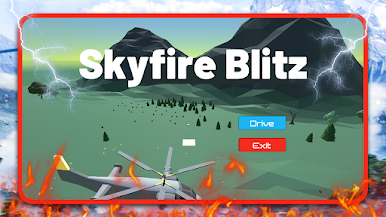
Swipe, dodge, and react as the screen fills with chaos. Miss a beat and—boom—you’ll know it. It’s the kind of game that starts as “just one round” and somehow turns into ten.
Skyfire Blitz doesn’t ask you to think too hard. It just asks you to move fast, laugh a little, and enjoy the mayhem.
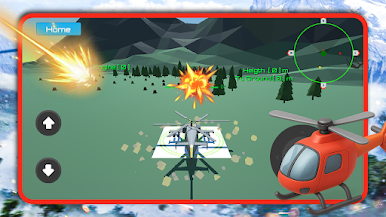
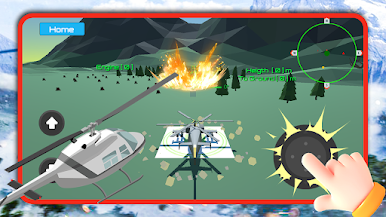
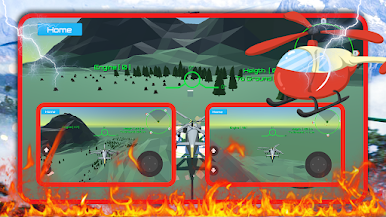
Play Skyfire Blitz on PC. It’s easy to get started.
-
Download and install BlueStacks on your PC
-
Complete Google sign-in to access the Play Store, or do it later
-
Look for Skyfire Blitz in the search bar at the top right corner
-
Click to install Skyfire Blitz from the search results
-
Complete Google sign-in (if you skipped step 2) to install Skyfire Blitz
-
Click the Skyfire Blitz icon on the home screen to start playing

