


Mech Arena - Shooting Game
Play on PC with BlueStacks – the Android Gaming Platform, trusted by 500M+ gamers.

Page Modified on: Nov 12, 2025
Play Mech Arena - Shooting Game on PC or Mac
Mech Arena – Shooting Game is an Action game developed by Plarium Global Ltd. BlueStacks app player is the best platform to play this Android game on your PC or Mac for an immersive gaming experience.
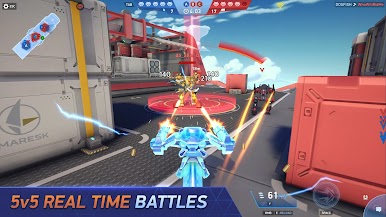
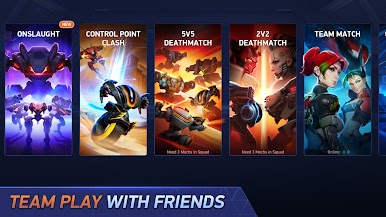
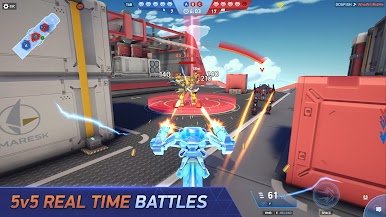
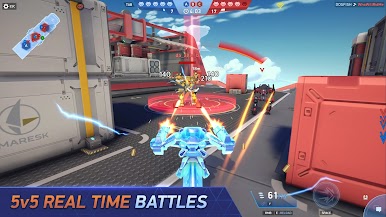
Compete against other players across the world in PvP battles. Showcase your speed and shooting skills to strike fear in the hearts of other players. Can you become the ultimate warrior? Play this game to find out.
About the Game
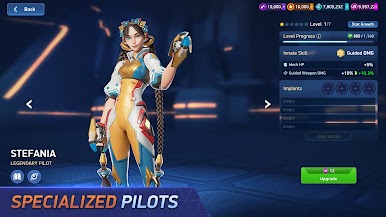
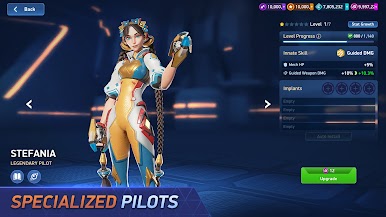
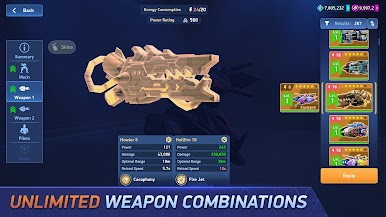
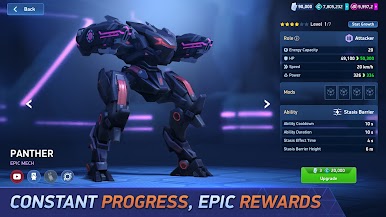
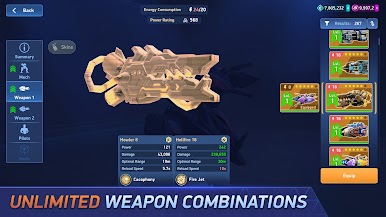
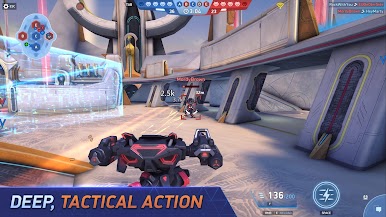
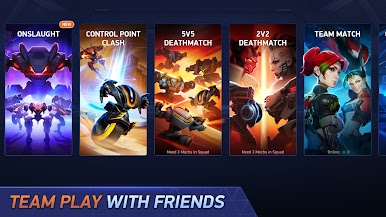
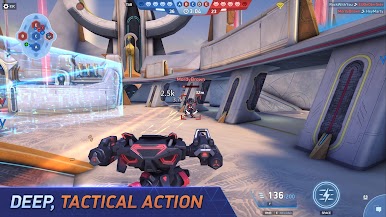
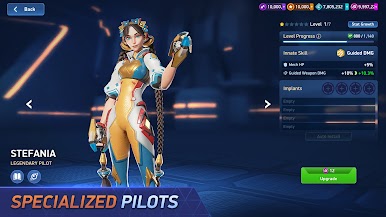
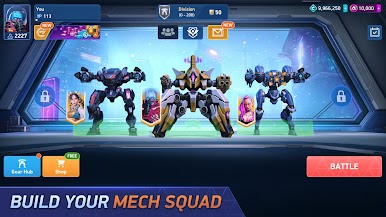
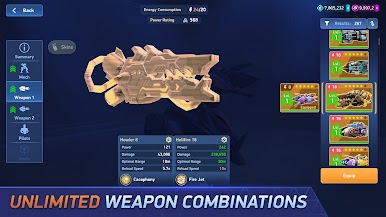
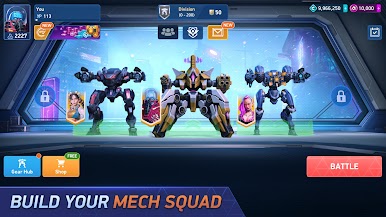
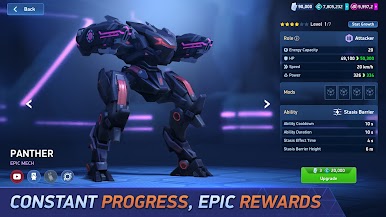
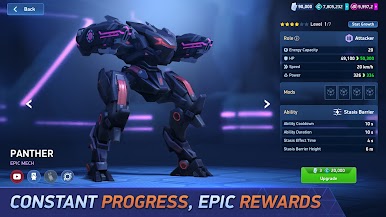
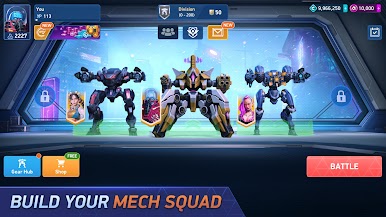
Mech Arena – Shooting Game is a shooter game that features over thirty unique maps to explore in multiplayer battles. You can also upgrade your character by choosing from 1,000 different skins. The game lets you customize your controls to suit your play style. With dozens of Mechs and several arsenal of weapons to choose from, build a hangar of badass battle robots to deal with every scenario.
Gameplay Overview
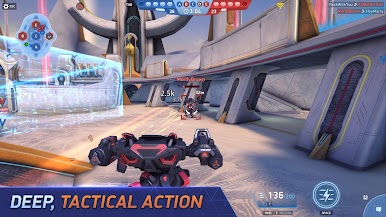
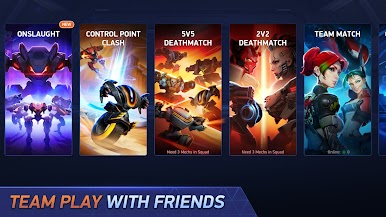
Your mission in this game is to dominate the arenas. Equip your robot with lethal weapons to stand a winning chance against your opponents. By winning in any multiplayer battle, you move one step higher on the leaderboard and claim exclusive rewards.
Game Features
- Over 90 unique weapons
- Fluid game controls
- Intuitive maps
How to Play?
Download Mech Arena – Shooting Game for free from the Google Play Store using the BlueStacks app player.

Play Mech Arena - Shooting Game on PC. It’s easy to get started.
-
Download and install BlueStacks on your PC
-
Complete Google sign-in to access the Play Store, or do it later
-
Look for Mech Arena - Shooting Game in the search bar at the top right corner
-
Click to install Mech Arena - Shooting Game from the search results
-
Complete Google sign-in (if you skipped step 2) to install Mech Arena - Shooting Game
-
Click the Mech Arena - Shooting Game icon on the home screen to start playing

