


Panda Slot Mania
Play on PC with BlueStacks – the Android Gaming Platform, trusted by 500M+ gamers.

Page Modified on: Aug 30, 2026
Play Panda Slot Mania on PC
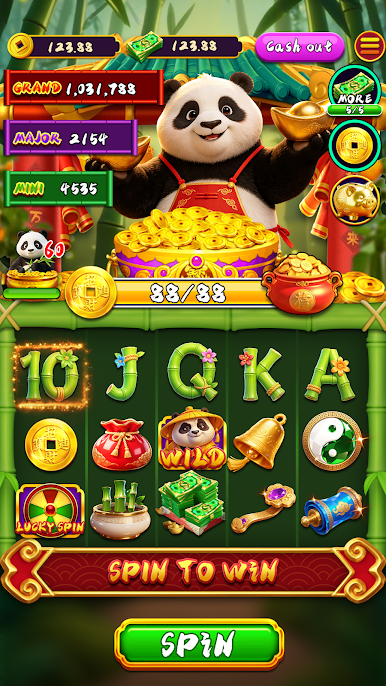
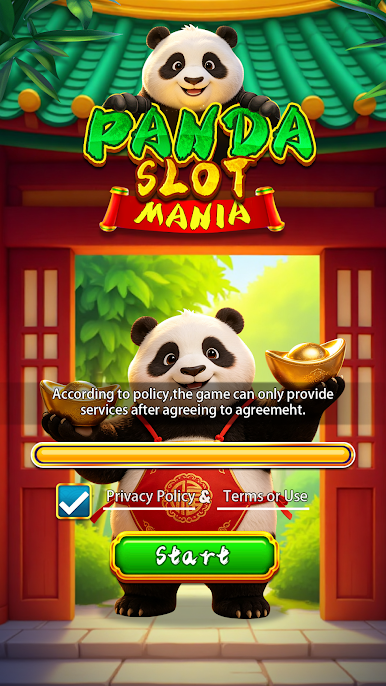
Welcome to Panda Slot Mania, a fun and relaxing slot machine game featuring your favorite bamboo-loving pandas! Pull the lever and watch the reels spin with cute panda symbols, bamboo leaves, golden coins, and lucky charms. Match winning combinations to earn coins . With beautiful panda artwork, soothing background music, gambling – it's pure casual entertainment. Perfect for passing time, relieving stress, or just enjoying some panda-powered luck!
Game Features:
Classic Slot Machine Gameplay: Easy to play – just tap to spin. Auto-spin option available for hands-free fun.
Adorable Panda Theme: All symbols are lovingly illustrated pandas and Asian-inspired lucky items.
Relaxing & Stress-Free: No time limits, no pressure – just pure spinning enjoyment.
Download Panda Slot Mania for free and let the pandas bring you luck today!



Play Panda Slot Mania on PC. It’s easy to get started.
-
Download and install BlueStacks on your PC
-
Complete Google sign-in to access the Play Store, or do it later
-
Look for Panda Slot Mania in the search bar at the top right corner
-
Click to install Panda Slot Mania from the search results
-
Complete Google sign-in (if you skipped step 2) to install Panda Slot Mania
-
Click the Panda Slot Mania icon on the home screen to start playing

