


Find Words: Picture Search
Play on PC with BlueStacks – the Android Gaming Platform, trusted by 500M+ gamers.

Page Modified on: Sep 14, 2026
Play Find Words: Picture Search on PC
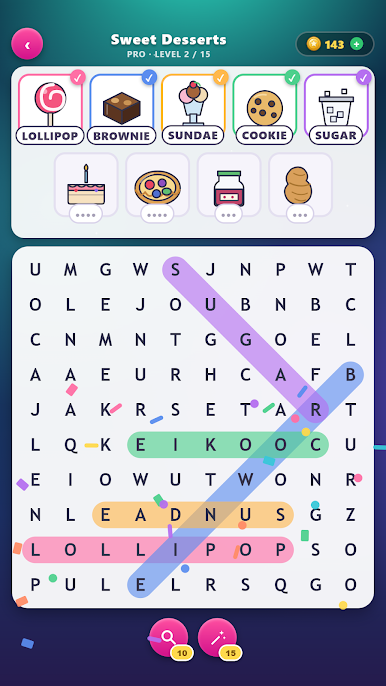
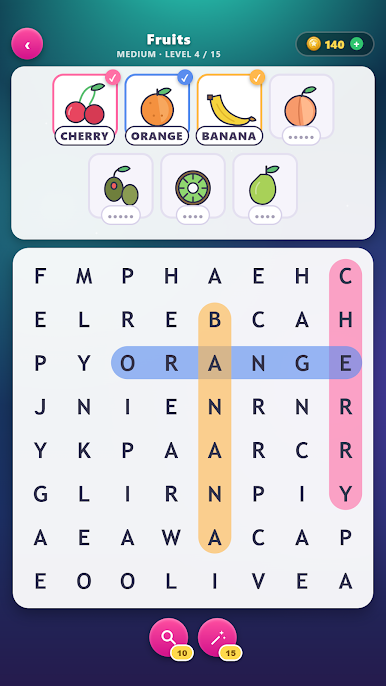
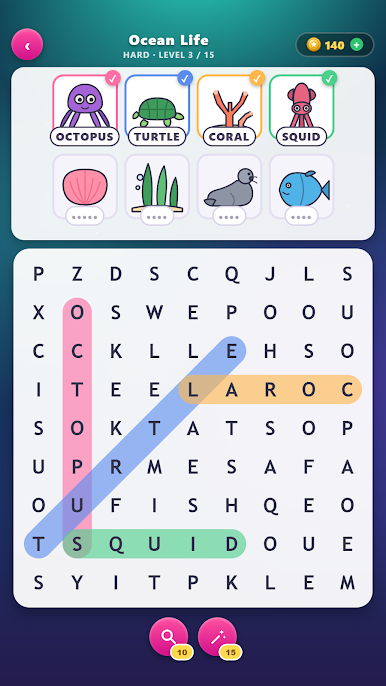
Every level shows you pictures — a rocket, a pretzel, a flamingo — and their names are hidden in the grid of letters below. Swipe across the letters to pull each word out. No timer, no lives, no pressure.
WHAT YOU GET
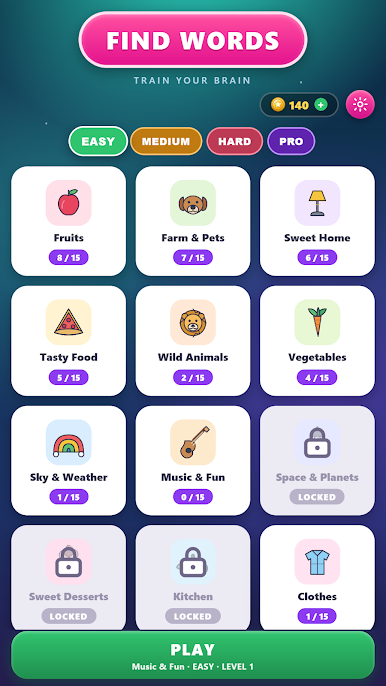
• Themed picture packs — fruits, sweet home, wild animals, ocean life, dinosaurs, pirates, space, Christmas and more
• Four difficulties: easy 6x6 boards up to 10x10 for pros
• Hand-drawn pictures, every one of them a word to find
• Words run across, down and diagonally — and backwards once you reach the harder packs
• Every word crosses another, so the board is a real puzzle, not a list
MADE TO BE EASY ON THE EYES
Big pictures, big letters, a bright capsule through every word you find. It reads on a phone at arm's length.
TRAIN YOUR BRAIN
Word search is the classic vocabulary workout, and pairing each word with a picture makes it a naming exercise too — good for kids learning to read, good for grown-ups who like a calm puzzle, and good for anyone practising English.
Stuck on a word? Coins buy a hint: reveal the word under a picture, or light up where it sits on the board. You earn coins by clearing levels, or top up in the coin shop.
Free to play. Plays offline.

Play Find Words: Picture Search on PC. It’s easy to get started.
-
Download and install BlueStacks on your PC
-
Complete Google sign-in to access the Play Store, or do it later
-
Look for Find Words: Picture Search in the search bar at the top right corner
-
Click to install Find Words: Picture Search from the search results
-
Complete Google sign-in (if you skipped step 2) to install Find Words: Picture Search
-
Click the Find Words: Picture Search icon on the home screen to start playing

