


Ragnarok X: Next Generation
Play on PC with BlueStacks – the Android Gaming Platform, trusted by 500M+ gamers.

Page Modified on: Jun 10, 2026
Main Ragnarok X: Next Generation on PC
Official RO licensed by Gravity. Classic gameplay, brand-new adventure. Adventurers, start your Next-Generation journey today! Ignite your passion and rewrite your legacy!
======Game Features======
◆ New Class Doram Arrives!
Cute yet deadly, the Doram twins arrived
Twin stars shake up the arena
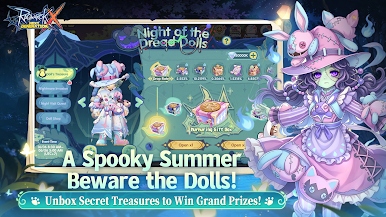
◆ Summer Limited Event: Night of the Dread Dolls!
Mysterious dolls appear in the dark
Open chests for non-stop surprise rewards
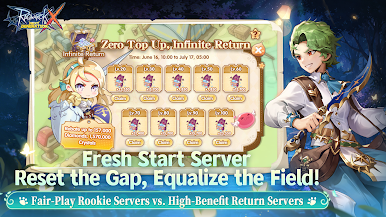
◆ New Servers & Massive Rewards!
Zero-gap start for a level playing field
High-benefit Return Servers welcome back old friends
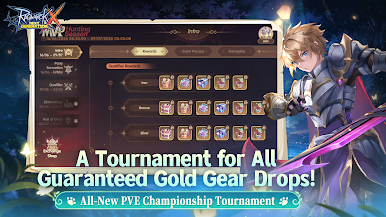
◆ War of the Hunt
Cross-Region PVE, the ultimate battle begins
The gold equipment era is here. Dominate the hunting grounds
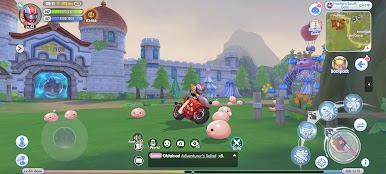
◆ Return to the Classic Adventure
Back to Prontera: Relive the classic RO journey
Forge new memories with your friends
※This is a F2P game with in-game currency and item purchases. Please spend wisely based on your interest and budget.
======Contact Us======
Official Website: http://www.ragnarokx.com
Facebook Fans Group: https://www.facebook.com/RagnarokXNextGeneration
Customer Service: cs@roxnextgeneration.com

Play Ragnarok X: Next Generation on PC. It’s easy to get started.
-
Download and install BlueStacks on your PC
-
Complete Google sign-in to access the Play Store, or do it later
-
Look for Ragnarok X: Next Generation in the search bar at the top right corner
-
Click to install Ragnarok X: Next Generation from the search results
-
Complete Google sign-in (if you skipped step 2) to install Ragnarok X: Next Generation
-
Click the Ragnarok X: Next Generation icon on the home screen to start playing

