

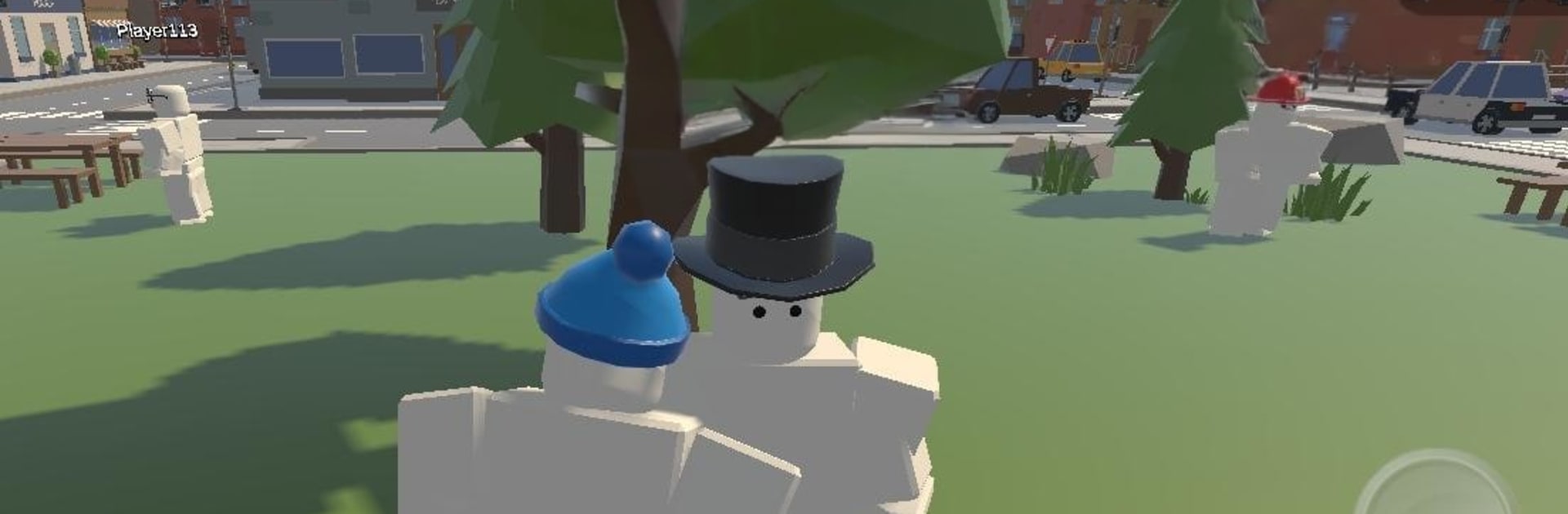
Blox City World
Play on PC with BlueStacks – the Android Gaming Platform, trusted by 500M+ gamers.

Page Modified on: Sep 16, 2026
Play Blox City World on PC or Mac
Step into the World of Blox City World, a thrilling Adventure game from the house of PlayBloxCity. Play this Android game on BlueStacks App Player and experience immersive gaming on PC or Mac.
About the Game
Blox City World is an Adventure that turns a lively city into your playground for coins, surprises, and chill exploring. Roam at your own pace, pick up quick tasks, and stack up Bling to unlock fresh looks for your character. It’s easy to jump in for a few minutes or settle in and wander—your call.
Game Features
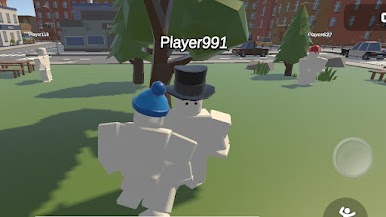
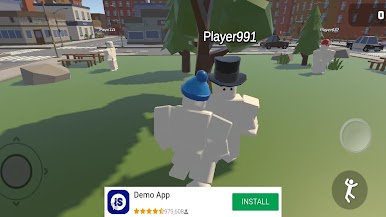
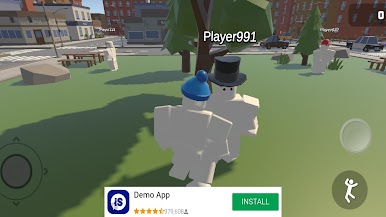
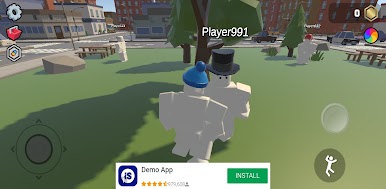
- Open-city exploring: Stroll through neighborhoods, parks, and back alleys while poking around for hidden items, curious landmarks, and little moments that make the city feel alive.
- Quick tasks, easy wins: Grab simple objectives like finding specific items or checking spots on the map, and snag Bling along the way without a giant time sink.
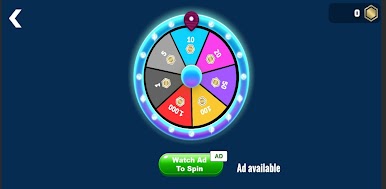
- Spin the Wheel luck: Try your luck on the wheel for bonus Bling and surprise goodies—sometimes it’s a small bump, sometimes it’s a big score.
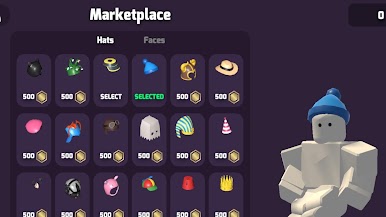
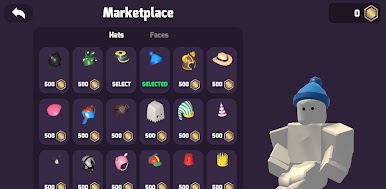
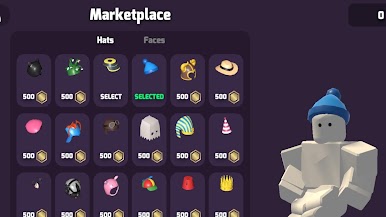
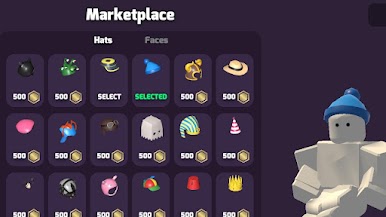
- Avatar drip, your way: Mix and match hats, faces, and more to style your character, from low-key fits to full-on statement looks.
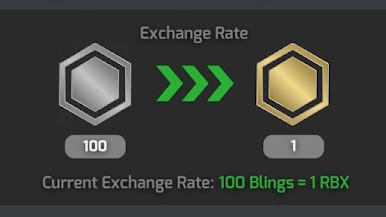
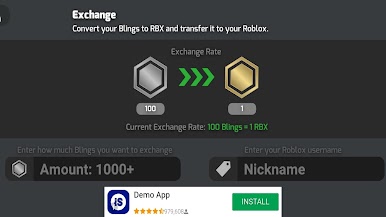
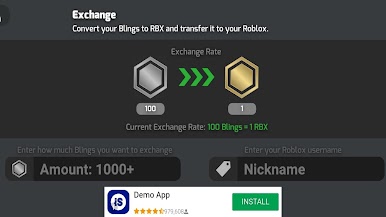
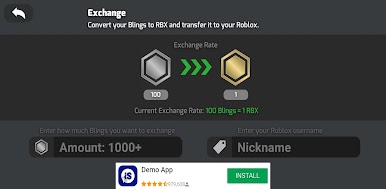
- Bling you can earn and spend: Bling is the in-game currency (not Robux) and you’ll gather it by completing tasks or spinning the wheel, then use it for upgrades and cosmetics.
- Relaxed pacing, zero pressure: No rush, no stress—wander, collect, or just vibe in the city while you chip away at goals whenever you feel like it.
- Secrets and scavenger vibes: Keep an eye out for tucked-away items and off-the-path nooks that reward curious players with extra Bling.
- Smooth on PC with BlueStacks: Prefer a bigger screen and comfy controls? Play on BlueStacks for a clean, keyboard-and-mouse setup that feels right at home.
Ready to top the leaderboard? We bet you do. Let precise controls and sharp visuals optimized on BlueStacks lead you to victory.



Play Blox City World on PC. It’s easy to get started.
-
Download and install BlueStacks on your PC
-
Complete Google sign-in to access the Play Store, or do it later
-
Look for Blox City World in the search bar at the top right corner
-
Click to install Blox City World from the search results
-
Complete Google sign-in (if you skipped step 2) to install Blox City World
-
Click the Blox City World icon on the home screen to start playing

