


Blox City World
Play on PC with BlueStacks – the Android Gaming Platform, trusted by 500M+ gamers.

Page Modified on: Oct 28, 2026
Main Blox City World on PC
How To Play
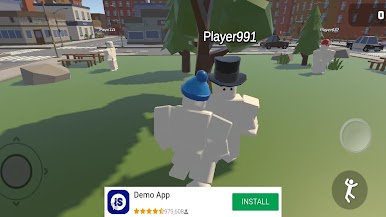
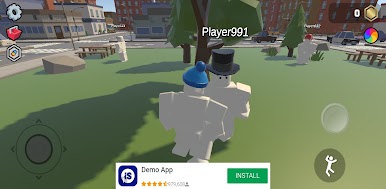
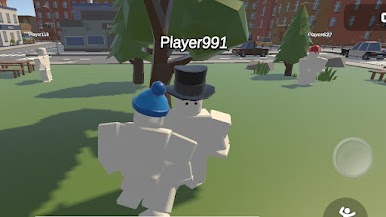
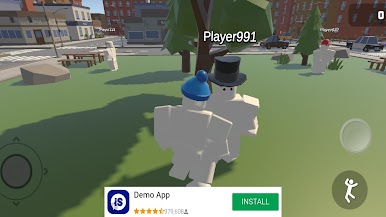
• Explore The City
A whole city to walk around in, who know what you will find.
• Complete Easy Tasks
Objectives, finding items all around the city
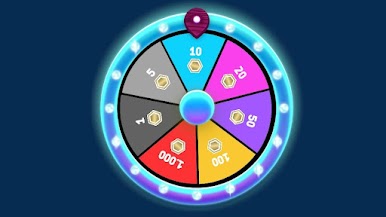
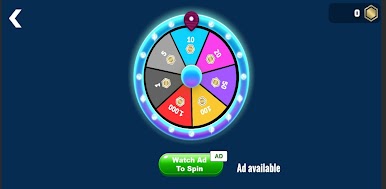
• Spin The Wheel
Maybe you will get lucky and get some extra bling
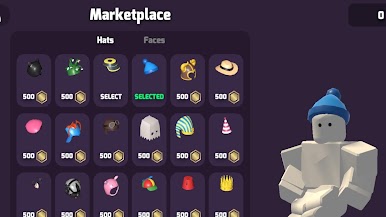
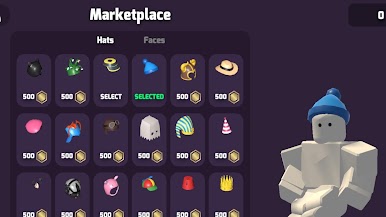
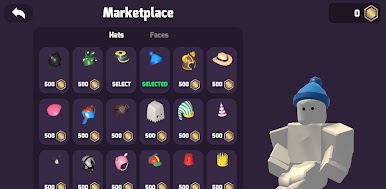
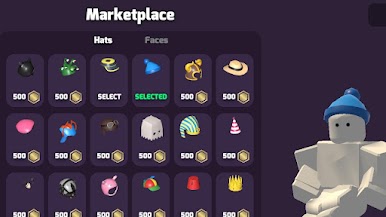
• Customise Your Avatar
Drip out your character with cool hats and faces
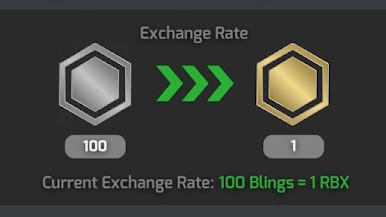
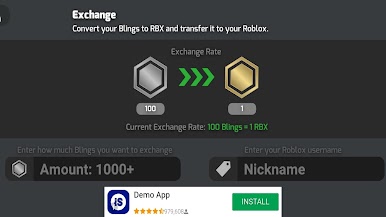
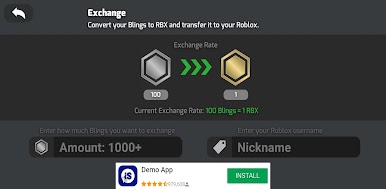
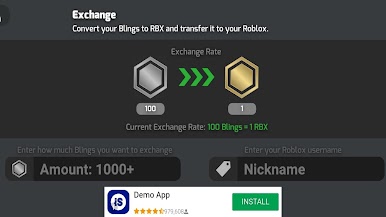
Bling serves as the in-game currency for purchases and upgrades. Players can earn Bling by spinning the wheel or completing gameplay tasks that reward currency upon completion. This is not "Robux"
Whether you want to collect Bling, grab Bling, or just enjoy a fun Blox City adventure — this is your destination for coins and rewards!
Download now and start your Blox City World journey. Grab your Bling and conquer every challenge!
Important Information - Inspired By Blox World
Blox City World is an independent rewards app and is not affiliated with, endorsed by, or sponsored by Roblox Corporation or any other third-party brand like robux.
All trademarks are the property of their respective owners.


Play Blox City World on PC. It’s easy to get started.
-
Download and install BlueStacks on your PC
-
Complete Google sign-in to access the Play Store, or do it later
-
Look for Blox City World in the search bar at the top right corner
-
Click to install Blox City World from the search results
-
Complete Google sign-in (if you skipped step 2) to install Blox City World
-
Click the Blox City World icon on the home screen to start playing

