


Golf Clash - Golfing Simulator
Play on PC with BlueStacks – the Android Gaming Platform, trusted by 500M+ gamers.

Page Modified on: Sep 10, 2026
Play Golf Clash - Golfing Simulator on PC or Mac
Golf Clash – Golfing Simulator brings the Sports genre to life, and throws up exciting challenges for gamers. Developed by ELECTRONIC ARTS, this Android game is best experienced on BlueStacks, the World’s #1 app player for PC and Mac users.
About the Game
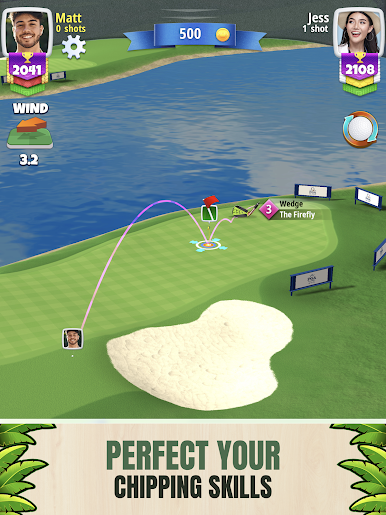
Golf Clash – Golfing Simulator nails that “one more hole” feeling with quick matches, clean controls, and plenty of ways to show off your short game. This fast-paced Sports experience lets you go head-to-head, chase solo records, or try playful side modes without getting stuck in long waits. If you like a wider view and steady performance, it also feels great on BlueStacks.
Game Features
- Real-time 1v1 Matchups: Jump into brisk head-to-head rounds where every shot is live, tense, and wrapped up in minutes.
- Quick 9 Solo Tournaments: Play on your own schedule with rapid brackets that keep the action moving and the goals clear.
- Signature Swing System: Pull back, line up, and read the wind, slope, curl, and spin—easy to pick up, super satisfying to master.
- Choose 9 or 18 Holes: Go for a speedy sprint or settle in for a full round when you’ve got the time.
- Iconic Real-World Courses: Tackle faithful takes on Pebble Beach, East Lake Golf Club, and St Andrews Links—each with its own character and challenges.
- Gear That Matters: Unlock and upgrade clubs with distinct strengths, then pack your bag with specialized balls for power, control, or wind play.
- Tours and Progression: Climb through increasingly demanding tours that reward smart strategy and precise shotmaking.
- Arcade Challenges: Mix it up with modes like Checkpoint Challenge and Golden Shot for fresh twists and high-stakes moments.
- Leagues and Leaderboards: Prove your consistency across competitive ladders and tournament boards.
- Social Play and Clans: Team up, chat, share replays, and challenge friends—because good shots are even better with witnesses.
- Personal Style Options: Earn tees, emotes, and flashy hole effects to give every round a bit of your own flair.
Start playing Golf Clash – Golfing Simulator on BlueStacks and get a smoother, more comfortable PC or Mac setup.

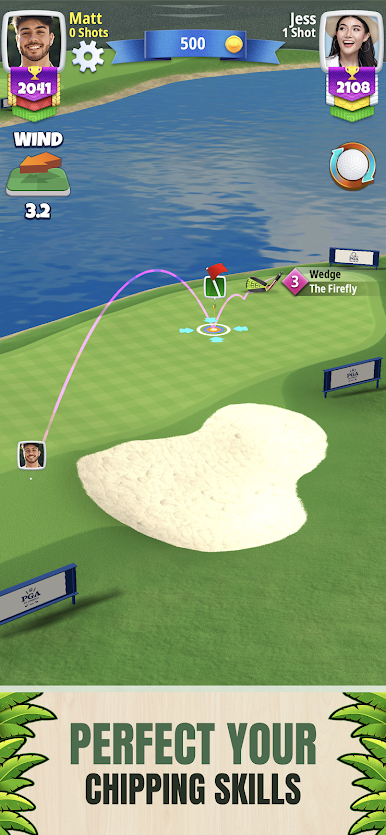

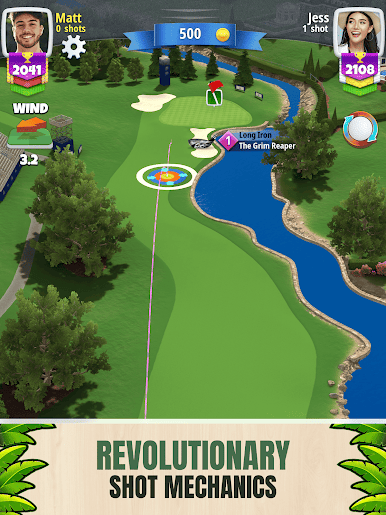
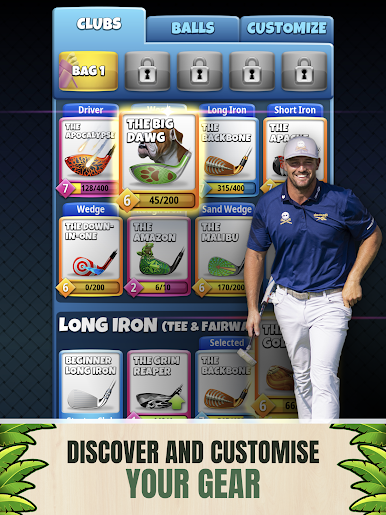


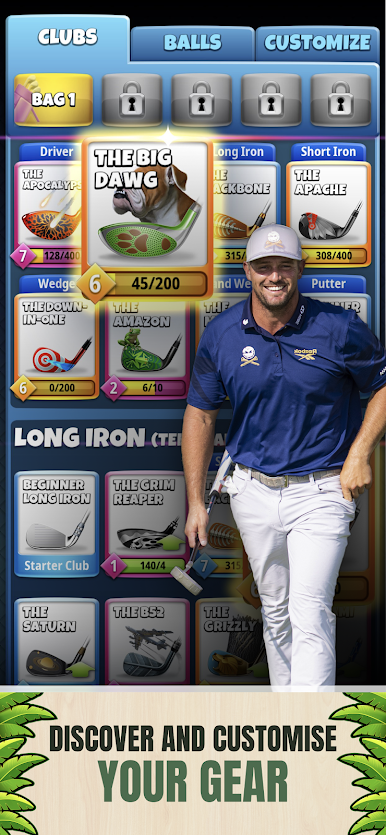






Play Golf Clash - Golfing Simulator on PC. It’s easy to get started.
-
Download and install BlueStacks on your PC
-
Complete Google sign-in to access the Play Store, or do it later
-
Look for Golf Clash - Golfing Simulator in the search bar at the top right corner
-
Click to install Golf Clash - Golfing Simulator from the search results
-
Complete Google sign-in (if you skipped step 2) to install Golf Clash - Golfing Simulator
-
Click the Golf Clash - Golfing Simulator icon on the home screen to start playing

