


Little Nightmares
Play on PC with BlueStacks – the Android Gaming Platform, trusted by 500M+ gamers.

Page Modified on: Feb 25, 2026
Main Little Nightmares on PC
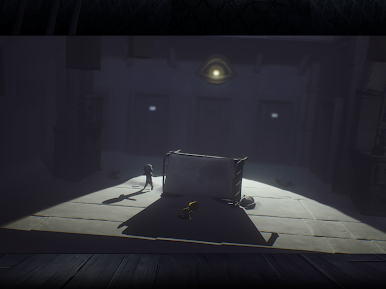
Immerse yourself in Little Nightmares, a dark whimsical tale that will confront you with your childhood fears!
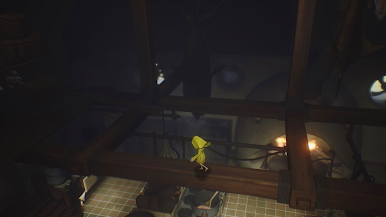
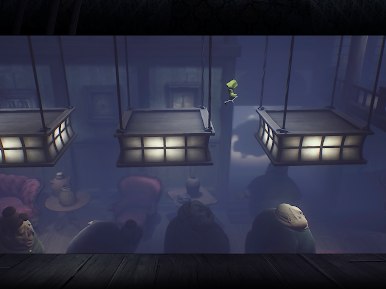
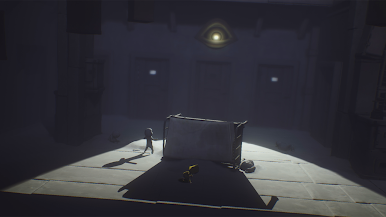
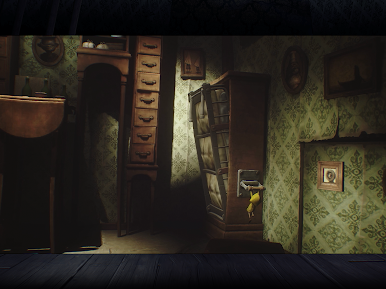
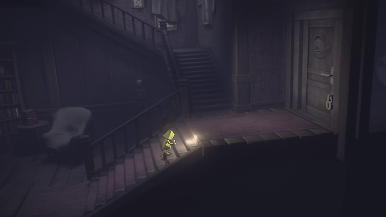
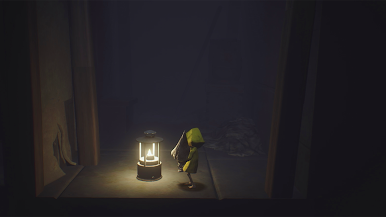
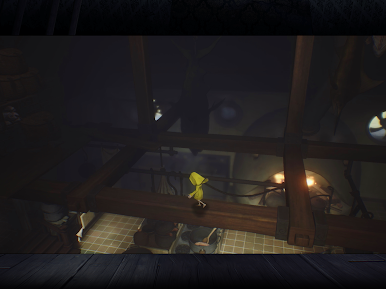
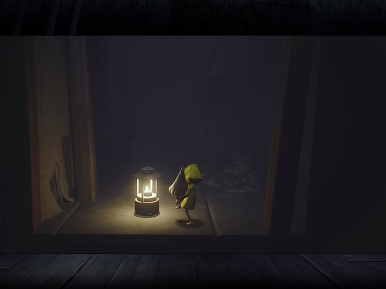
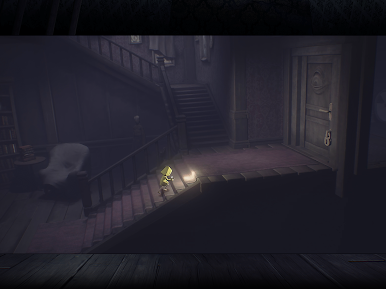
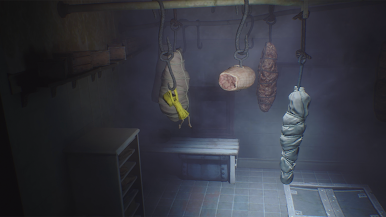
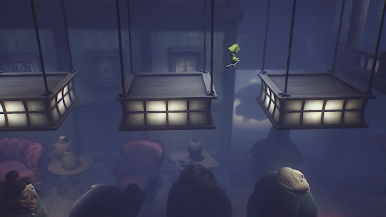
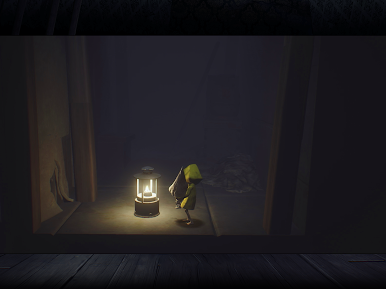
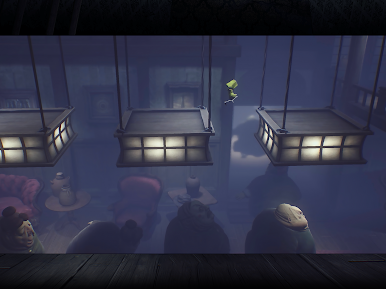
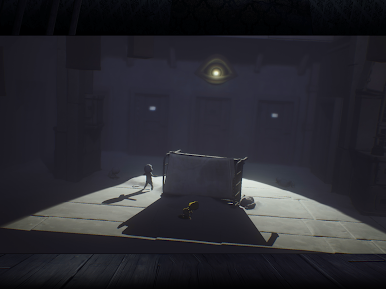
Help Six escape The Maw – a vast, mysterious vessel inhabited by corrupted souls looking for their next meal.
As you progress on your journey, explore the most disturbing dollhouse offering a prison to escape from and a playground full of secrets to discover.
Reconnect with your inner child to unleash your imagination and find the way out!
Little Nightmares features a subtle mix of action and puzzle-platformer mechanics rooted in an eerie artistic direction and creepy sound design.
Sneak your way out of the Maw’s dreary maze and run from its corrupted inhabitants to escape your childhood fears.
FEATURES
- Tiptoe your way through a dark and thrilling adventure
- Rediscover your childhood fears inside a haunting vessel and escape its eerie inhabitants
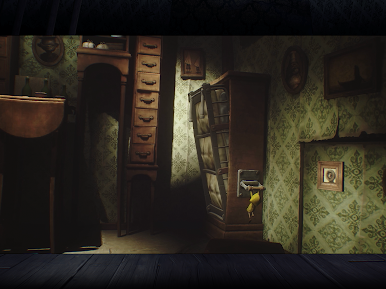
- Climb, crawl and hide through nightmarish environments to solve tricky platform puzzles
- Immerse yourself in the Maw through its creepy sound design
Please make sure your device is connected to Wifi to download the game for the first time.
If you run into a problem, please contact us at https://playdigious.helpshift.com/hc/en/12-playdigious/ with as much information as possible on the issue.

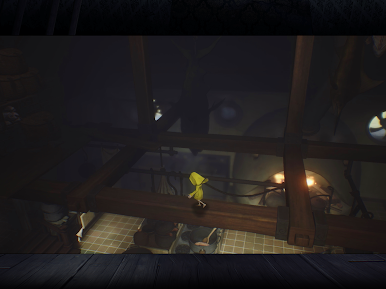
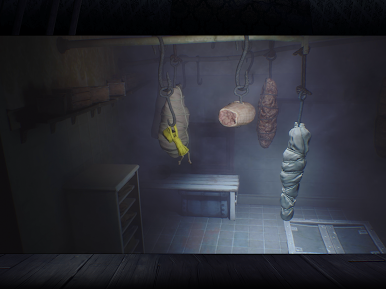
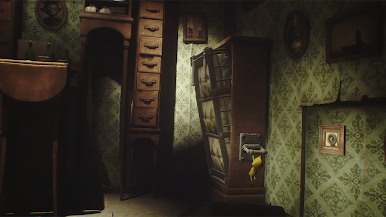
Play Little Nightmares on PC. It’s easy to get started.
-
Download and install BlueStacks on your PC
-
Complete Google sign-in to access the Play Store, or do it later
-
Look for Little Nightmares in the search bar at the top right corner
-
Click to install Little Nightmares from the search results
-
Complete Google sign-in (if you skipped step 2) to install Little Nightmares
-
Click the Little Nightmares icon on the home screen to start playing

