


9 Kings
Play on PC with BlueStacks – the Android Gaming Platform, trusted by 500M+ gamers.

Page Modified on: Sep 17, 2026
Main 9 Kings on PC
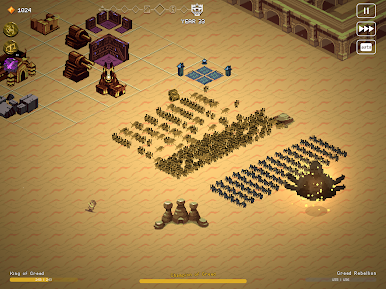
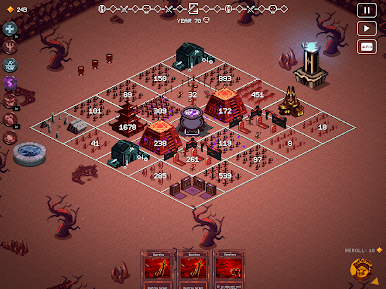
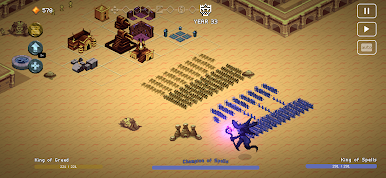
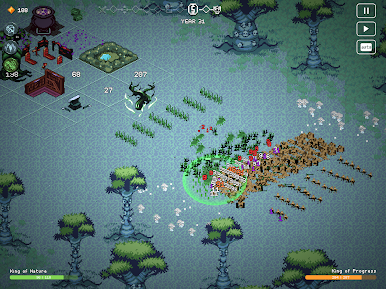
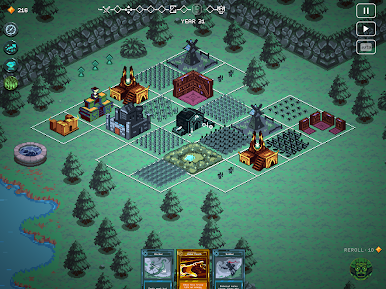
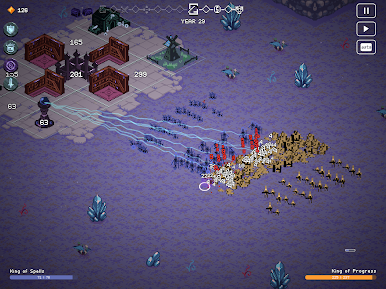
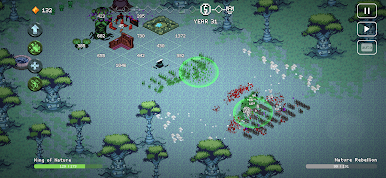
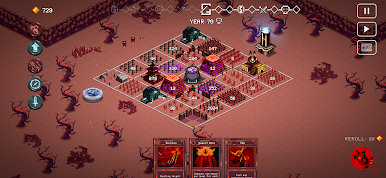
Grow your empire, craft your deck, fight massive battles and break the game with insane builds to become the King of Kings in this fast-paced roguelike kingdom builder
FEATURES:
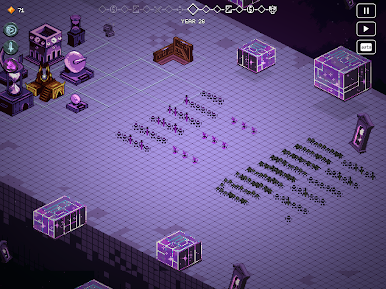
-Play as one of nine kings, each with their own playstyle: stockpile gold to hire mercenaries, harness the forces of nature, warp the laws of time, dabble in dark magic or raise hordes of fiendish imps ready to fight for you
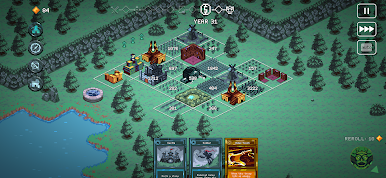
-Grow your citadel as you strategically place your cards to expand your territory, upgrade buildings and towers, recruit new troops and boost them by stacking effects and spells
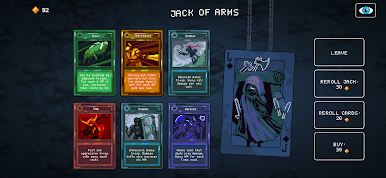
-Craft your deck carefully by looting rival kings to combine their unique cards with yours and create new powerful synergies
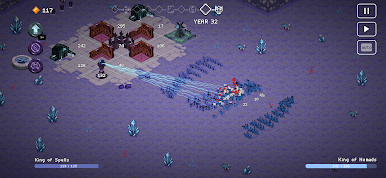
-Protect your kingdom as long as you can against increasingly powerful enemies and attempt to break the game with insane builds as you endure decades of war, strife and unpredictable events
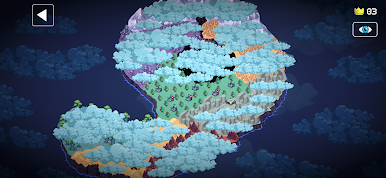
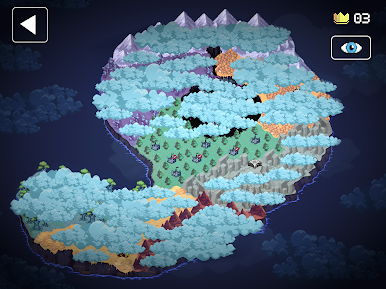
-Enjoy endless replayability in this roguelike autobattler: every run is different, mastery comes from experimentation and new ground can be conquered through unique challenges in Quest Mode
-Climb the ranks, customize your look and prove yourself to truly be the king of kings as you battle eight rivals in async multiplayer
CAREFULLY REDESIGNED FOR MOBILE
Revamped interface – exclusive mobile UI with complete touch control
Google Play Games achievements
Buy once, play anywhere: Enjoy cross-progression on mobile and PC with the same Google Play Games account
Cloud Save – Share your progress between Android devices

Play 9 Kings on PC. It’s easy to get started.
-
Download and install BlueStacks on your PC
-
Complete Google sign-in to access the Play Store, or do it later
-
Look for 9 Kings in the search bar at the top right corner
-
Click to install 9 Kings from the search results
-
Complete Google sign-in (if you skipped step 2) to install 9 Kings
-
Click the 9 Kings icon on the home screen to start playing

