


EZV Player
Play on PC with BlueStacks – the Android Gaming Platform, trusted by 500M+ gamers.

Page Modified on: May 16, 2026
Play EZV Player on PC
Main Features:
✨ Advanced Video Playback
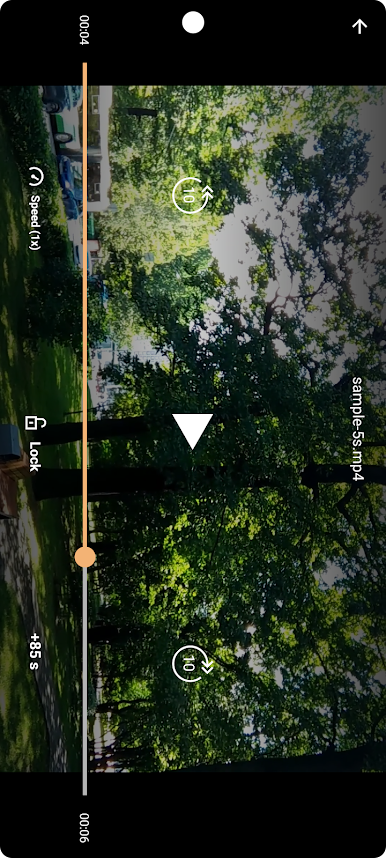
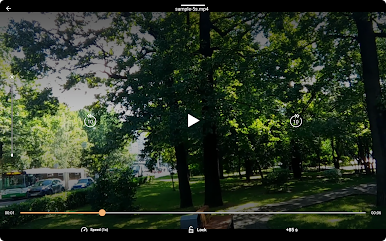
Multiple playback speeds (0.5x to 2x)
Quality adjustment for optimal viewing
Screen lock feature for uninterrupted watching
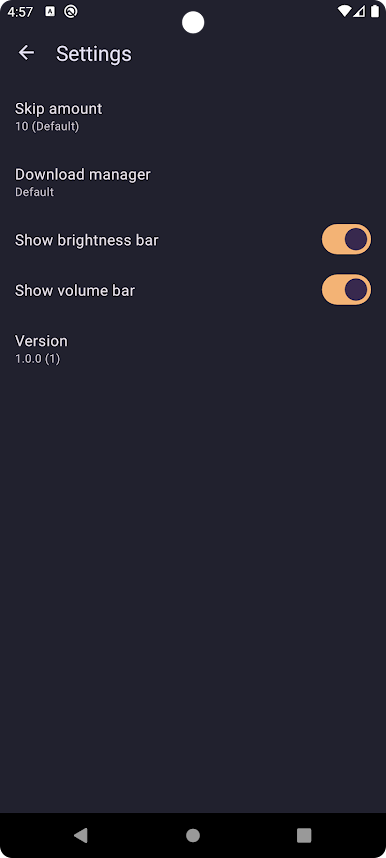
Brightness and volume gesture controls
Custom skip intervals (5-60 seconds)
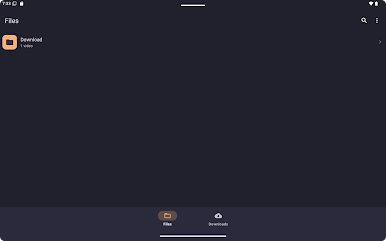
📁 Smart File Management
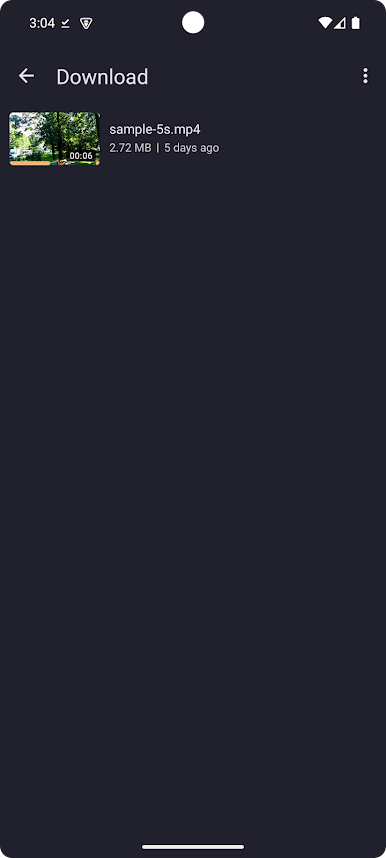
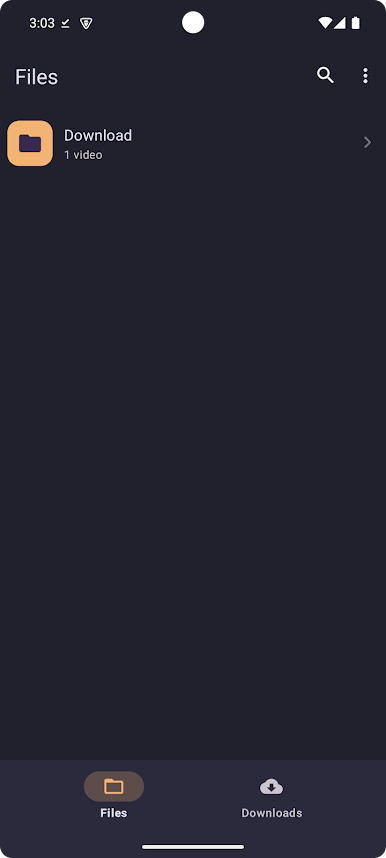
Browse videos by folders and files
Recently played videos section
Advanced search functionality
Multiple sorting options (name, size, date, title)
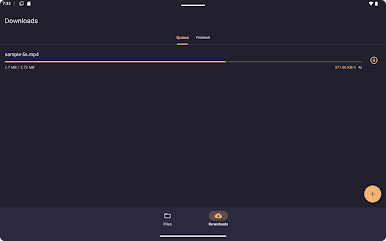
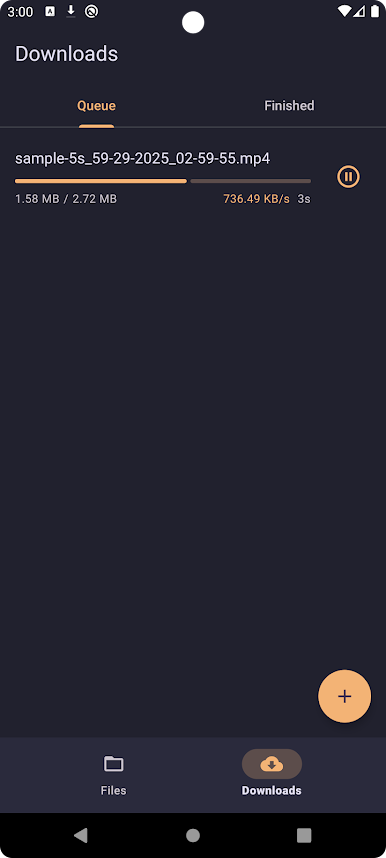
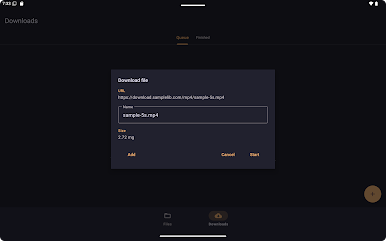
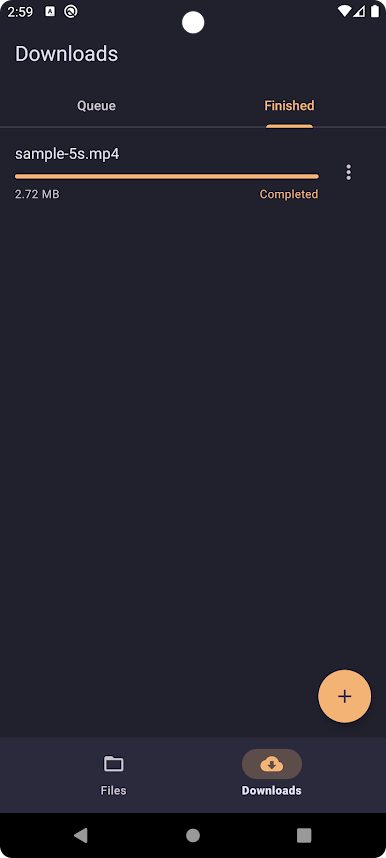
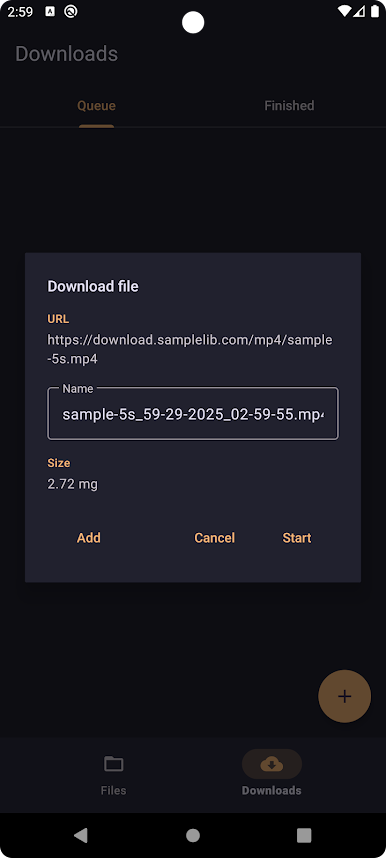
⬇️ Built-in Download Manager
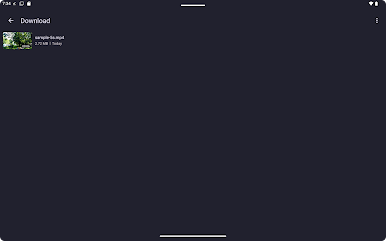
Download videos from network URLs
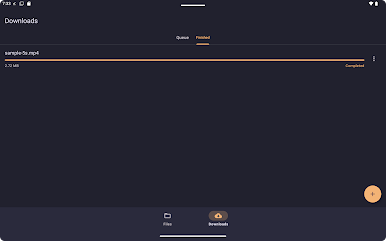
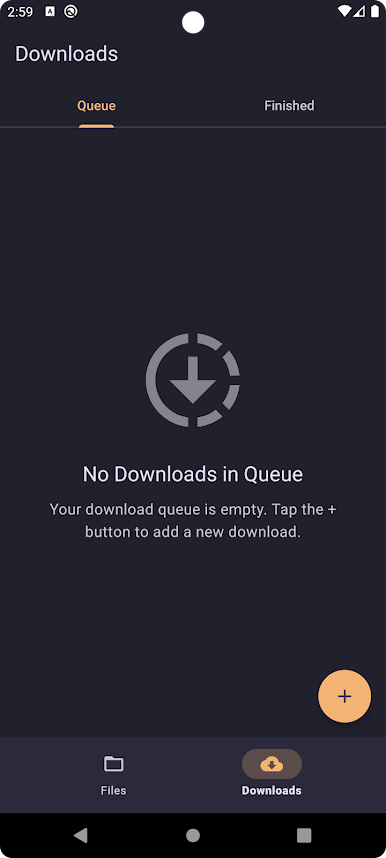
Queue management with pause/resume support
Download progress tracking
Batch download operations
Organize downloaded content
Stream videos directly from URLs
Support for HTTP/HTTPS protocols
Smooth streaming experience
🔧 Customization & Settings
Clean and modern design
Easy navigation between sections
Intuitive controls
Quick access to recent files
Play EZV Player on PC. It’s easy to get started.
-
Download and install BlueStacks on your PC
-
Complete Google sign-in to access the Play Store, or do it later
-
Look for EZV Player in the search bar at the top right corner
-
Click to install EZV Player from the search results
-
Complete Google sign-in (if you skipped step 2) to install EZV Player
-
Click the EZV Player icon on the home screen to start playing

